 Download Online Help
 Print
|
|
|
|
|


The List Users option is used to display the various users listed in a selected security Group. This option is only available when clicking into a Group (which are listed with the User Group  icon).
For example, click into a Group then select the List Users option.
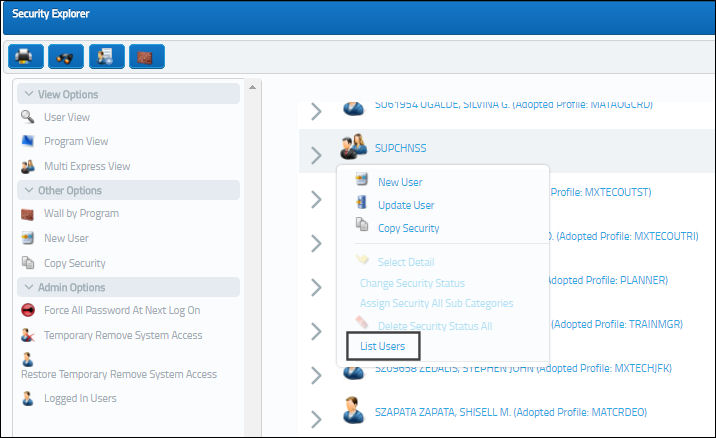
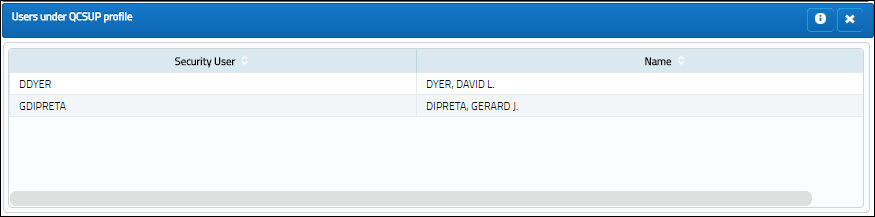
A pop-up will appear with a listing of the individual users for the selected Group.
Download Online Help
Print
|
©1997-2018 Trax USA Corp. All rights reserved. This manual may not be copied, photocopied, reproduced, translated, or converted to any electronic or machine-readable form, in whole or in part, without prior written approval from Trax USA Corp. |
 |