 Download Online Help
 Print
|
|
|
|
|


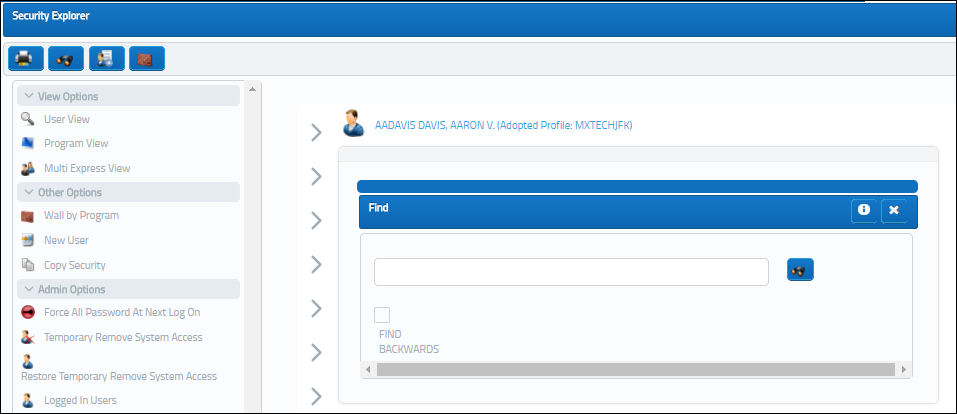
Select the Find  button to search for a user based on a specific string of text. Enter the username or group name to find the user. And if necessary, select the Find Backwards checkbox to perform the search starting at the end of the users list. eMRO highlights the user's name when found. Should there be more than one user with the same name, then select the Find Next button in the window to locate the next user with the same name.
Note: This button is only available when the User View of the View Options section is selected. This layout is displayed by default.
Download Online Help
Print
|
©1997-2018 Trax USA Corp. All rights reserved. This manual may not be copied, photocopied, reproduced, translated, or converted to any electronic or machine-readable form, in whole or in part, without prior written approval from Trax USA Corp. |
 |