 Download Online Help
 Print
|
|
|
|
|


The Security Explorer, Multi Profile tab is used to add one or multiple group profiles to a user's security.
From the Security, Multi Profile tab, select the New  button.
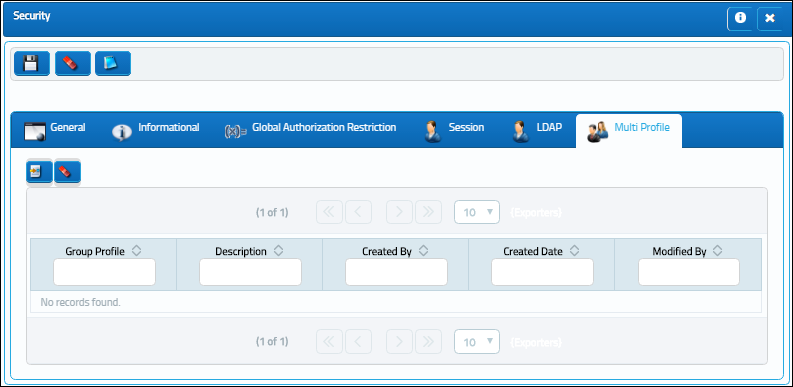
Note: In order for the Multi Profile functionality to work correctly, an adopted Group Profile is needed first in order for multiple profiles to be effective. Once that first Group Profile is entered in the Adopt Group Profile field of the General tab, then additional Profiles can be added in the Multi Profile tab. For more information on the Adopt Group Profile field refer to the Security, General Tab via the System Administration Training Manual.
The Group Profile and Description fields appear. Click into the Group Profile field and select from the following drop down selection menu:
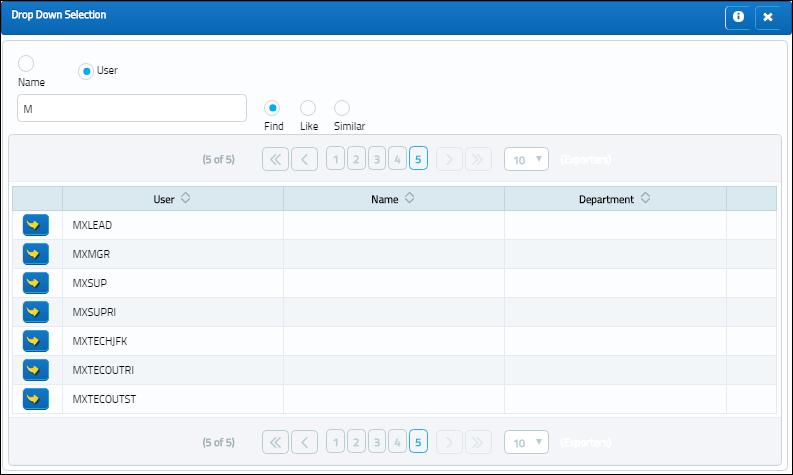
Once a Group Profile is selected, select the Save  button to save the Group Profile.
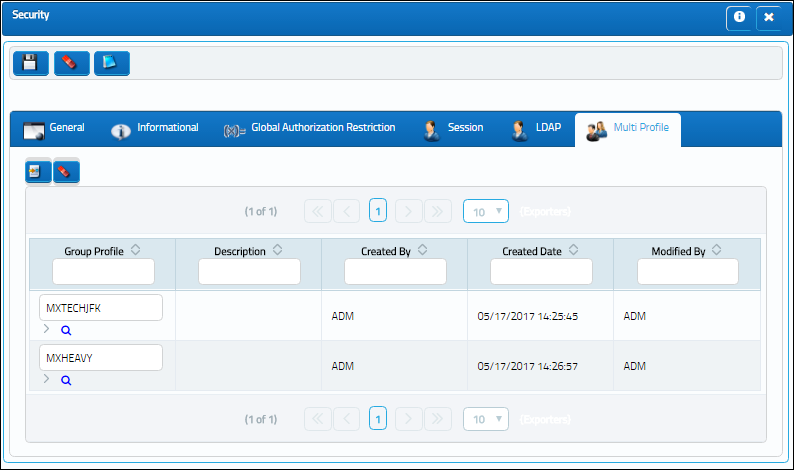
Select the New button to add multiple Group Profiles.
Select the Delete  button to delete one or more Group Profiles.
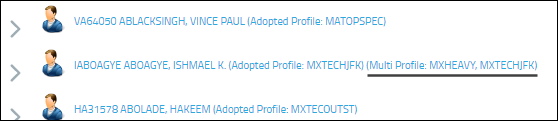
In User View, the user is able to see the multiple profiles set up against the user.
Download Online Help
Print
|
©1997-2018 Trax USA Corp. All rights reserved. This manual may not be copied, photocopied, reproduced, translated, or converted to any electronic or machine-readable form, in whole or in part, without prior written approval from Trax USA Corp. |
 |