 Download Online Help
 Print
|
|
|
|
|


Reporting Tab
Select the Reporting window to generate various reports containing maintenance information for the specific Location/Site.
When the Reporting tab is selected, the following options appear. Select the desired Report then click the Generate Report  button.
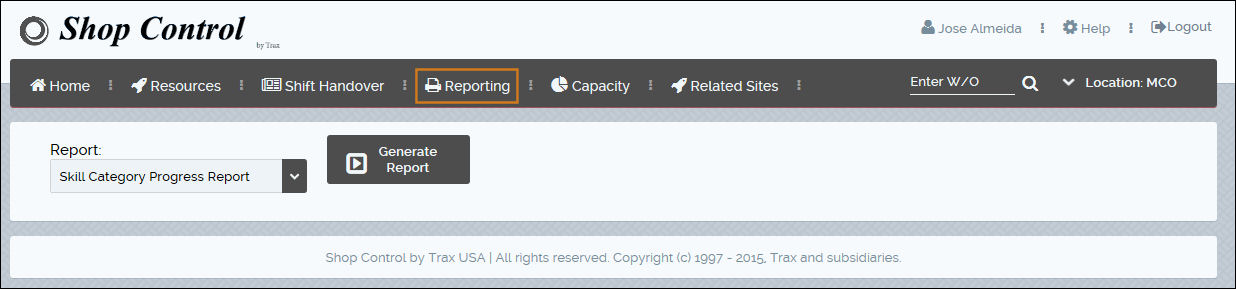
The following are examples of the available reports:
- ALL Parts Report
- Assigned to Multiple Sites Report
- Milestones Report
- Skill Category Progress Report
- Unassigned Personnel Report
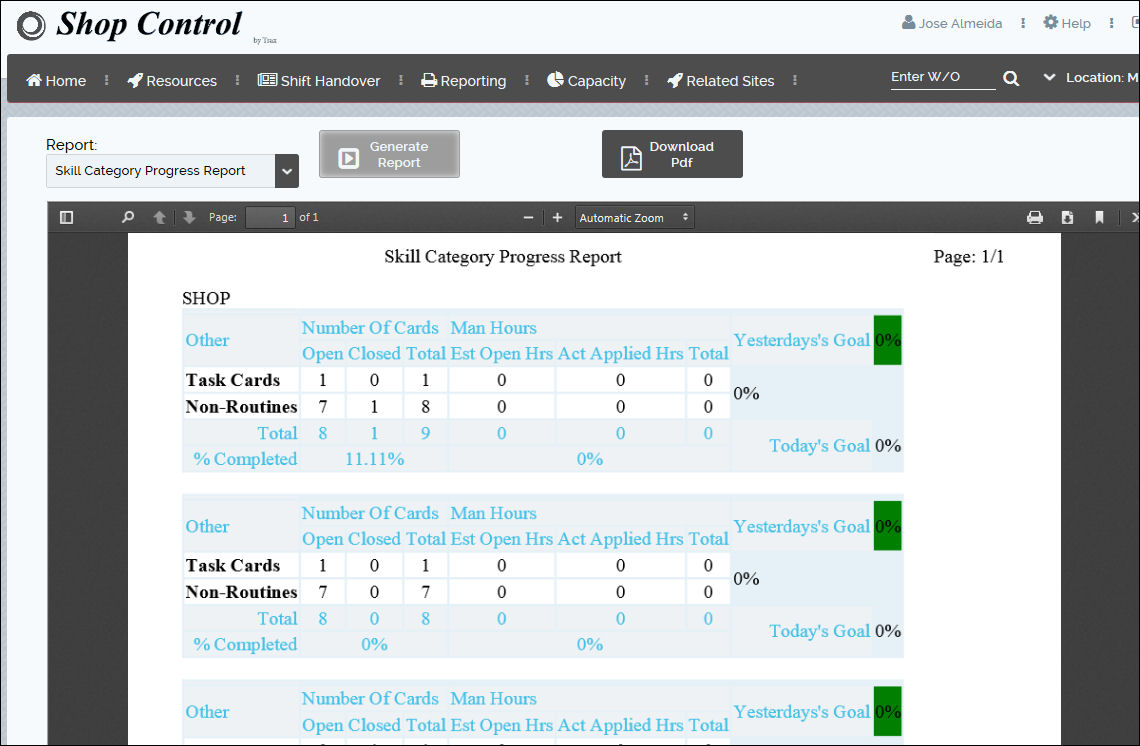
When the report is generated, the form appears as follows. The document can be reviewed from the window or it can be saved as a PDF document by selecting the Download PDF  button.
Download Online Help
Print
|
©1997-2018 Trax USA Corp. All rights reserved. This manual may not be copied, photocopied, reproduced, translated, or converted to any electronic or machine-readable form, in whole or in part, without prior written approval from Trax USA Corp. |
 |