
 Share
Share
 Print
Print
|
|
|
|
|


Missing Components Only Button, via A/C Explorer
The Missing Components Only  Button in the Functions menu will filter the list of A/C Components for missing component.
Select the Missing Components Only Button to activate this filter.
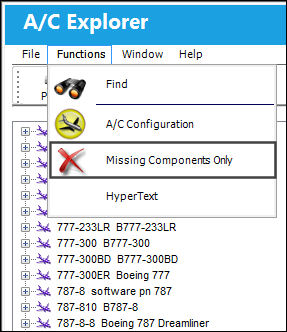
Only missing components will be displayed in the list from now on.
Expand an A/C list to see all of its missing components.
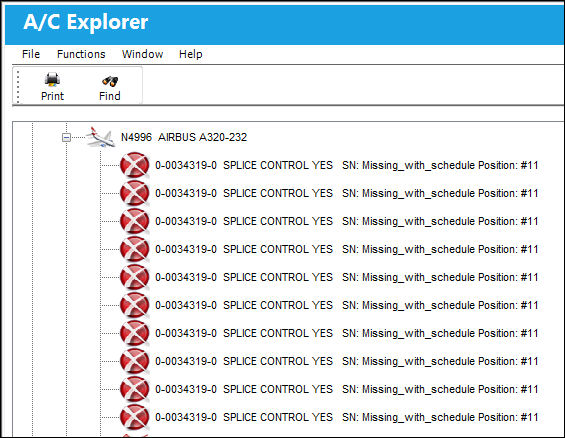
To return the list back to its default setting, select the button again.
Share
Print
|
©1997-2026 Trax USA Corp. All rights reserved. This manual may not be copied, photocopied, reproduced, translated, or converted to any electronic or machine-readable form, in whole or in part, without prior written approval from Trax USA Corp. |
 |