
 Share
Share
 Print
Print
|
|
|
|
|


A/C Explorer
The user may view various components for a specific Aircraft, using the A/C Explorer view, via the Technical Records Explorer menu.
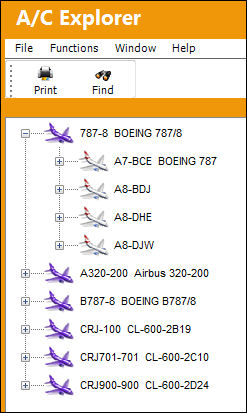
Select the Expand  icon next to the A/C Type and Series (in purple), TRAX displays individual A/Cs from the A/C Master (in red):
Select the Expand icon next to the A/C Master (in red), TRAX displays the following information:
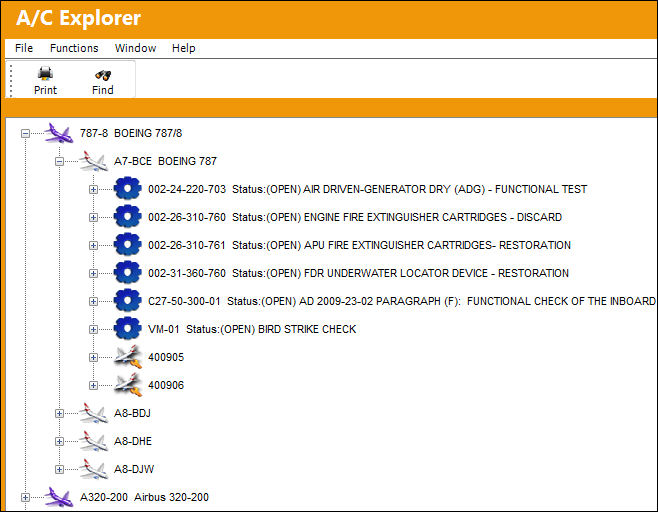
The items listed above are related to the A/C Master.
Use the Expand icon to access detailed information:
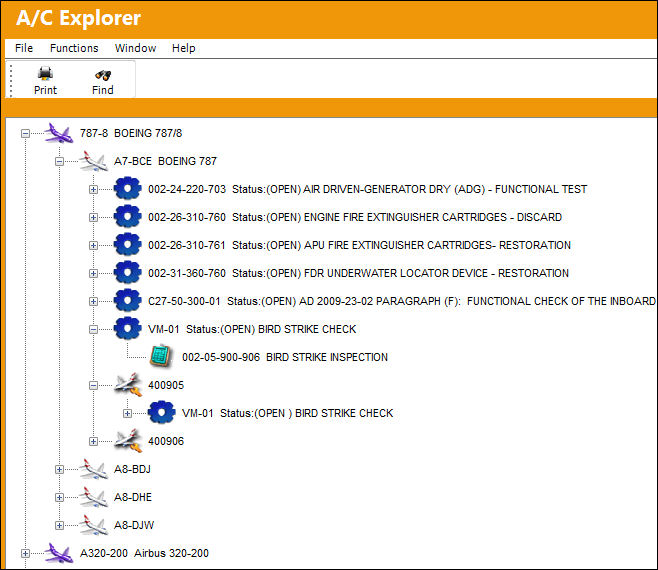
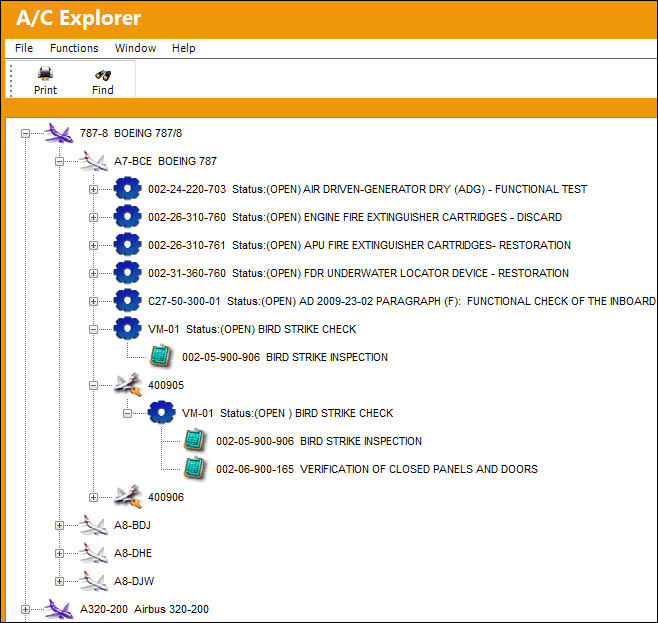
The A/C Explorer shows components from TRAX modules that apply to the selected A/C Master.
Select the icons to display information about the module selected.
Installed P/N Software components are displayed for each aircraft.
 Share
Print
Share
Print
|
©1997-2026 Trax USA Corp. All rights reserved. This manual may not be copied, photocopied, reproduced, translated, or converted to any electronic or machine-readable form, in whole or in part, without prior written approval from Trax USA Corp. |
 |