
 Share
Share
 Print
Print
|
|
|
|
|


Hypertext Button, via A/C Explorer
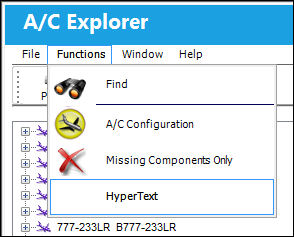
The Hypertext button in the Functions menu gives users a quick overview of the details for the selected items in the list. This overview will be displayed in a sidebar which is only visible if the Hypertext button is selected.
Select the Hypertext button to display the sidebar.
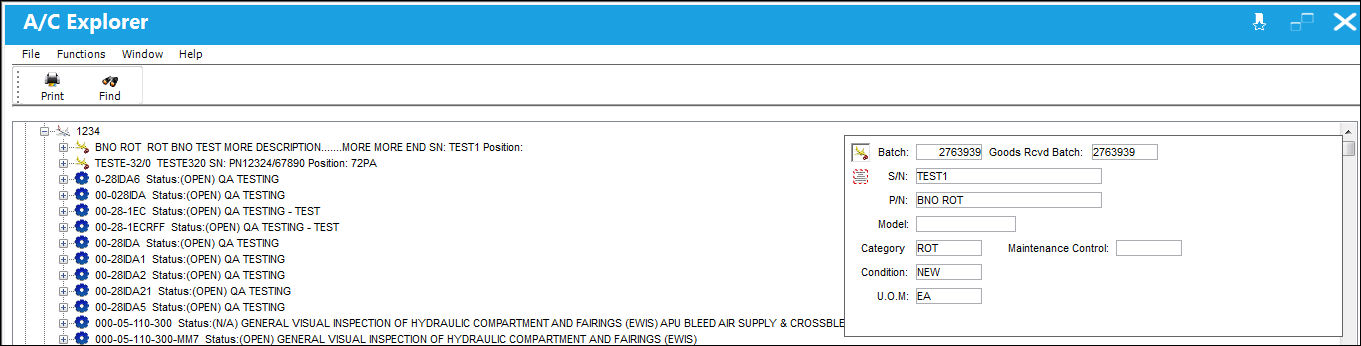
The sidebar will appear and show a quick overview of the selected item. The fields and details vary depending on the type of record that is selected.
Share
Print
|
©1997-2026 Trax USA Corp. All rights reserved. This manual may not be copied, photocopied, reproduced, translated, or converted to any electronic or machine-readable form, in whole or in part, without prior written approval from Trax USA Corp. |
 |