 Download Online Help
 Print
|
|
|
|
|


Attachment Button, via Standard Buttons
The Attachment  button is a standard button found throughout the system. The following is just one example of the Attachment button.
The Attachment button allows users to add an images as well as documents as an attachment. Enter the full path (network or other) that contains the image/document the user would like to associate with the currently selected record.
Add an Image
From a window to which it is available, select the Attachment button. From the Attachment Control window, select the New  button. The 'Document Title' field becomes available.
Note: Images can only be in the following formats: .JPG, .TIFF, .BMP or .PNG.
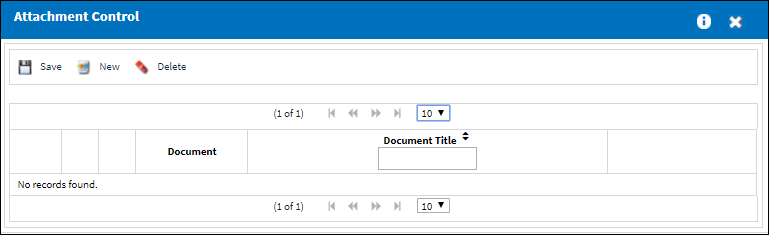
Select the No File  button.
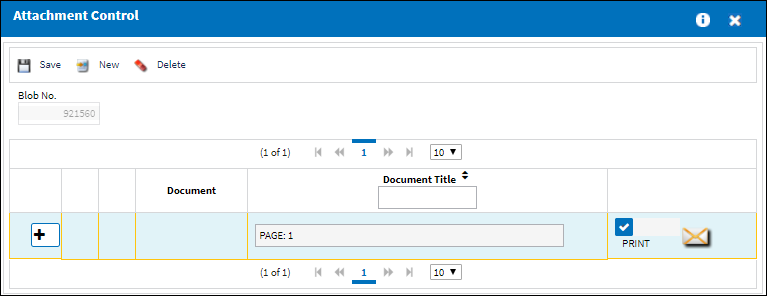
The following window appears where the user can browse/search for the image they would like to upload.
Select an image to be attached to the record.
Select the Open button once an image is highlighted in blue.
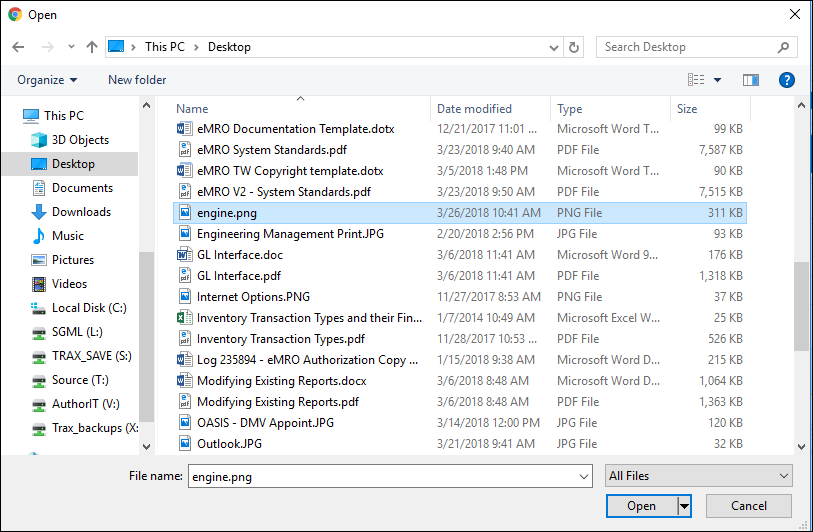
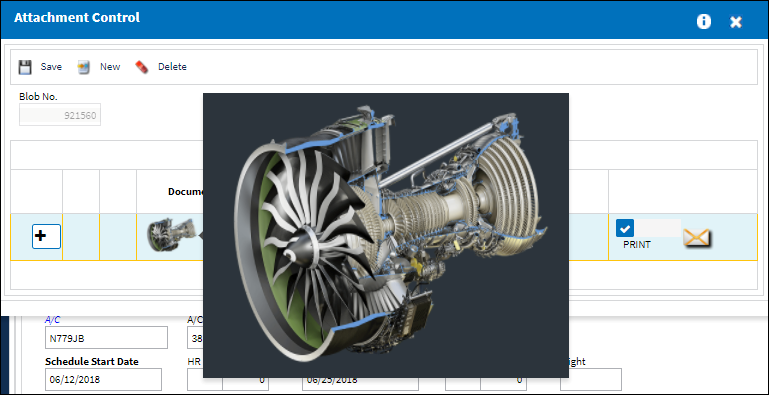
Once the image file is uploaded, save the selection. The image is now attached to the record.
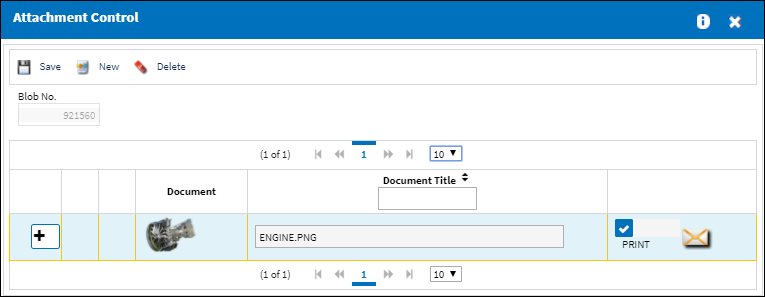
The user can hover over the image for a larger view of the image that was just added.
Add a Document
Note: Documents can only be in the following formats: PDF, DOC, DOCX, XLS, XLXS.
Select the New button.
Select the No File  button.
Browse/search for the document to be uploaded.
Select the document to be attached to the record.
Select the Open button once the document is highlighted in blue.
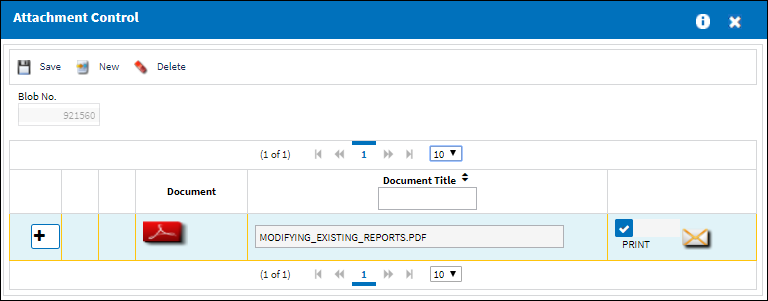
Once the document is uploaded, save the selection.
The document has been uploaded as shown below.
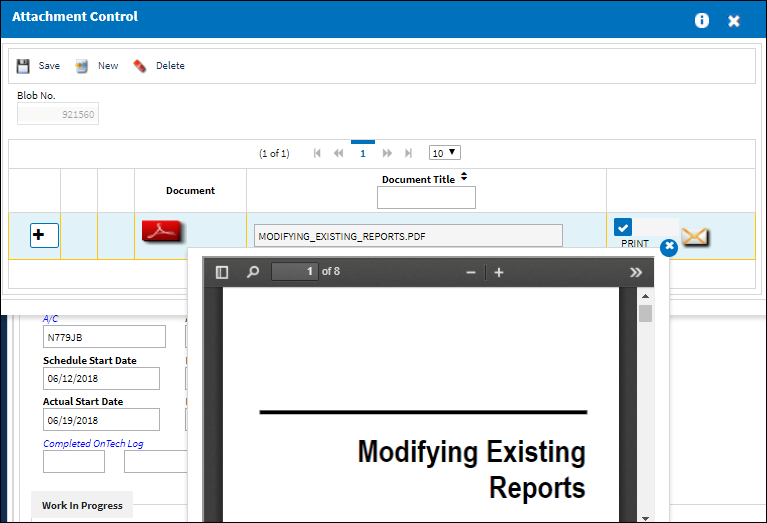
The PDF Viewer  button allows the user to a quick view to the document(s) that have been uploaded as shown below.
Select the Delete  button to delete one or more images.
Download Online Help
Print
|
©1997-2018 Trax USA Corp. All rights reserved. This manual may not be copied, photocopied, reproduced, translated, or converted to any electronic or machine-readable form, in whole or in part, without prior written approval from Trax USA Corp. |
 |