 Download Online Help
 Print
|
|
|
|
|


Search Fields, via eMRO Basics
When searching for certain Master data in the system, the user must enter the first alphanumeric character in the search field before any results appear. Users may also be required to specify search filters, such as related Locations or Aircraft when selecting a P/N.
This applies to the following fields wherever they appear system-wide:
- Part Number
- E/C
- T/C
- Employee
- Vendor
- Location
In the following example, the user will search for P/N data.
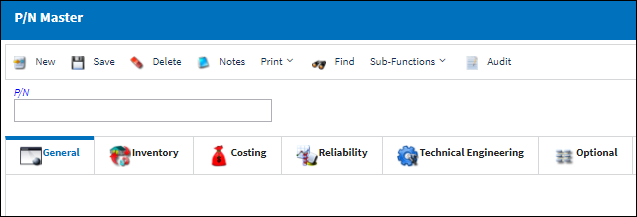
Go to Settings/ Update/ P/N Master.
Select the P/N hyperlink.
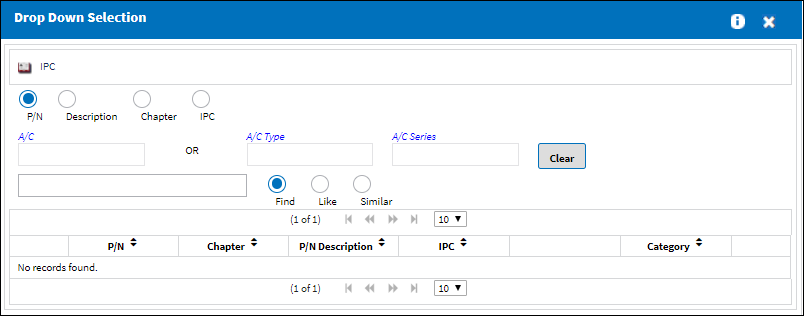
The following Drop Down Selection window appears, however no P/Ns appear in the results section.
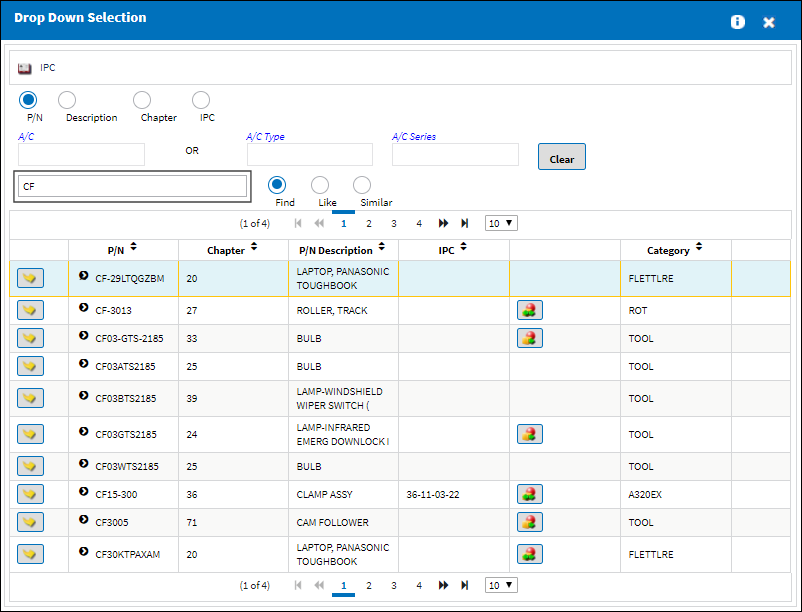
Upon entering the first alphanumeric character for the desired Part Number, results being to appear in the Drop Down Selection window.
Download Online Help
Print
|
©1997-2018 Trax USA Corp. All rights reserved. This manual may not be copied, photocopied, reproduced, translated, or converted to any electronic or machine-readable form, in whole or in part, without prior written approval from Trax USA Corp. |
 |