 Download Online Help
 Print
|
|
|
|
|


Favorites Queue, via Navigation Panel
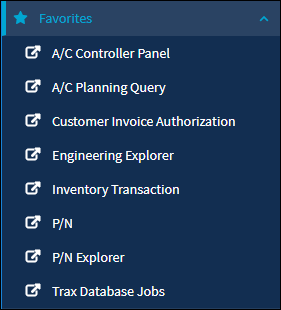
In the Navigation Panel, the Favorites Queue designates all windows that the user specifies as a 'Favorite' and therefore pins to the Favorites panel. The Pin and Unpin buttons allow the user to add windows to your Favorites Queue and remove windows from the Favorites Queue. To add windows to your favorites, select the Add To Favorites  button. To remove windows from your Favorites Queue, select the Remove From Favorites
 button located to the right of the window.
Download Online Help
Print
|
©1997-2018 Trax USA Corp. All rights reserved. This manual may not be copied, photocopied, reproduced, translated, or converted to any electronic or machine-readable form, in whole or in part, without prior written approval from Trax USA Corp. |
 |