
 Share
Share
 Print
Print
|
|
|
|
|


Audit - Software Configuration on AC button, via P/N Software Configuration Query

The Audit - Software Configuration on AC  button functions as a comparison tool that allows users to compare an aircraft's XML software configuration file (either from the manufacturer or an export generated from the aircraft) to the current P/N Software Configuration loaded in the system. The system generates an exceptions list showing any discrepancies between the aircraft's XML file and what is currently loaded in the system; the list can be saved and should be reviewed to determine the corrective actions required.
Note: This is used to compare data only, no updates will be made in the system.
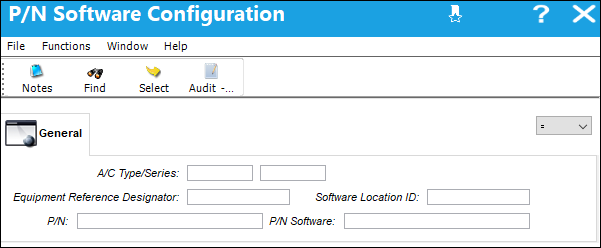
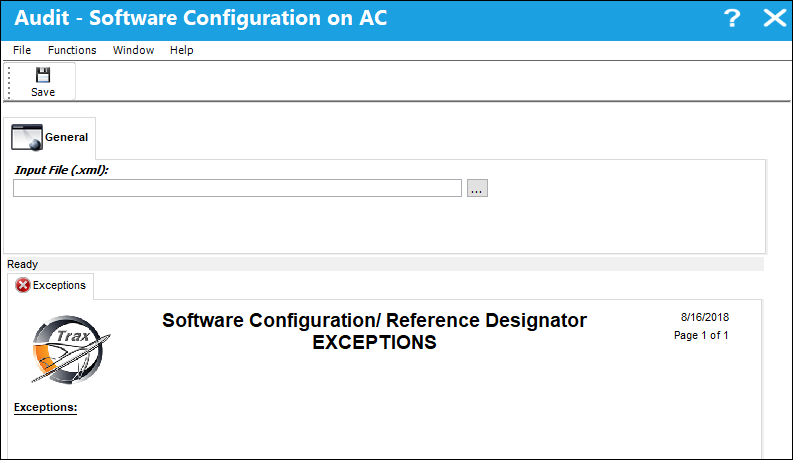
Once the Audit - Software Configuration on AC button is selected, the Audit - Software Configuration on AC window appears; select the Browse  button to select the aircraft's XML software configuration file to be compared against the system.
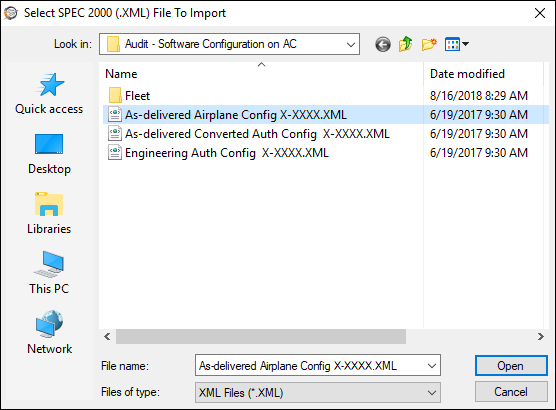
The Select File To Import window appears. Select the file to be imported and select the Open button.
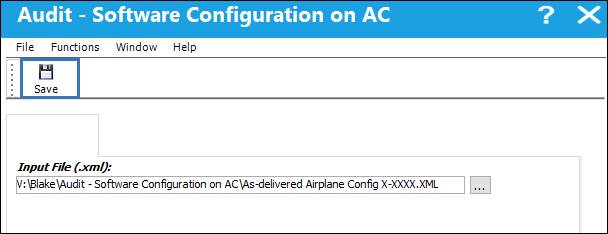
Once the path is specified, select the Save  button.
Once the comparison is complete, the system generates an exceptions list showing any discrepancies between the aircraft's XML file and what is currently loaded in the system.
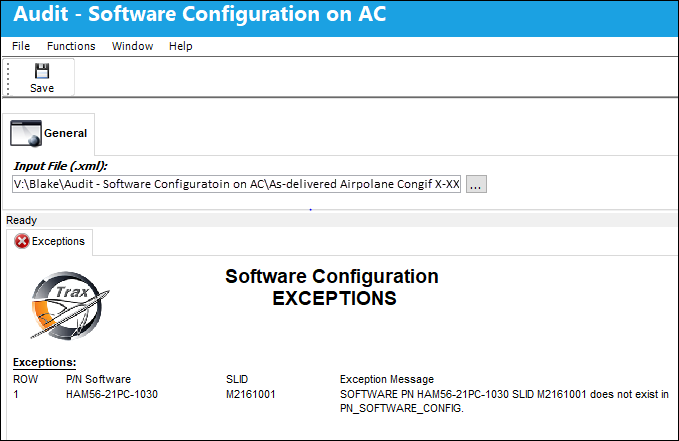
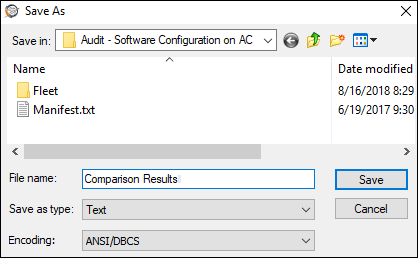
A Save As window appears, choose the path where the exceptions list is to be saved and select Save.
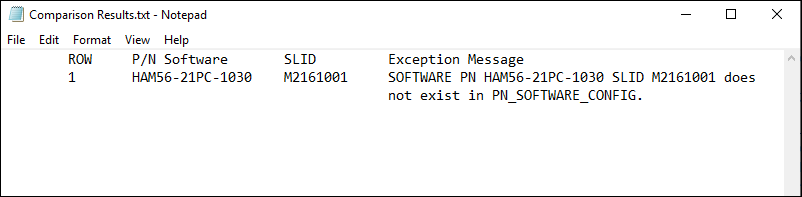
The exception list show discrepancies where the P/N Software and Software Location exists in the aircraft's XML file, but does not exists in the system.
Share
Print
|
©1997-2026 Trax USA Corp. All rights reserved. This manual may not be copied, photocopied, reproduced, translated, or converted to any electronic or machine-readable form, in whole or in part, without prior written approval from Trax USA Corp. |
 |