
 Share
Share
 Print
Print
|
|
|
|
|


Security Print
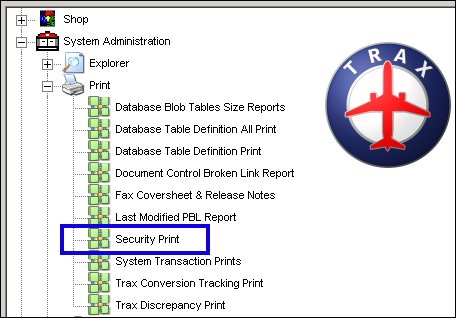
Various reports can be run to display the security setting for the users. To run various reports regarding the settings in the Security Explorer, go to System Administration/ Print/ Security Print:
Various combinations of filters can be used to draw the report to your specifications.
Use the drop list and applicable fields to obtain the desired data.
Detail Security Print:
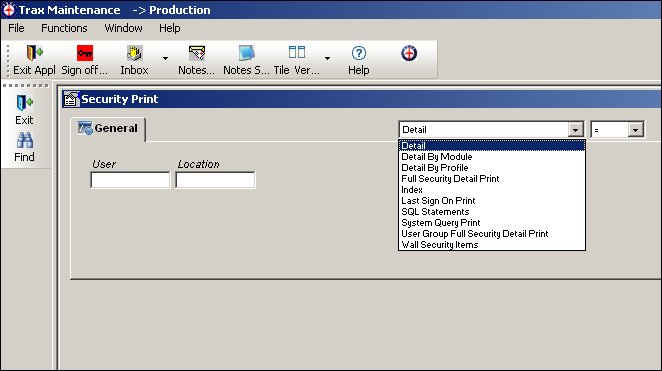
Enter the User and Location information before generating the report.
Index Security Print:
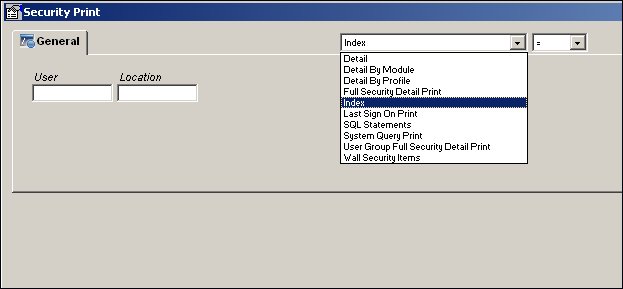
Enter the User and Location information before generating the report.
Last Sign On Print:
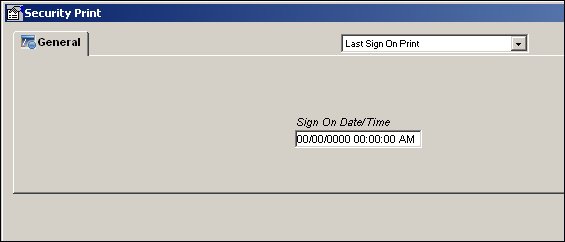
Enter the Sign On Date and Time before generating the report.
Detail by Module Print:
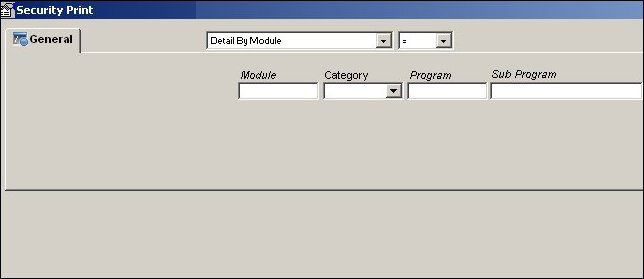
Enter the Module, Category, Program, and Sub Program information before generating the report.
Detail by Profile Print:
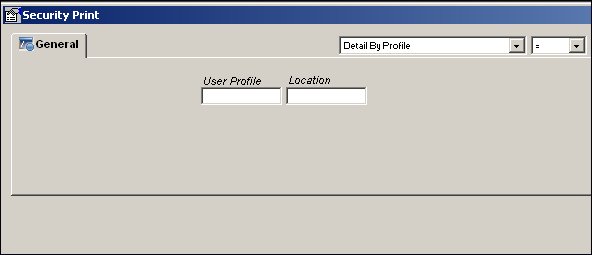
Enter the User Profile and Location information before generating the report.
Full Security Detail Print:
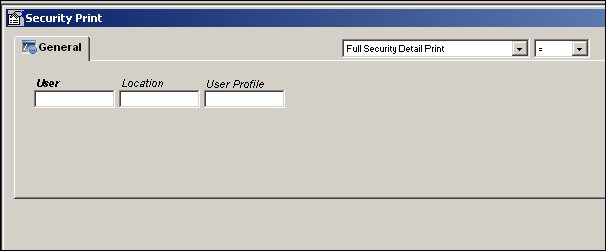
Enter the User, Location, and User Profile information before generating the report.
Full Index Print:
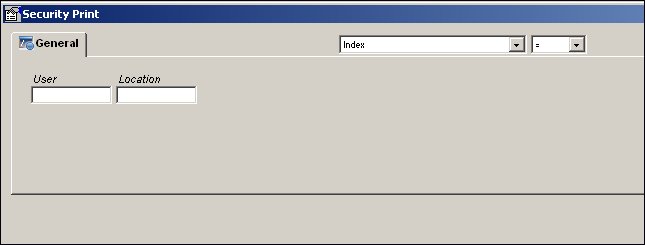
Enter the User and Location information before generating the report.
System Query Print:
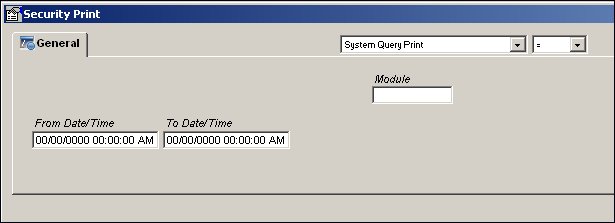
Enter the From and To Date and Time information before generating the report.
SQL Statements Print:
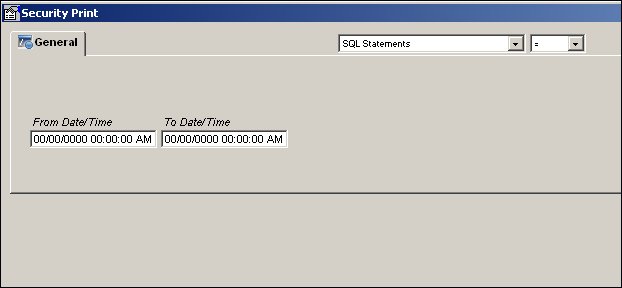
Enter the From and To Date and Time information before generating the report.
Share
Print
|
©1997-2026 Trax USA Corp. All rights reserved. This manual may not be copied, photocopied, reproduced, translated, or converted to any electronic or machine-readable form, in whole or in part, without prior written approval from Trax USA Corp. |
 |