
 Share
Share
 Print
Print
|
|
|
|
|


Database Table Definition All Print
The Database Table Definition All Print is available via System Administration/Print.
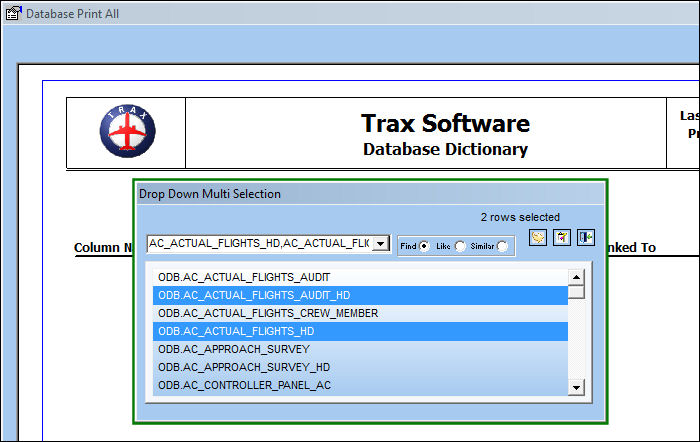
When the Database Table Definition All Print is opened, a pop-up appears where users can select the tables they wish to print. Multiple tables can be selected. When all selections have been made, click the Select  button.
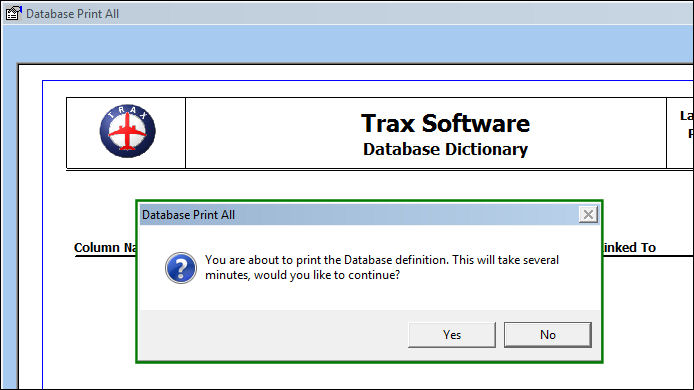
The following message prompt appears indicating that the print may take a few moments to generate. Select Yes to proceed.
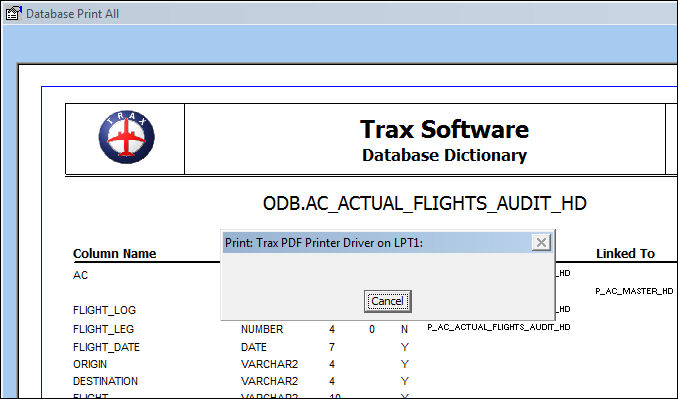
TRAX generates a PDF version of the print instead of sending the print to the registered printer.
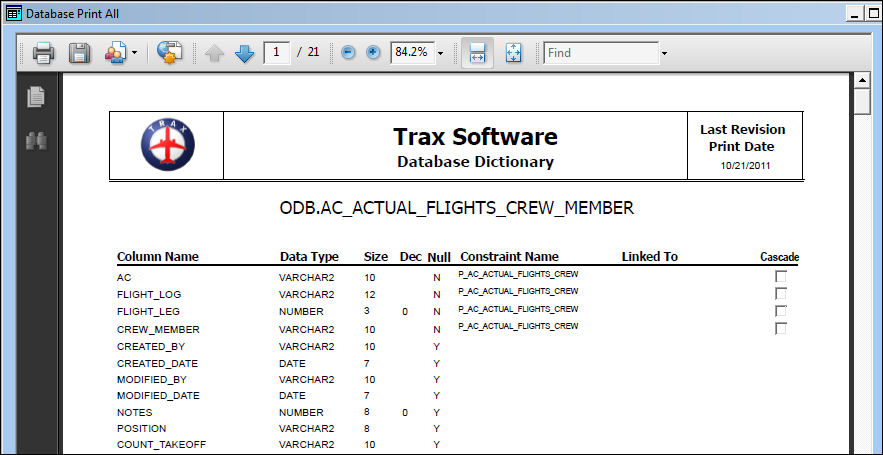
Once converted to PDF, the print is displayed. At this point, the PDF can be sent to a printer or saved.
Share
Print
|
©1997-2026 Trax USA Corp. All rights reserved. This manual may not be copied, photocopied, reproduced, translated, or converted to any electronic or machine-readable form, in whole or in part, without prior written approval from Trax USA Corp. |
 |