
 Share
Share
 Print
Print
|
|
|
|
|


The XO/SO (Exchange Order/Sales Order)  button changes the status of an exchange order to a sales order.
For this option to be effective, the part in the order must be present in inventory.
From the Exchange Order Out, General Tab, enter or load an exchange order, and then select the Exchange Order/Sales Order (XO/SO) button.
The following is displayed:
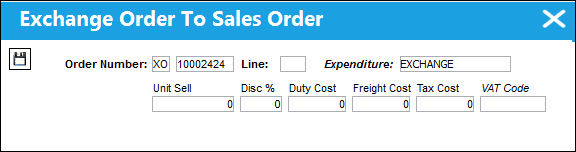
Make sure that the order type (XO) and number are correct. Enter the appropriate line number and select the Save  button.
The order type is changed from exchange to sales.
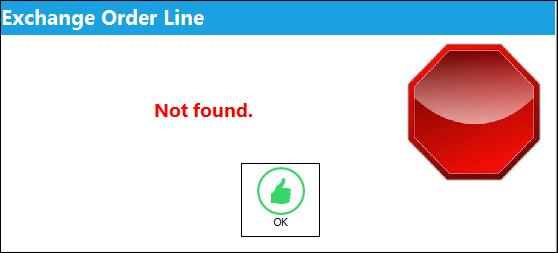
If there is no line entered for the order, the following warning message is prompted:
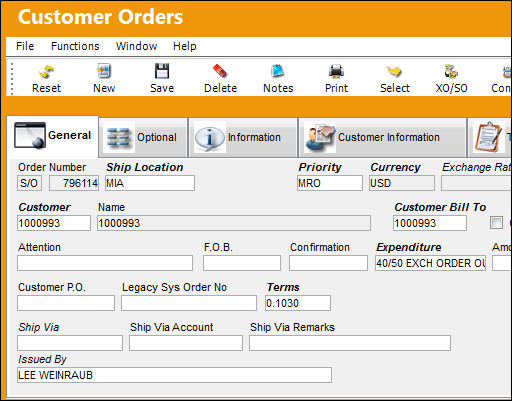
To verify that the exchange order is now a sales order, go to the Customer Orders Query.
Complete several of the fields to locate the order and select the Find  button.
The order is now displayed as a Sales Order.
Share
Print
|
©1997-2026 Trax USA Corp. All rights reserved. This manual may not be copied, photocopied, reproduced, translated, or converted to any electronic or machine-readable form, in whole or in part, without prior written approval from Trax USA Corp. |
 |