
 Share
Share
 Print
Print
|
|
|
|
|


This option allows the user to swap the selected Interchangeable P/N with the defined Main P/N. (The P/N on the first window).
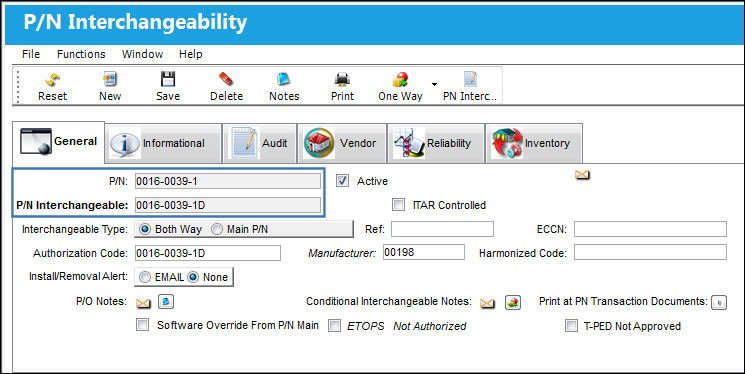
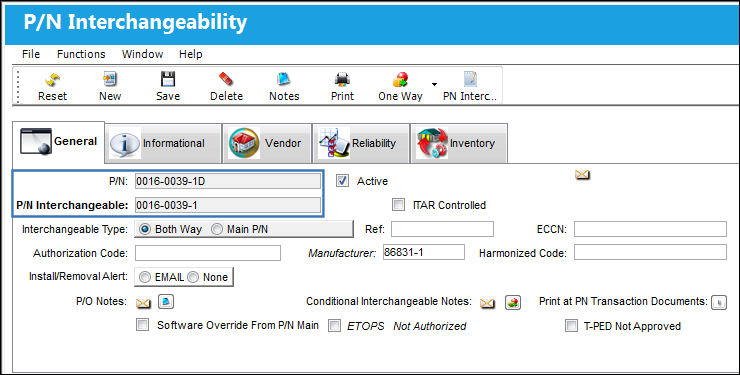
From the P/N Interchangeability window, select the interchangeable part that is to be swapped with its Main P/N. In this example, Interchangeable P/N 0-00136311-2 will be swapped with Main P/N 0-0034319-0.
When the Hand Pointer is on the Main P/N, the Interchange Swap Main  button is greyed out and not available for selection.
Select the Interchange Swap Main button.
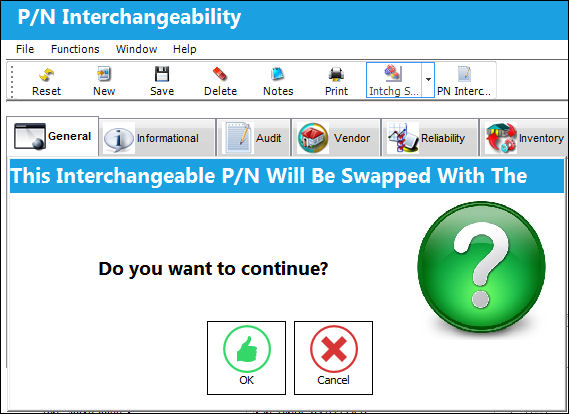
The following pop up message appears informing the user that the Interchangeable P/N will be swapped with the Main P/N. Select 'OK' to continue with the transaction.
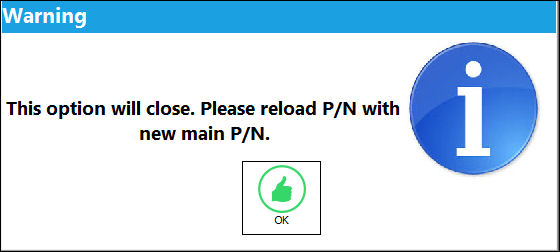
The following pop-up message appears warning the user that P/N Interchangeability window will close upon selecting 'OK'. Select 'OK' to continue.
When the user searches for the original Main P/N, it appears as an Interchangeable of 0-0136311-2. Select the Interchangeable  button
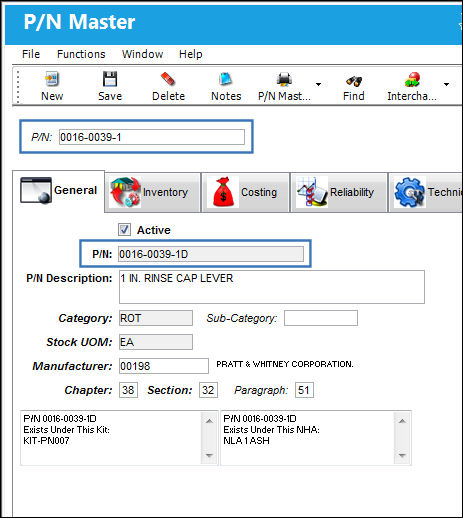
The original Interchangeable P/N has been swapped with the original Main P/N.
Share
Print
|
©1997-2026 Trax USA Corp. All rights reserved. This manual may not be copied, photocopied, reproduced, translated, or converted to any electronic or machine-readable form, in whole or in part, without prior written approval from Trax USA Corp. |
 |