
 Share
Share
 Print
Print
|
|
|
|
|


This option allows the user to create a Main P/N for an already existing Interchangeable P/N. This option will break the interchangeability relationship between the Main P/N and the Interchangeable P/N.
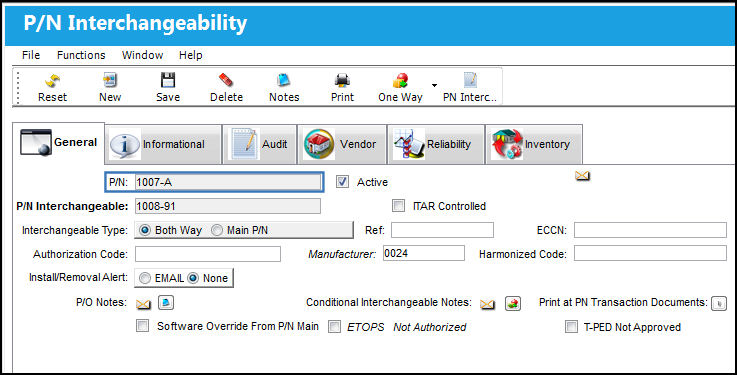
From the P/N Interchangeability window, select the Interchangeable P/N that will become a Main P/N. In this example, the Interchangeable P/N is 1007-12.
When the Hand Pointer is on the Main P/N, the Interchange Create Main  button is greyed out and not available for selection.
Select the Interchange Create Main button.
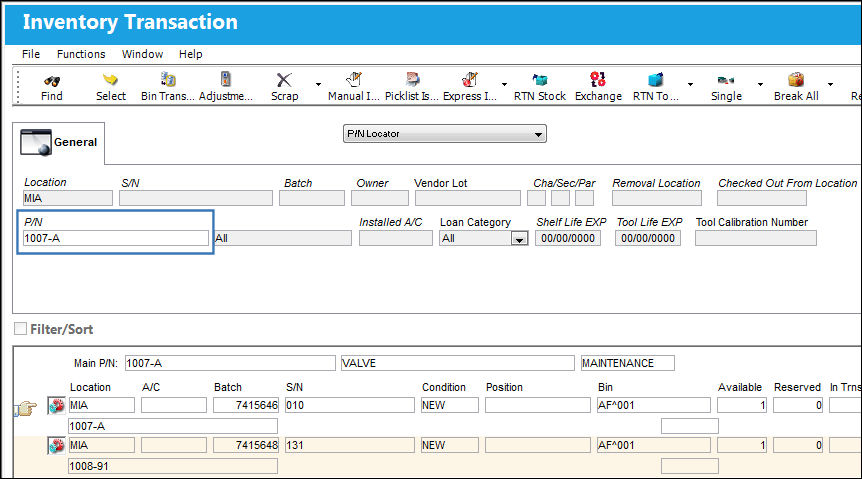
In Inventory Transaction, when the user searches for the Main P/N 1007-A, all Interchangeable P/Ns appear in the results.
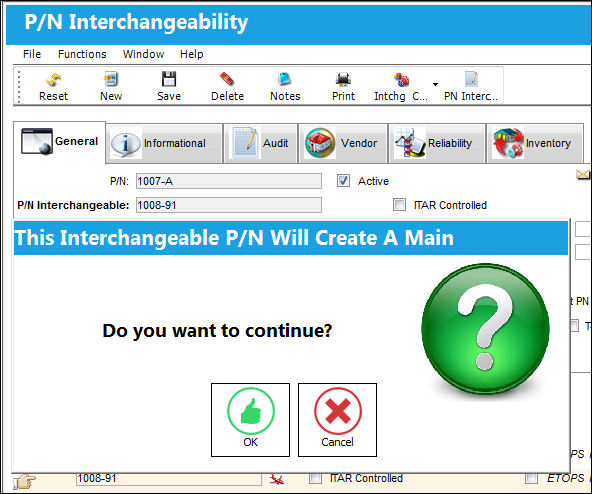
The following pop up message appears informing the user that the Interchangeable P/N will create a Main P/N. Select 'OK' to continue with the transaction.
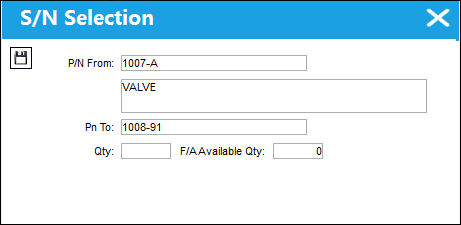
The S/N Selection pop up appears. Enter the Fixed Asset quantity to be removed from the original Main P/N (1007-A) and transferred to the P/N which will become a Main P/N (1007-12). Save and exit the pop-up message.
The Interchangeable P/N 1007-12 no longer appears in the P/N Interchangeability window.
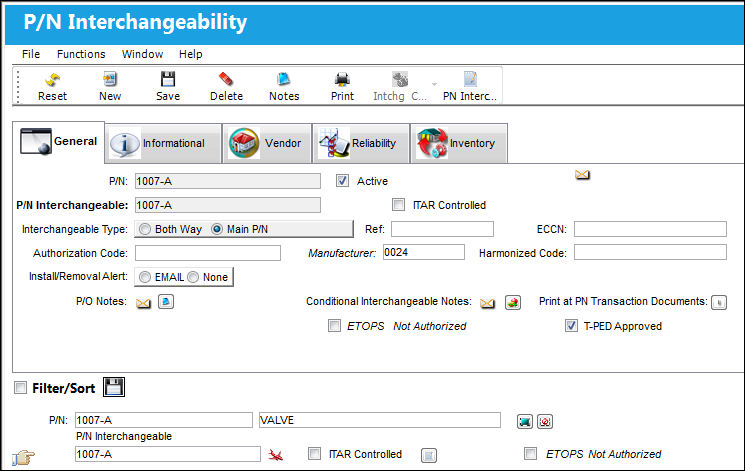
P/N 1007-12 no longer appears in Inventory Transaction as an interchangeable of 1007-A.
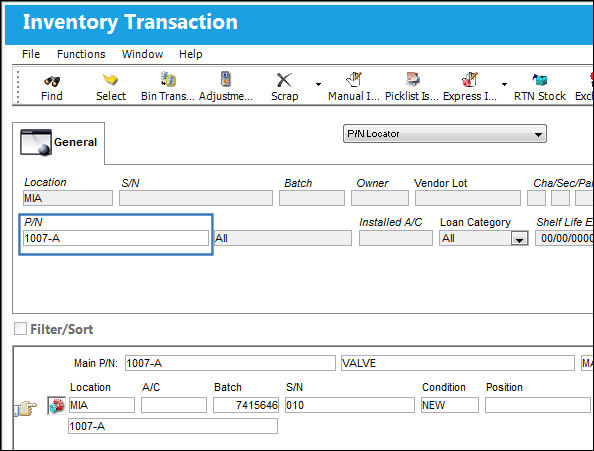
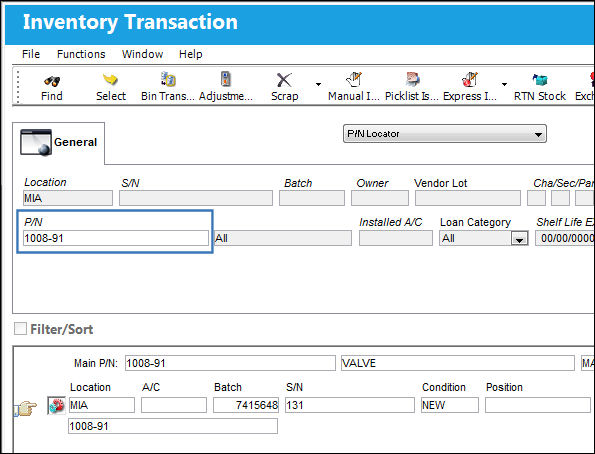
P/N 1007-12 is now a Main P/N.
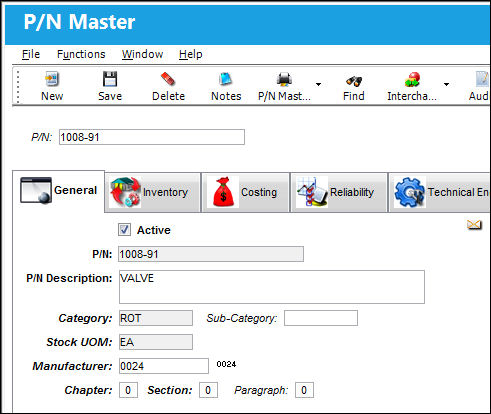
P/N 1007-12 has been created as a Main P/N in the P/N Master.
Share
Print
|
©1997-2026 Trax USA Corp. All rights reserved. This manual may not be copied, photocopied, reproduced, translated, or converted to any electronic or machine-readable form, in whole or in part, without prior written approval from Trax USA Corp. |
 |