
 Share
Share
 Print
Print
|
|
|
|
|


Click the Optional tab to enter more detailed information about the part(s) requested, (i.e. Batch Number, Serial Number, Condition).
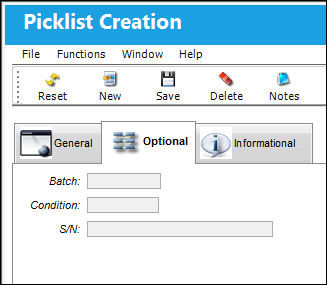
Following the completion of the entries of all parts desired on the Picklist, exit the window.
TRAX produces a Picklist print, which can be automatically routed to stores (according to printer control set-up on the system for that location):
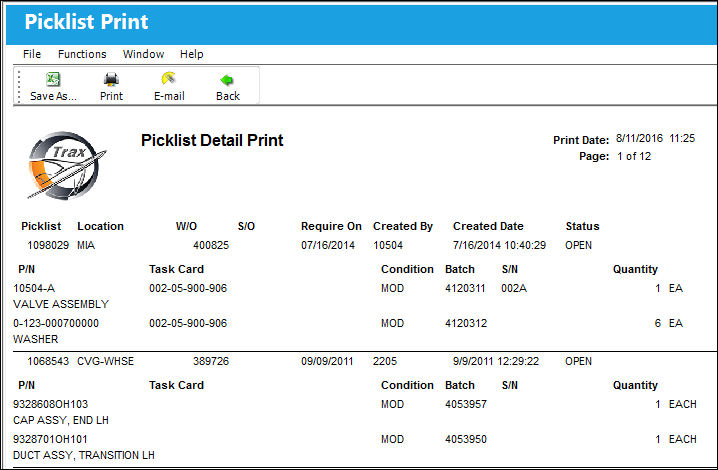
Once received at stores, the picklist will be issued from there.
The serial numbers and batch numbers are added, and the parts are booked against the work order specified on the picklist.
The Picklist contains only system-selected part numbers, batch/serial numbers required along with the quantities (if applicable) and their bin positions.
Share
Print
|
©1997-2026 Trax USA Corp. All rights reserved. This manual may not be copied, photocopied, reproduced, translated, or converted to any electronic or machine-readable form, in whole or in part, without prior written approval from Trax USA Corp. |
 |