
 Share
Share
 Print
Print
|
|
|
|
|


Zoom to (%) Buttons, via Aircraft Maintenance Timeline
Select the Zoom buttons to reduce/enlarge the view of the Aircraft Maintenance Timeline window.
This drop down allows for four (4) zoom options:
- Zoom to 50%
- Zoom to 80%
- Zoom to 100%
- Zoom to 150%
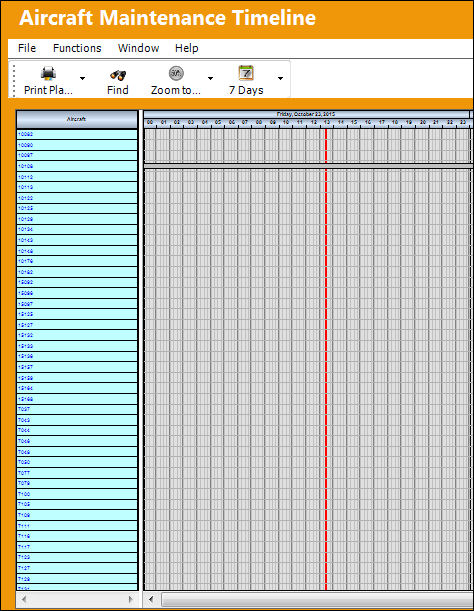
The 50% Zoom  button produces the smallest view:
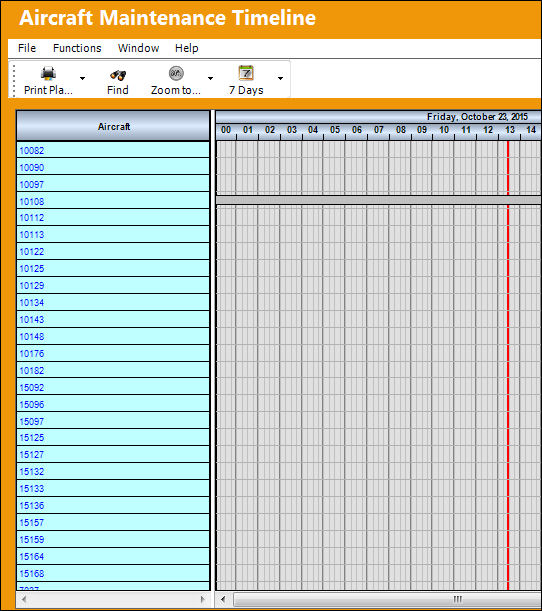
The 80% Zoom  button produces the second smallest view:
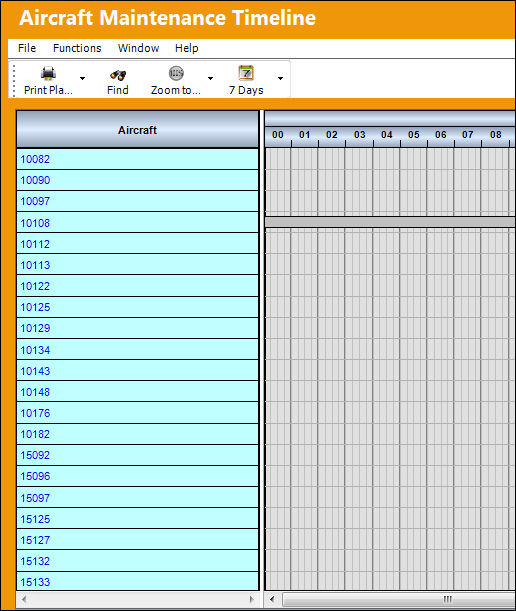
The 100% Zoom  button produces the second largest view:
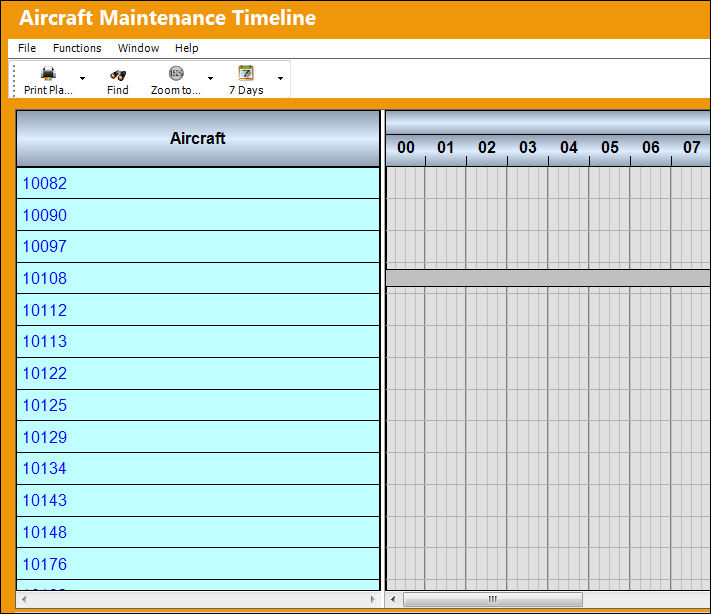
The 150% Zoom  button produces the largest view:
Users can also zoom in and out by holding the Control button on the computer's keyboard and scrolling up and down with the scroll wheel on the computer's mouse.
Share
Print
|
©1997-2026 Trax USA Corp. All rights reserved. This manual may not be copied, photocopied, reproduced, translated, or converted to any electronic or machine-readable form, in whole or in part, without prior written approval from Trax USA Corp. |
 |