
 Share
Share
 Print
Print
|
|
|
|
|


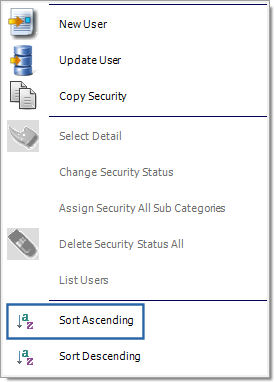
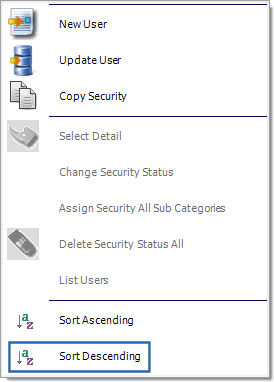
The Sort Ascending  button and Sort Descending button allow users to categorize the users in the Security Explorer by alphabetical order or reverse alphabetical order. These buttons are accessed by right-clicking over a user name.
For example, select the Sort Ascending option.
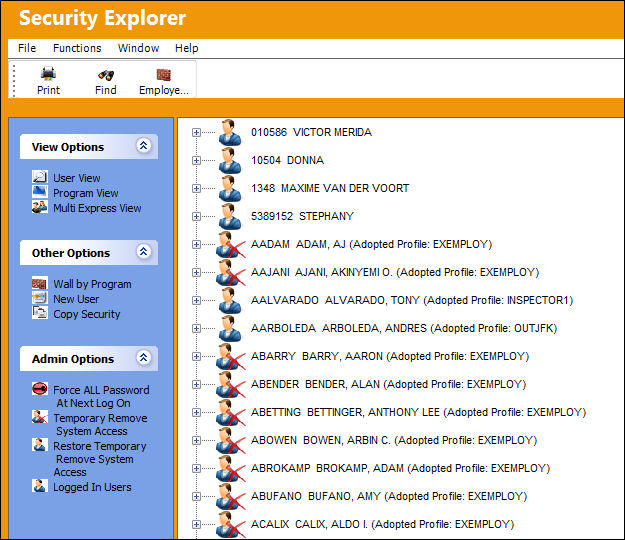
The users will appear in alphabetical order (A-Z):
Now select the Sort Descending button.
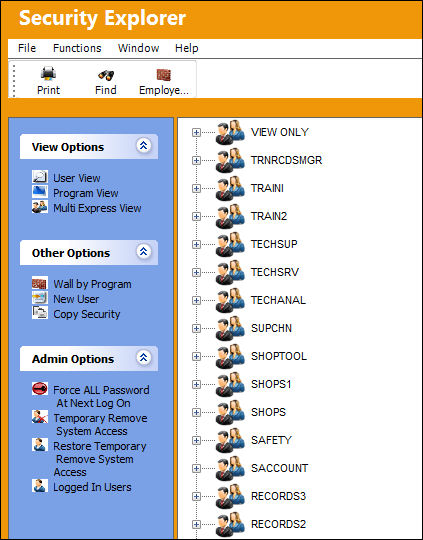
The users will appear in reverse-alphabetical order (Z-A):
Share
Print
|
©1997-2026 Trax USA Corp. All rights reserved. This manual may not be copied, photocopied, reproduced, translated, or converted to any electronic or machine-readable form, in whole or in part, without prior written approval from Trax USA Corp. |
 |