
 Share
Share
 Print
Print
|
|
|
|
|


The Merge  button allows the user to merge two Batch numbers into one Batch number.
The following two Batch numbers will be merged.
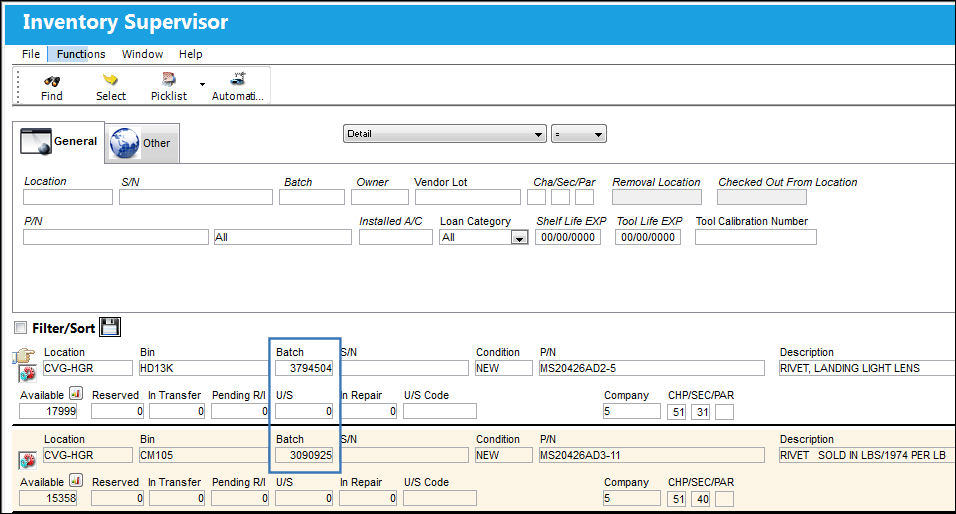
Note the transaction history for Batch 3794504:
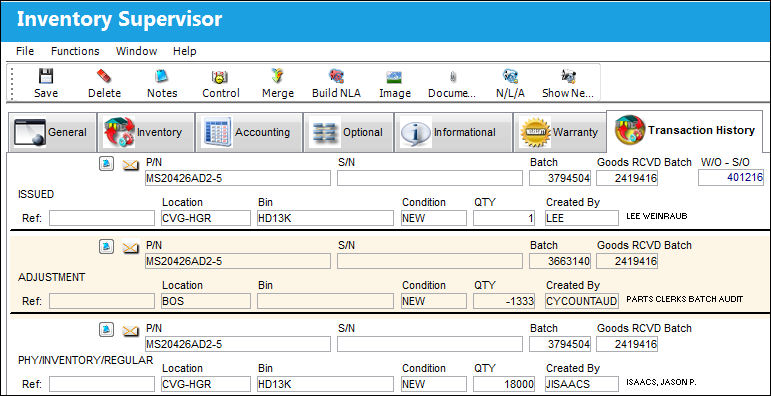
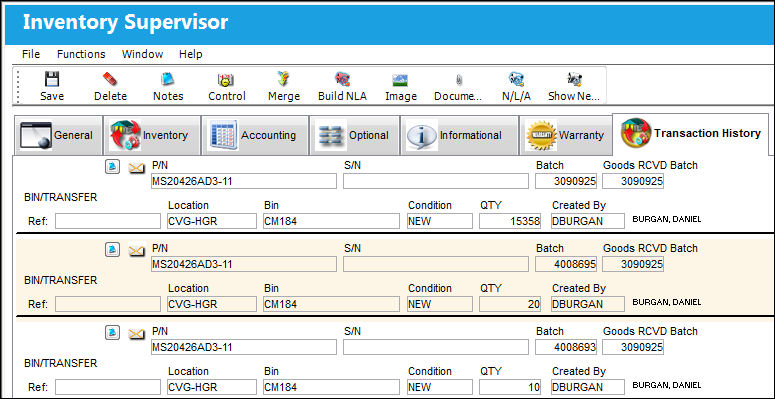
Note the transaction history for Batch 3090925.
The Hand  cursor is pointing to the first Batch number (3794504). Select the Select
  button to access the Detail.
Select the Merge button.
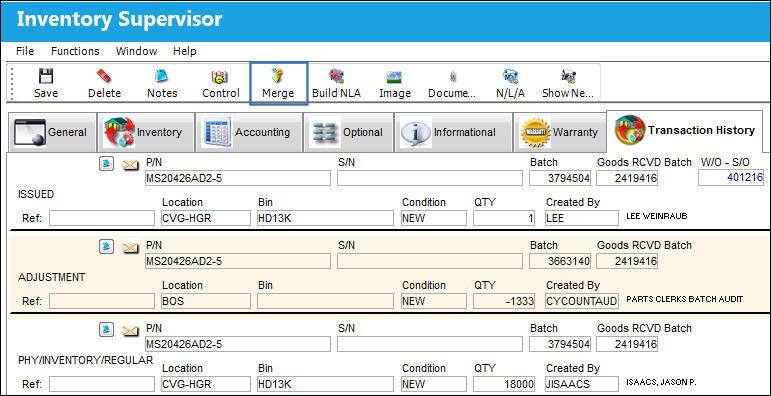
The system will ask you for the Goods RCVD (received) batch number of part 2.
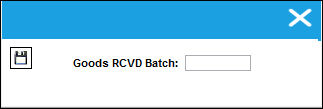
Enter the Goods RCVD Batch number and click on the Save  button.
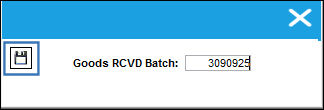
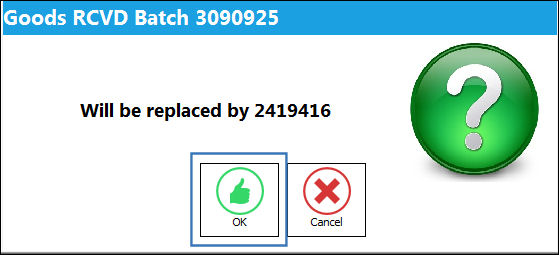
The following prompt will appear. Select 'Ok'.
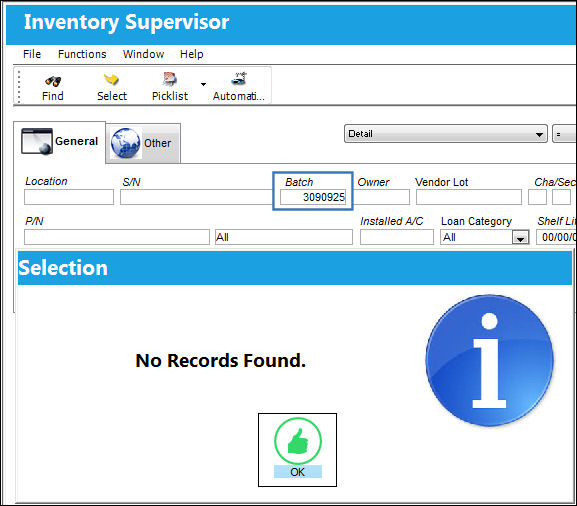
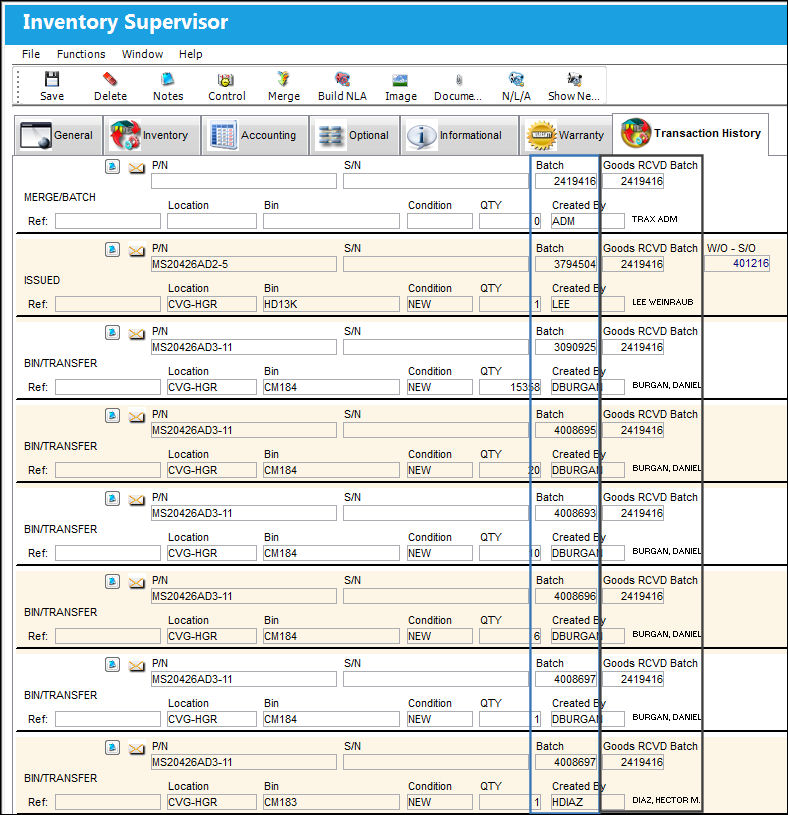
The transaction history for Batch 3090925 no longer exists:
Both Batches have been merged under Batch 2419416. The Goods RCVD Batch has been applied to both Batch numbers.
Once this has been completed, you can delete part 2 or scrap part 2 to delete the record for accounting purposes. Please refer to the Scrap section of this manual for additional information regarding scrapping a part.
Share
Print
|
©1997-2026 Trax USA Corp. All rights reserved. This manual may not be copied, photocopied, reproduced, translated, or converted to any electronic or machine-readable form, in whole or in part, without prior written approval from Trax USA Corp. |
 |