
 Share
Share
 Print
Print
|
|
|
|
|


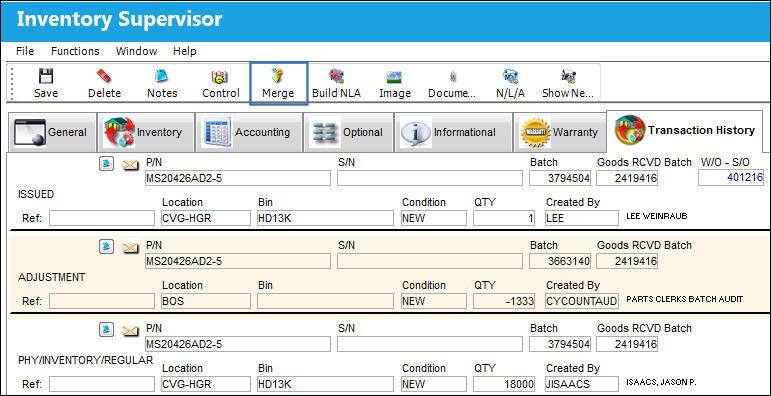
The Merge  button allows the user to merge two Batch numbers into one Batch number.
From the Inventory Supervisor Detail window, select the Merge button.
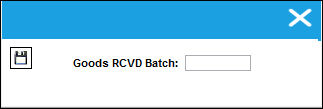
The following pop-up will appear. Enter a batch number in the Goods RCVD batch field and select the Save  button.
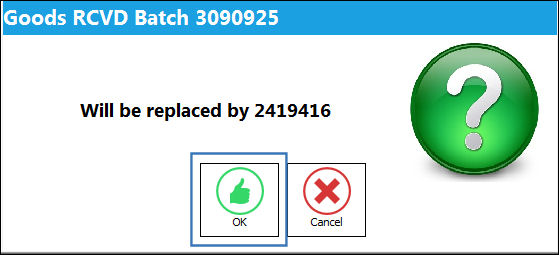
The following soft warning will appear, informing the user that the Goods RCVD Batch in the above pop-up will be replaced by the original Goods RCVD Batch number. Upon selecting the Save button, the two Goods RCVD Batch numbers will be merged.
Select 'OK' to merge the Batches or 'Cancel' to cancel the merge process.
For more information refer to Merge Functionality.
Share
Print
|
©1997-2026 Trax USA Corp. All rights reserved. This manual may not be copied, photocopied, reproduced, translated, or converted to any electronic or machine-readable form, in whole or in part, without prior written approval from Trax USA Corp. |
 |