
 Share
Share
 Print
Print
|
|
|
|
|


From the Inventory Supervisor Detail window, select the Delete  button to delete the P/N record.
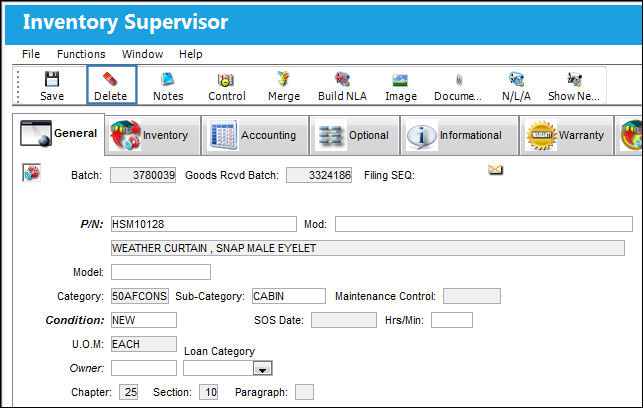
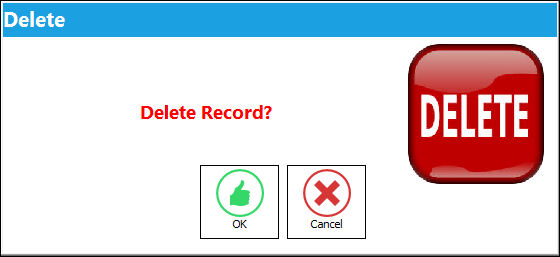
The following pop-up will appear:
If the P/N is a rotable part, the following pop-up will appear. If the part is not a rotable part then the system will automatically delete the part.
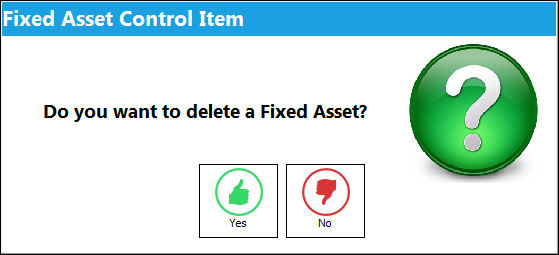
When the user selects 'Yes,' the system displays all Fixed Assets associated with that P/N.
If 'No' is selected, the system will delete the P/N, however it will keep the Fixed Asset in the Fixed Asset Registry.
Share
Print
|
©1997-2026 Trax USA Corp. All rights reserved. This manual may not be copied, photocopied, reproduced, translated, or converted to any electronic or machine-readable form, in whole or in part, without prior written approval from Trax USA Corp. |
 |