
 Share
Share
 Print
Print
|
|
|
|
|


Employee Schedule Self-Management, Multiple Schedules
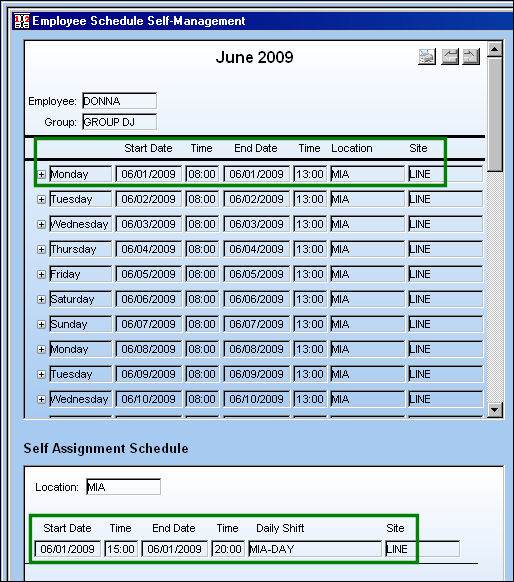
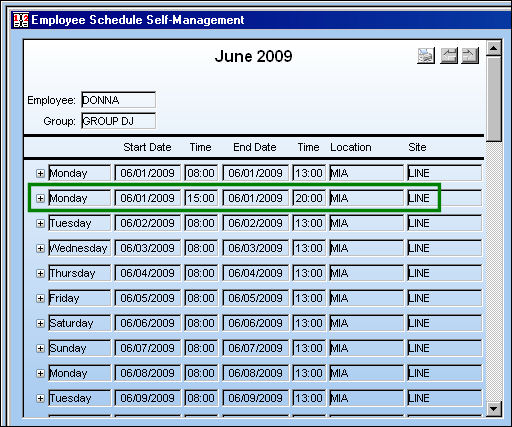
In the following example, the employee is scheduled to work on 06/01/2099 from 8:00 AM 13:00 PM while a self assignment is available on the same day but from 15:00 PM to 20:00 PM.
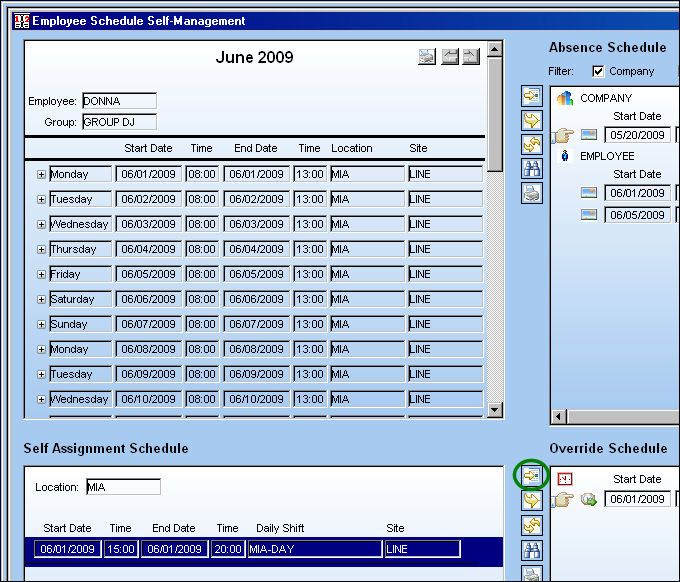
Select the Self Assigned schedule (highlighted in blue) and select the New  button from the Override Schedule window.
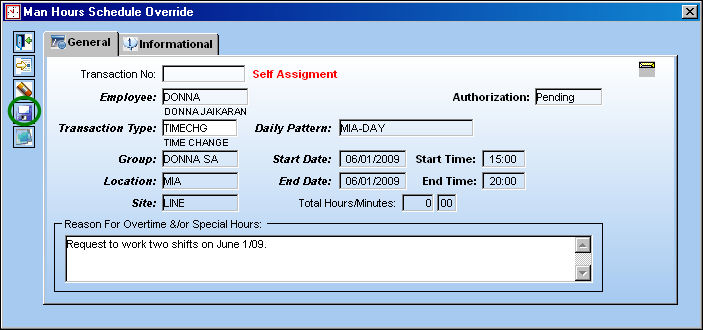
The Man Hours Schedule Override window appears. Select the Save  button. The Save prompt appears. Select 'OK.'
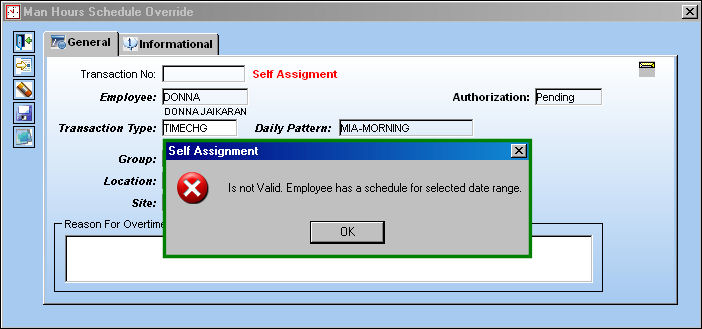
If there is a scheduling conflict with the self assignment and the already scheduled work, the following error will appear when the user attempts to save the override for the self assignment:
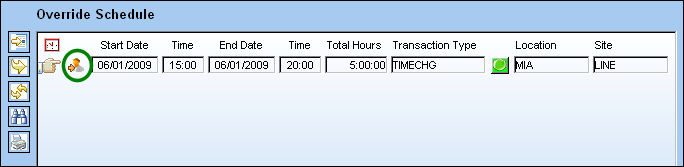
The self assignment appears in the Override Schedule window:
The self assigned scheduled now appears in the employees schedule as shown below:
Share
Print
|
©1997-2026 Trax USA Corp. All rights reserved. This manual may not be copied, photocopied, reproduced, translated, or converted to any electronic or machine-readable form, in whole or in part, without prior written approval from Trax USA Corp. |
 |