
 Share
Share
 Print
Print
|
|
|
|
|


Setup
Before running the import, first configure the fleet to ensure that the effectivity information in the IPC is read properly.
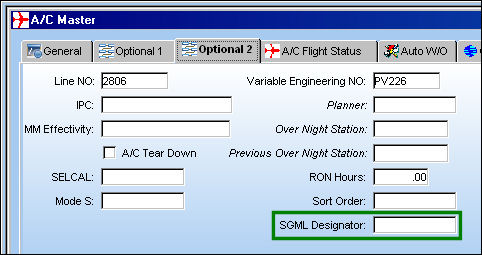
Go to Settings/Update/Aircraft/A/C Master, Optional 2 tab.
Make sure that the ‘SGML Designator’ field is properly set for each A/C. If this value is not correct, the import may fail to set the proper effectivity for parts.
Configuration Switches:
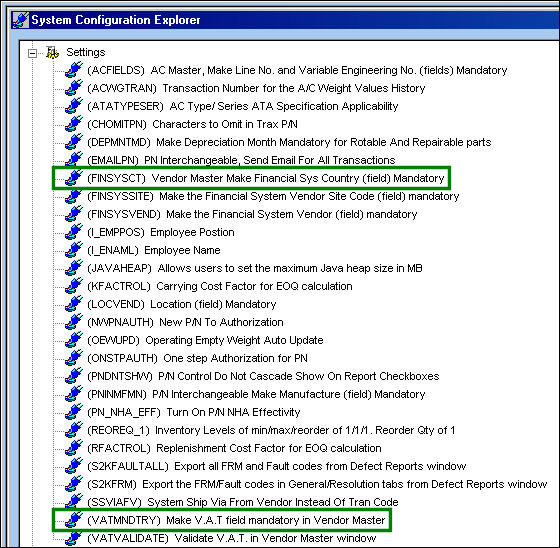
Go to the System Administration/Explorer/System Transaction Configuration
Note the two following  Switches:
- FINSYSCT - If this switch is set to Yes, keep in mind that vendor records in the IPC may not contain Financial System Country information. If a vendor record is loaded without this information, it will be noted in the error log.
- VATMNDTRY - If this switch is set to Yes, keep in mind that vendor records in the IPC may not contain VAT information. If a vendor record is loaded without this information, it will be noted in the error log.
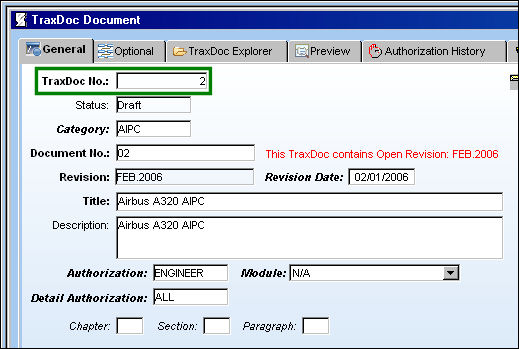
Go to the TraxDoc Master and select the IPC record to import data from:
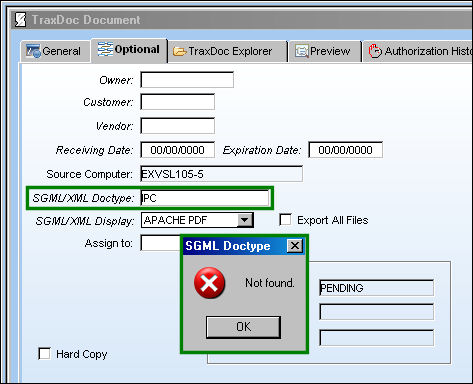
Before running the import, the ‘SGML/XML Doctype’ field in the Optional tab must be set properly. Be sure to select one of the below options for SGML/XML Doctype.
- AIPC (for Aircraft Illustrated Parts Catalogue)
- EIPC (for Engine Illustrated Parts Catalogue)
If the ‘SGML/XML Doctype’ field is not populated, or an invalid Doctype is entered, when the user attempts to save the TraxDoc, the following error message will appear and the import will not run:
For AIPC TraxDocs, effectivity must be set for at least one Type/Series. If the TraxDoc is not effective to any Type/Series, the following error will appear:
Note that the P/N effectivity at the A/C level will only be set using the EFFECT tag, so it is very important that the SGML Designator at the A/C Master level is set up prior to running this import.
EIPC TraxDocs have no effectivity restrictions. Effectivity for parts created from EIPC manuals will be identical to the TraxDoc’s own effectivity.
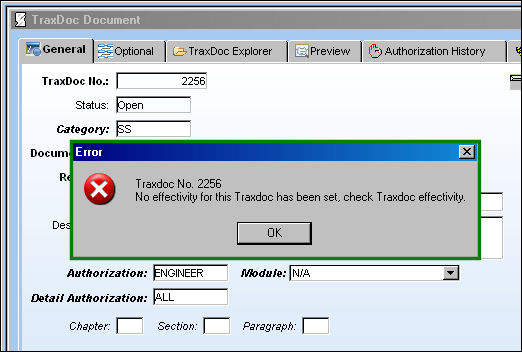
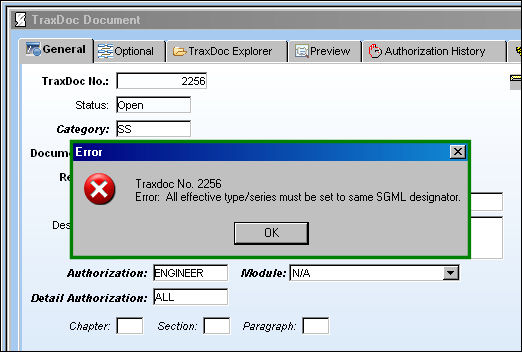
If the IPC is set to be effective to multiple Type/Series, each Type/Series must be set to the same SGML Designator. If any of the effective Type/Series do not have this field set, or if they are set to different values, the following error will appear:
Share
Print
|
©1997-2026 Trax USA Corp. All rights reserved. This manual may not be copied, photocopied, reproduced, translated, or converted to any electronic or machine-readable form, in whole or in part, without prior written approval from Trax USA Corp. |
 |