
 Share
Share
 Print
Print
|
|
|
|
|


Running the Import
From the TraxDoc Document window, select the Import From OEM Manual  button.
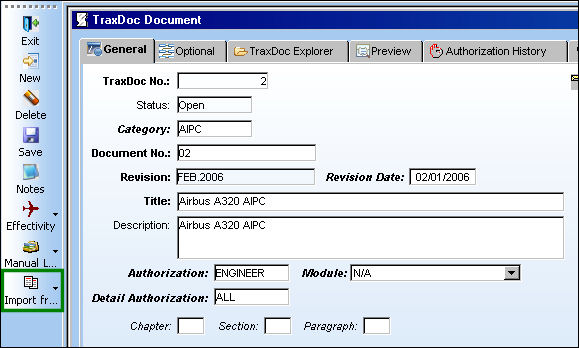
The TraxDoc AIPC Import window appears.
Populate all mandatory fields.
For information regarding the fields in the below window, refer to IPC Reference Doctype via TraxDoc Master Buttons which can be found in the TraxDoc Training manual.
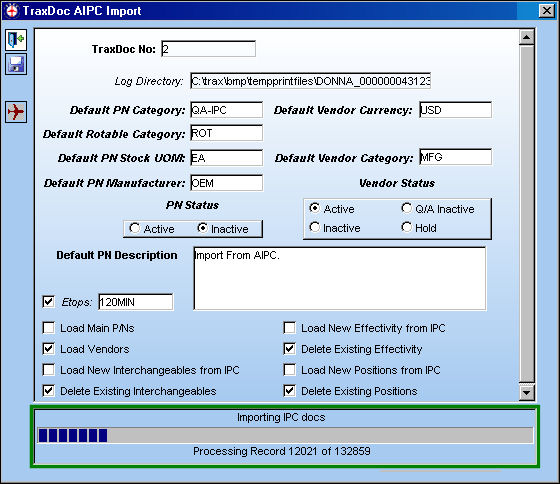
Select the Run  button to begin the import. The program will then export the IPC data to a file. A status bar will display the progress of the import. In some cases, the status bar will need to complete twice before the import can begin.
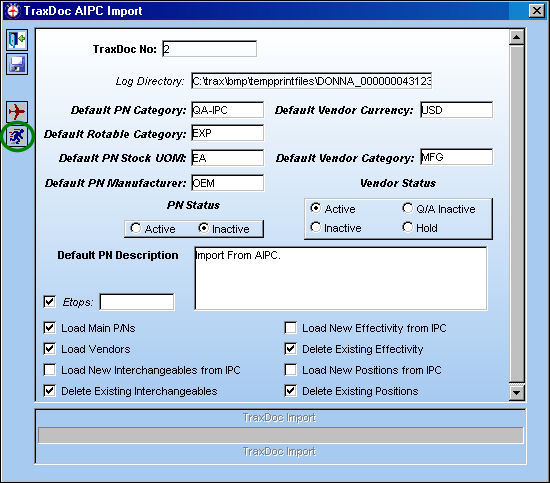
Importing in progress . . .
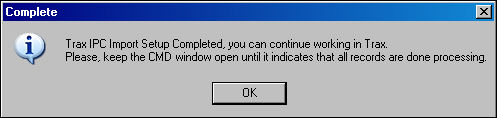
Once the import setup is complete, the following information box will appear. Select 'OK.'
Once the IPC has been exported, TRAX will launch a separate command window to process the IPC data. The user may continue working in TRAX while this process is running. Do not close TRAX until it has completed.
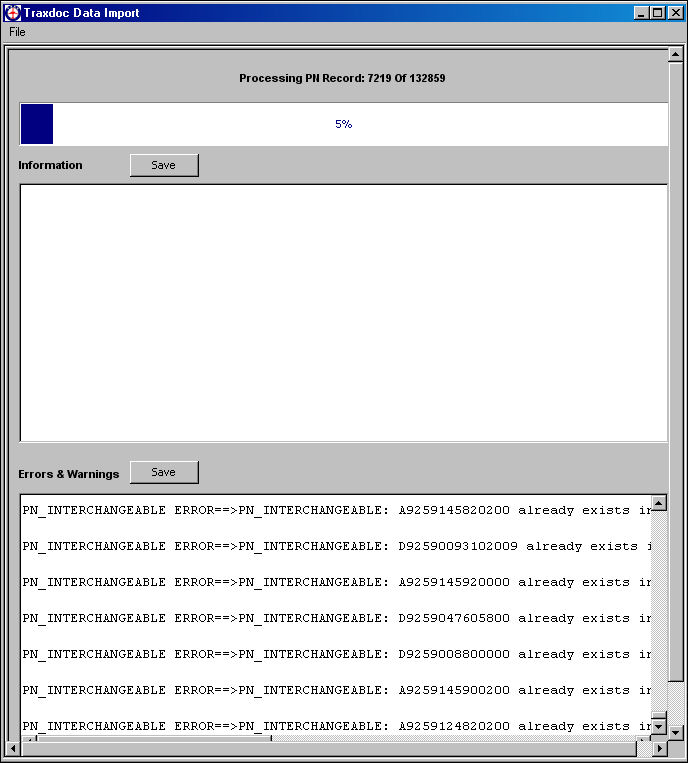
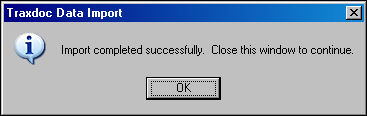
Once the import is complete, the following information box will appear:
Share
Print
|
©1997-2026 Trax USA Corp. All rights reserved. This manual may not be copied, photocopied, reproduced, translated, or converted to any electronic or machine-readable form, in whole or in part, without prior written approval from Trax USA Corp. |
 |