
 Share
Share
 Print
Print
|
|
|
|
|


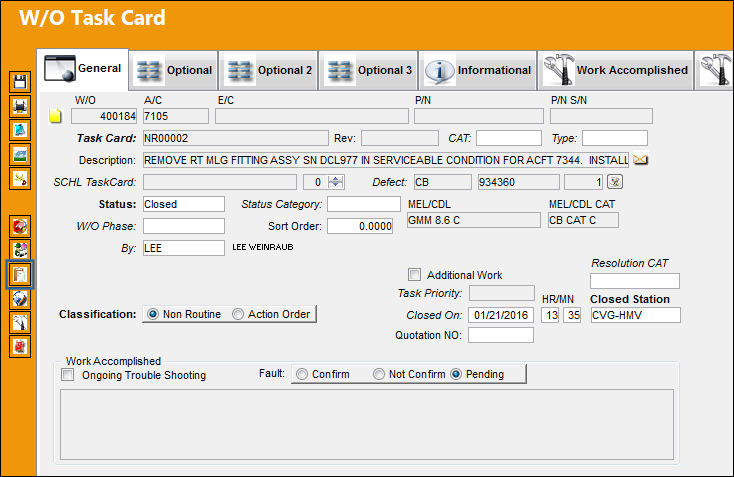
Select the Intelli Form  button to view forms (Damage Chart or Cockpit) associated with the A/C Type/Series. This feature is for the Dent Mapping option via Technical Records.
The Intelli Form button only appears in the W/O Task Card window if the Non-Routine Task Card has a defect associated to it.
For information regarding the Intelli Form button, refer to Intelli Form Button via Defect Report Detail Buttons which can be found in the Technical Records Training manual.
Share
Print
|
©1997-2026 Trax USA Corp. All rights reserved. This manual may not be copied, photocopied, reproduced, translated, or converted to any electronic or machine-readable form, in whole or in part, without prior written approval from Trax USA Corp. |
 |