
 Share
Share
 Print
Print
|
|
|
|
|


The A/C Transaction  button allows users to enter transactions related to parts for the aircraft (removals, installations etc.).
From the W/O Task Card window, select the A/C Transaction button.
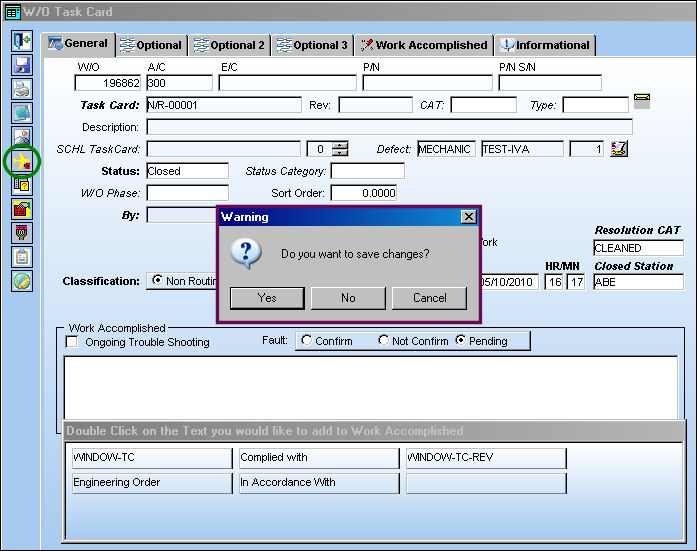
Be sure to populate all mandatory information in all tabs. The following pop up appears. Select 'Yes.'
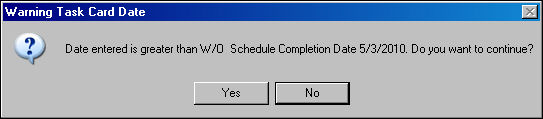
If the Closed On date entered is greater than the W/O Scheduled Completion date, the following error will appear. Select 'Yes' to continue, or 'No' to change the Closed On date. In this example, the user will select 'Yes.'
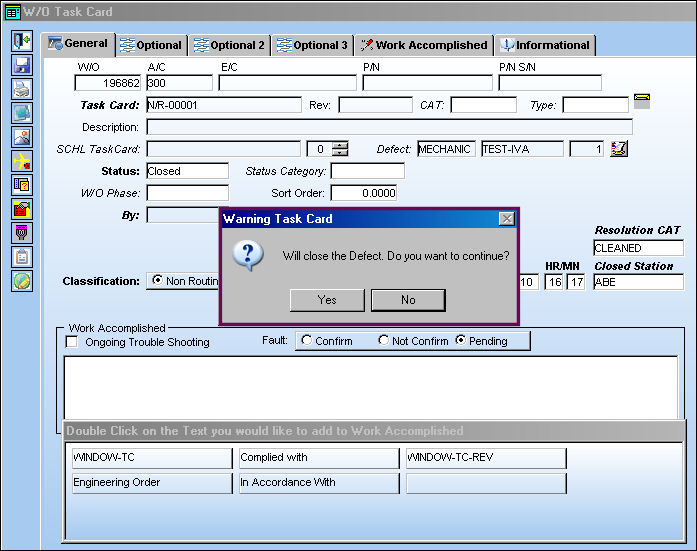
The following error appears, informing the user that the Defect will be closed. Select 'Yes' to continue and close the Defect, or 'No' to exit. In the following example, the user will select 'Yes' and close the Defect.
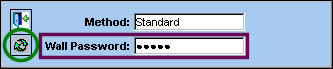
The Wall Password pop-up appears. Enter Wall Password and select the Continue  button. The Save prompt appears. Select 'OK.'
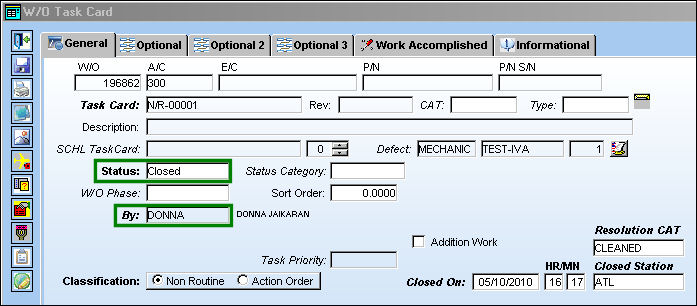
The Task Card is now in 'Closed' status by user 'DONNA.'
TRAX displays the A/C P/N Transaction window. The A/C P/N Transaction option allows users to enter transactions related to parts for the aircraft (removals, installations etc.).
For additional information regarding the A/C P/N Transaction, refer to A/C P/N Transaction which can be found in the Technical Records Training manual.

Share
Print
|
©1997-2026 Trax USA Corp. All rights reserved. This manual may not be copied, photocopied, reproduced, translated, or converted to any electronic or machine-readable form, in whole or in part, without prior written approval from Trax USA Corp. |
 |