
 Share
Share
 Print
Print
|
|
|
|
|


Inventory Initial Button, via P/N N/L/A Installation and Removal
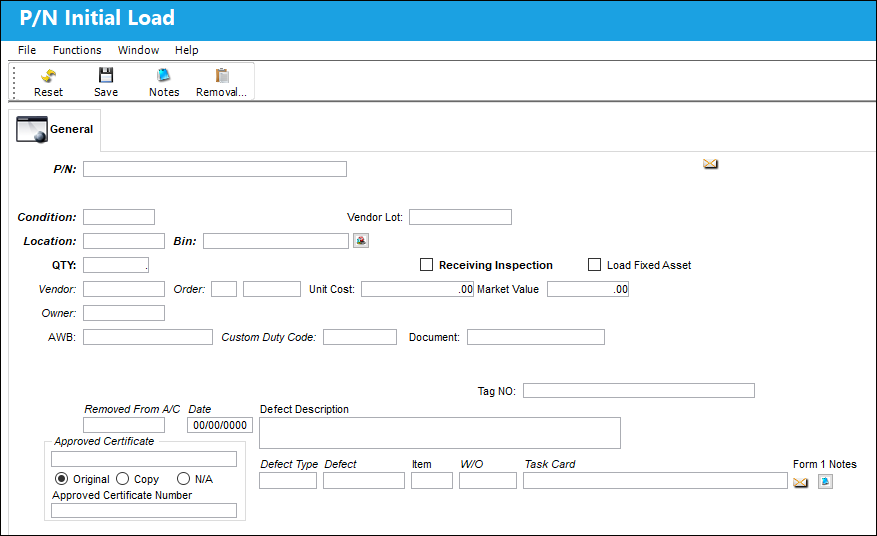
Select the Inventory Initial  button to take you to the P/N Initial Load screen to initially load a part. The P/N Initial Load option is used to enter a part that has no prior history within the system. An example of this is when a part is removed from an older aircraft that was set up in the system, yet the individual parts from the aircraft were not set up.
For additional information regarding this window, refer to the P/N Initial Load window, via the Inventory Training Manual.
Additional information relevant to the record can be included through the Notes  button.
Share
Print
|
©1997-2026 Trax USA Corp. All rights reserved. This manual may not be copied, photocopied, reproduced, translated, or converted to any electronic or machine-readable form, in whole or in part, without prior written approval from Trax USA Corp. |
 |