
 Share
Share
 Print
Print
|
|
|
|
|


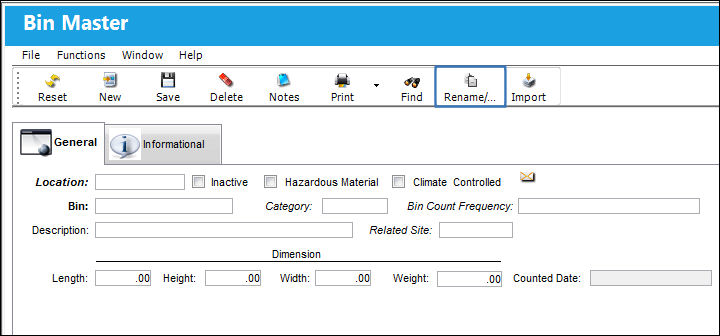
The Rename/Copy  button allows users to copy information from one bin to another or rename a bin.
From the Bin Master window, select the Rename/Copy button.
TRAX displays the Bin Rename/Copy window.
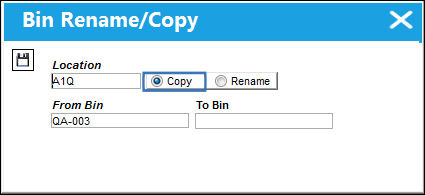
Copy:
To copy the information from one bin to another, select the Copy radio button. In the To Bin field, enter the bin to have the information copied to. Select the Save  button. The Save prompt appears. Select 'OK'.
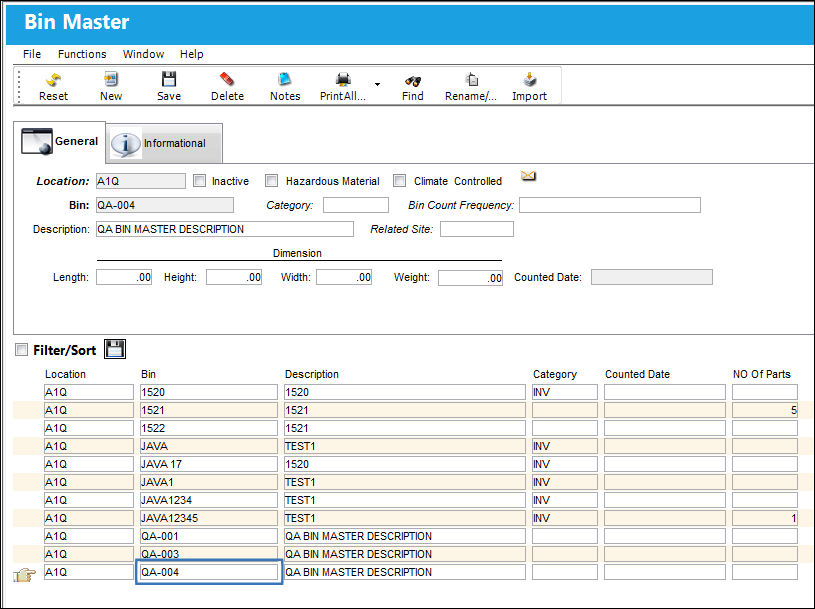
The new bin containing the information from the initial bin appears for the new one, as shown below:
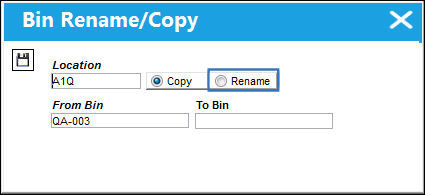
Rename:
To rename a bin, select the Rename radio button. In the To Bin field, enter the new bin reference. Select the Save button. The Save prompt appears. Select 'OK'.
The Bin that has been renamed is no longer in the Bin Master:
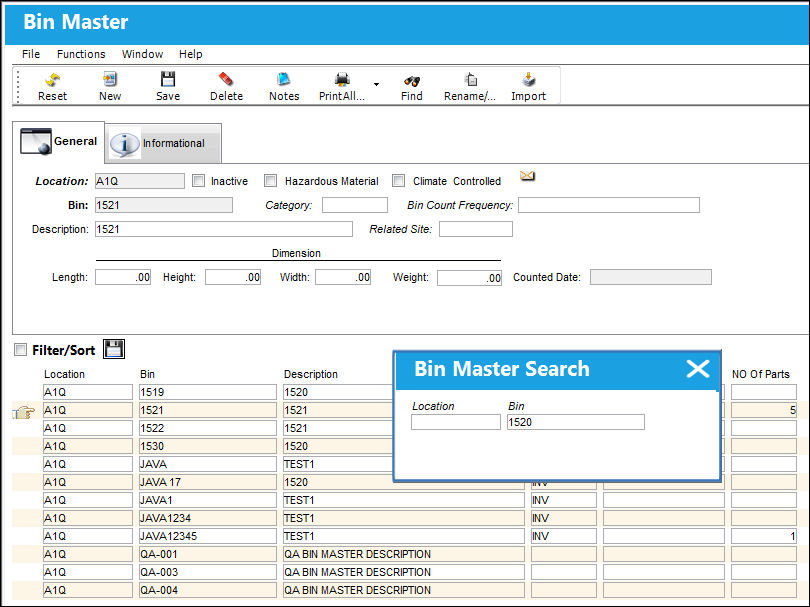
With its new name, the Bin does appear in the Bin Master:
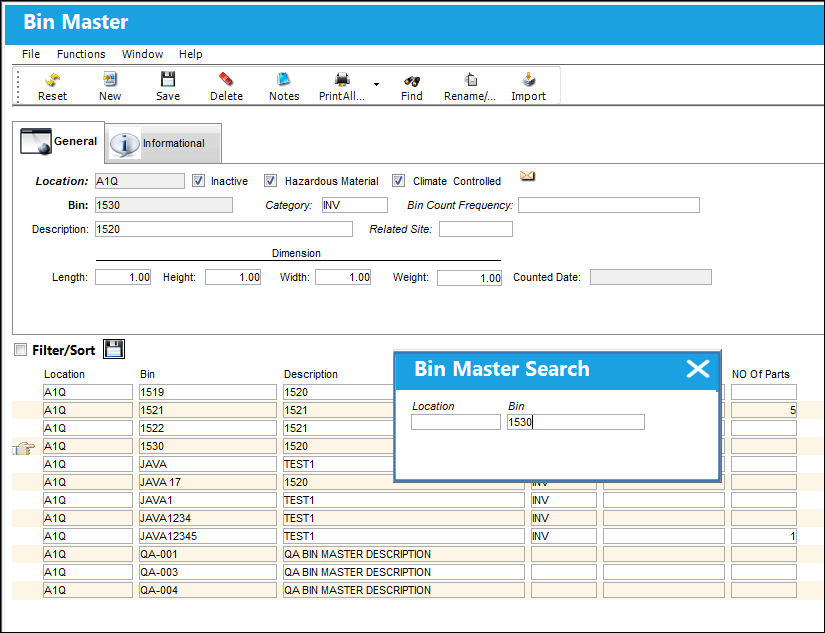
Share
Print
|
©1997-2026 Trax USA Corp. All rights reserved. This manual may not be copied, photocopied, reproduced, translated, or converted to any electronic or machine-readable form, in whole or in part, without prior written approval from Trax USA Corp. |
 |