
 Share
Share
 Print
Print
|
|
|
|
|


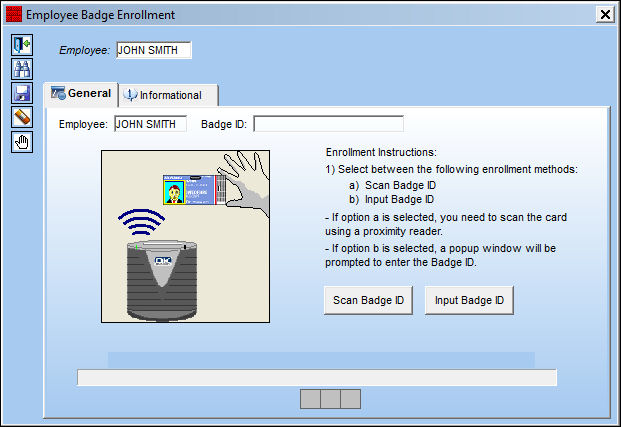
The user must scan the card on the Proximity Card sensor that has been installed on the PC. A blue light will appear on the bottom of the screen showing the user when to scan the card.
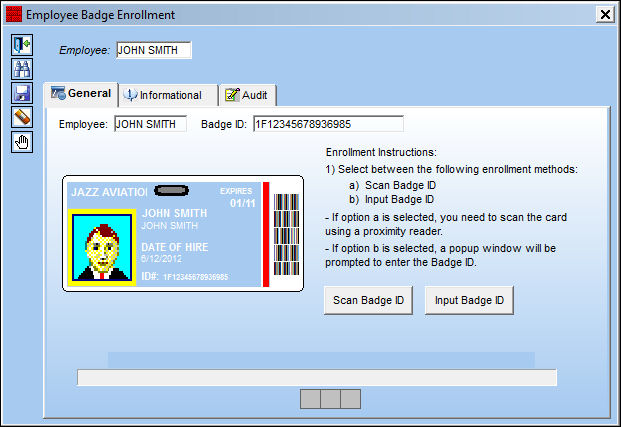
Once the card is scanned, the Badge ID will appear as shown below, and the enrollment will appear completed at the bottom of the screen. Go to the TRAX log on window.
The Badge scanner will appear on the Log On to TRAX window. Select the Prox Card radio button. Scan the card once more.
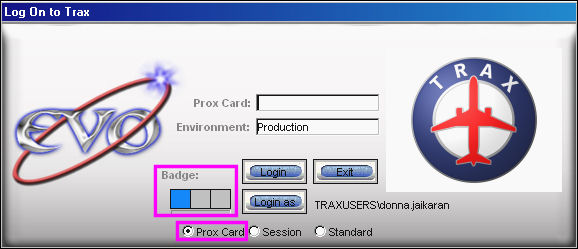
The screen will show the status of the reader:
- Blue light - active and waiting for scan.
- Yellow lights - scan in progress.
- Green Lights - user authenticated.
- Red Lights - user not authenticated.
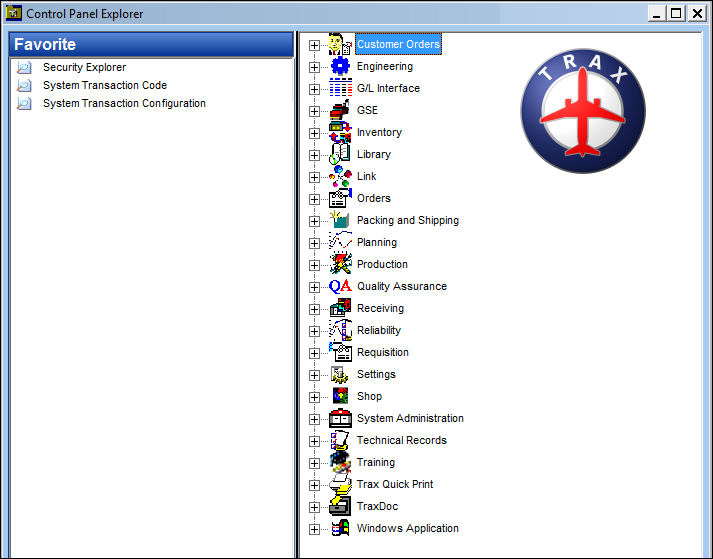
The user is signed in and the TRAX control panel is displayed below:
Share
Print
|
©1997-2026 Trax USA Corp. All rights reserved. This manual may not be copied, photocopied, reproduced, translated, or converted to any electronic or machine-readable form, in whole or in part, without prior written approval from Trax USA Corp. |
 |