
 Share
Share
 Print
Print
|
|
|
|
|


The XML Detail Panel allows the user to add specific data such as zones, panels, parts, graphics and references to the XML.
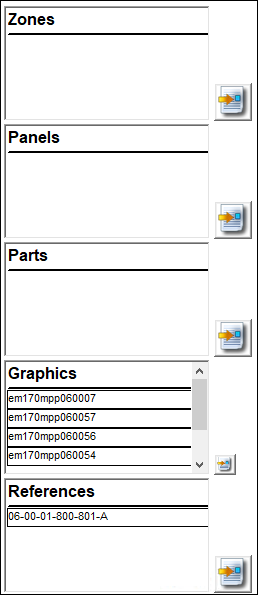
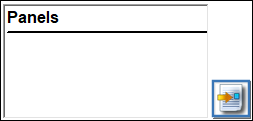
From the Panels section, select the New  button.
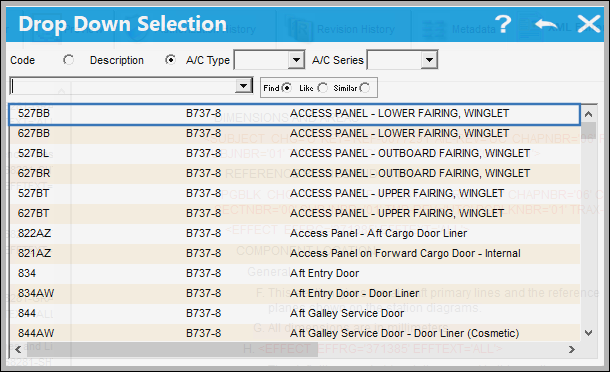
TRAX displays the following Drop Down Selection window. Select a panel and double click.
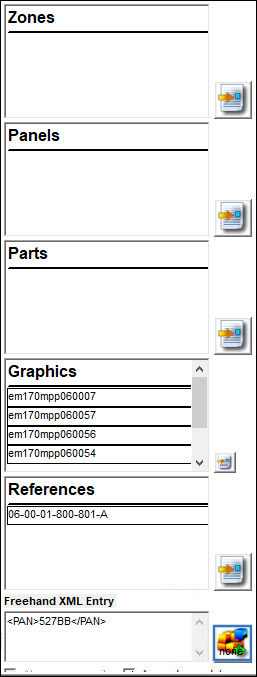
The information for the selected panel appears in the XML Freehand Entry Panel. Drag and drop the below button to the spot the user would like to add the panel in the XML Text Editor Panel.
Select from one of the following options.
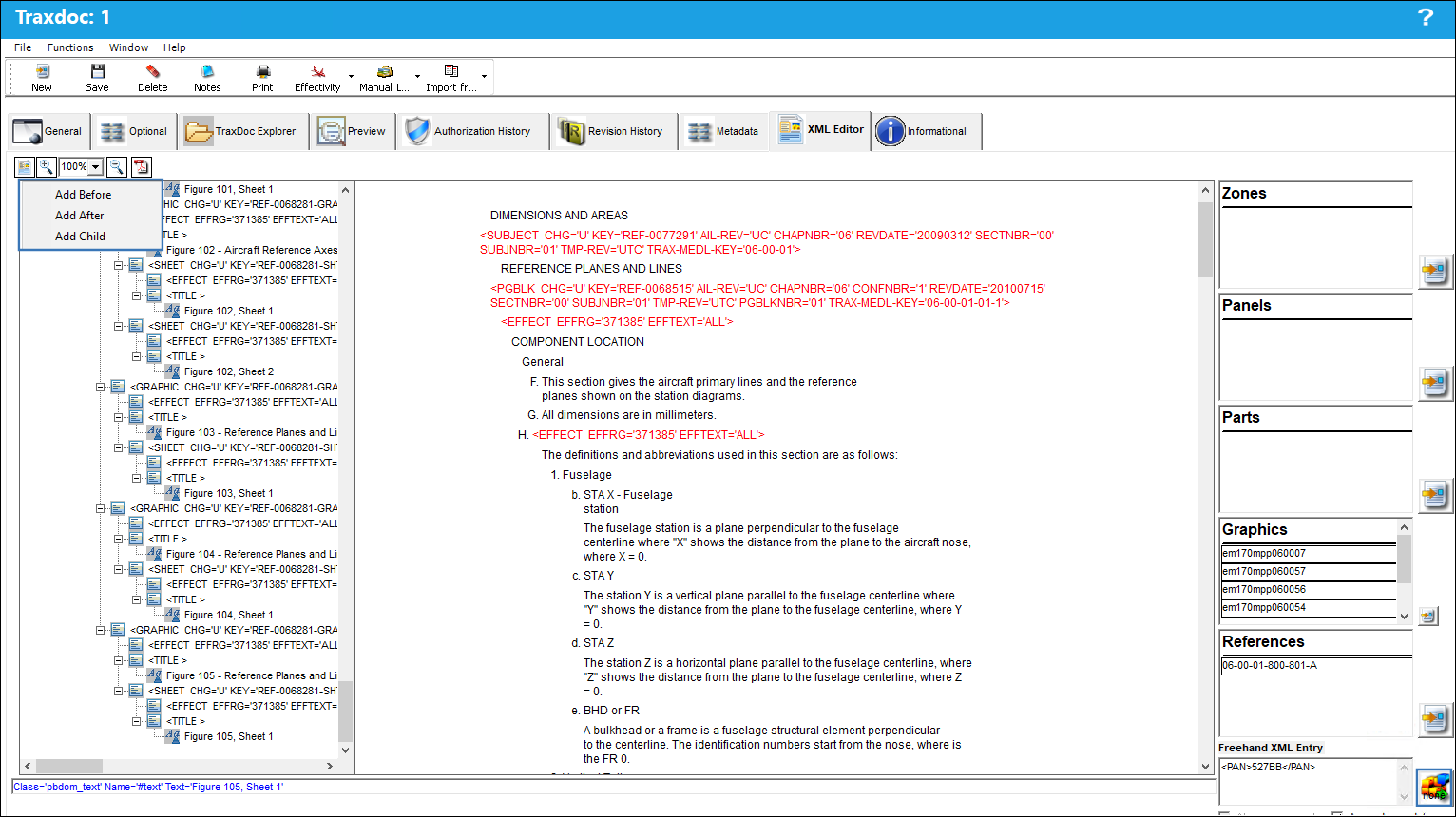
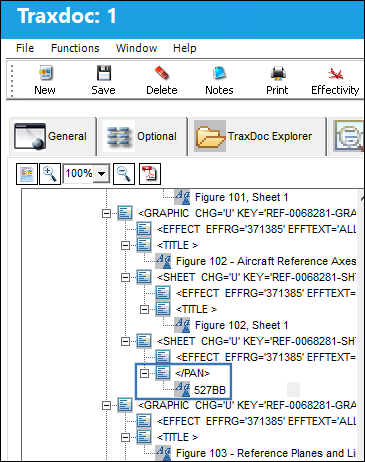
The panel is added, as shown below:
Share
Print
|
©1997-2026 Trax USA Corp. All rights reserved. This manual may not be copied, photocopied, reproduced, translated, or converted to any electronic or machine-readable form, in whole or in part, without prior written approval from Trax USA Corp. |
 |