
 Share
Share
 Print
Print
|
|
|
|
|


The XML Freehand Entry Panel allows the user to add information to the XML Tree View Panel, and/or the XML Text Editor Panel.
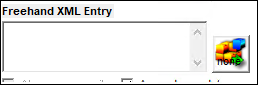
The following information/options are available in this window:
_____________________________________________________________________________________
Warn on overwrite checkbox
When this checkbox is selected, the system prompt the user with the following warning "Existing data in the XML Freehand pane will be deleted. Proceed?" when an XML entry is being added and will replace an existing entry.
If both checkboxes are deselected, the system will not prompt the user with a warning when an XML entry is added.
Append new data
When this checkbox is selected, there will not be a prompt warning the use when an XML entry is added. This checkbox is selected by default.
Drag  button
Select this button to drag and drop and information that is to be added to XML Tree View Panel and/or the XML Text Editor Panel. For additional information, refer to the XML Detail Panel, via TraxDoc Document Detail, XML Editor Tab of the TraxDoc Training Manual.
_____________________________________________________________________________________
Select the New  button to add a Zone to the XML Text Editor Panel.
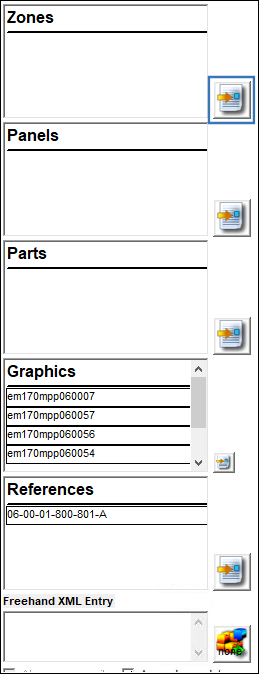
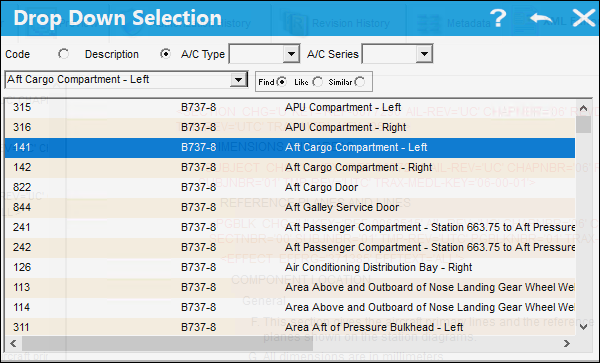
From the Drop Down Selection window, select a panel and double click.
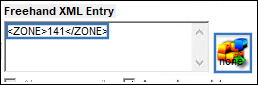
The zone information is auto populated in the XML Freehand Entry Panel. Select the Drag  button and drop the zone in the desired location within the XML Text Editor Panel.
In the following example, the user has selected the 'Add After' option:
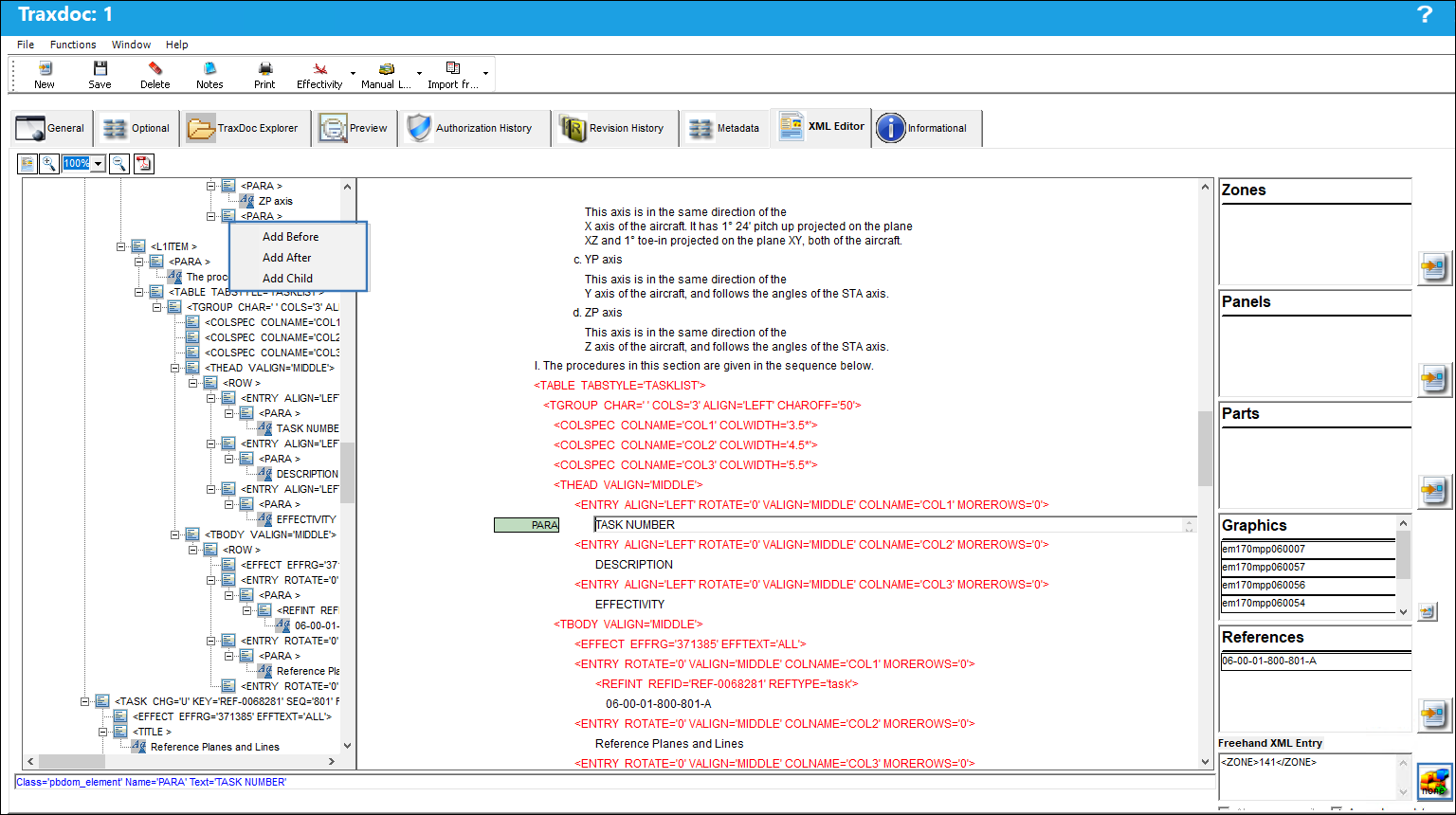
The zone is added as shown below:
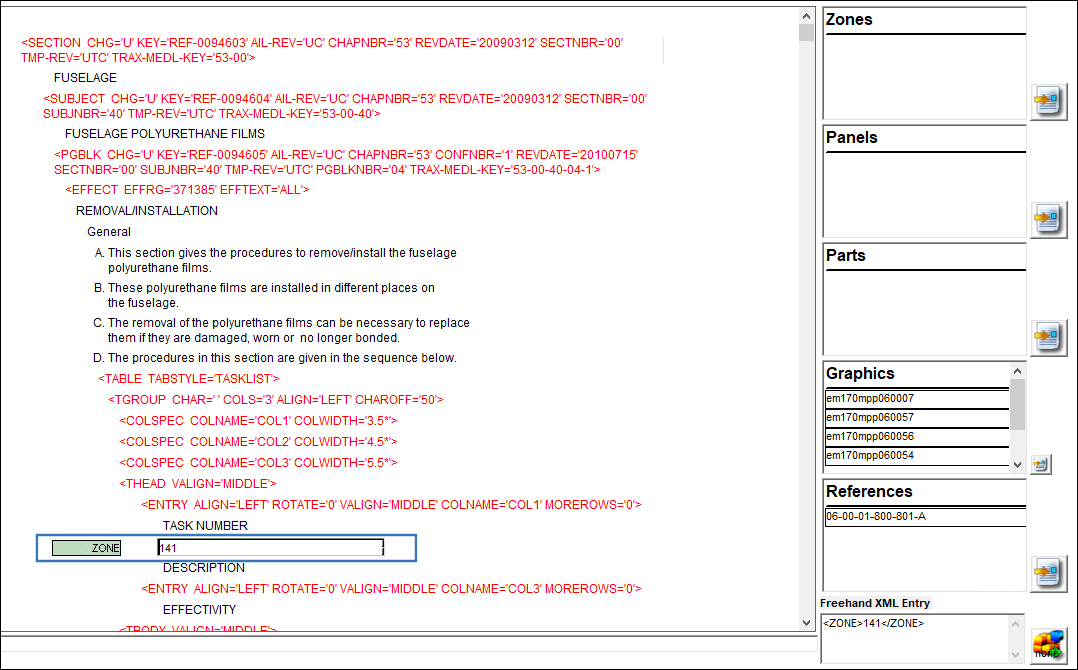
Share
Print
|
©1997-2026 Trax USA Corp. All rights reserved. This manual may not be copied, photocopied, reproduced, translated, or converted to any electronic or machine-readable form, in whole or in part, without prior written approval from Trax USA Corp. |
 |