
 Share
Share
 Print
Print
|
|
|
|
|


The XML Text Editor Panel allows users to manipulate the text within this panel to satisfy OEM or Internal Airline Manual Temporary Revisions.
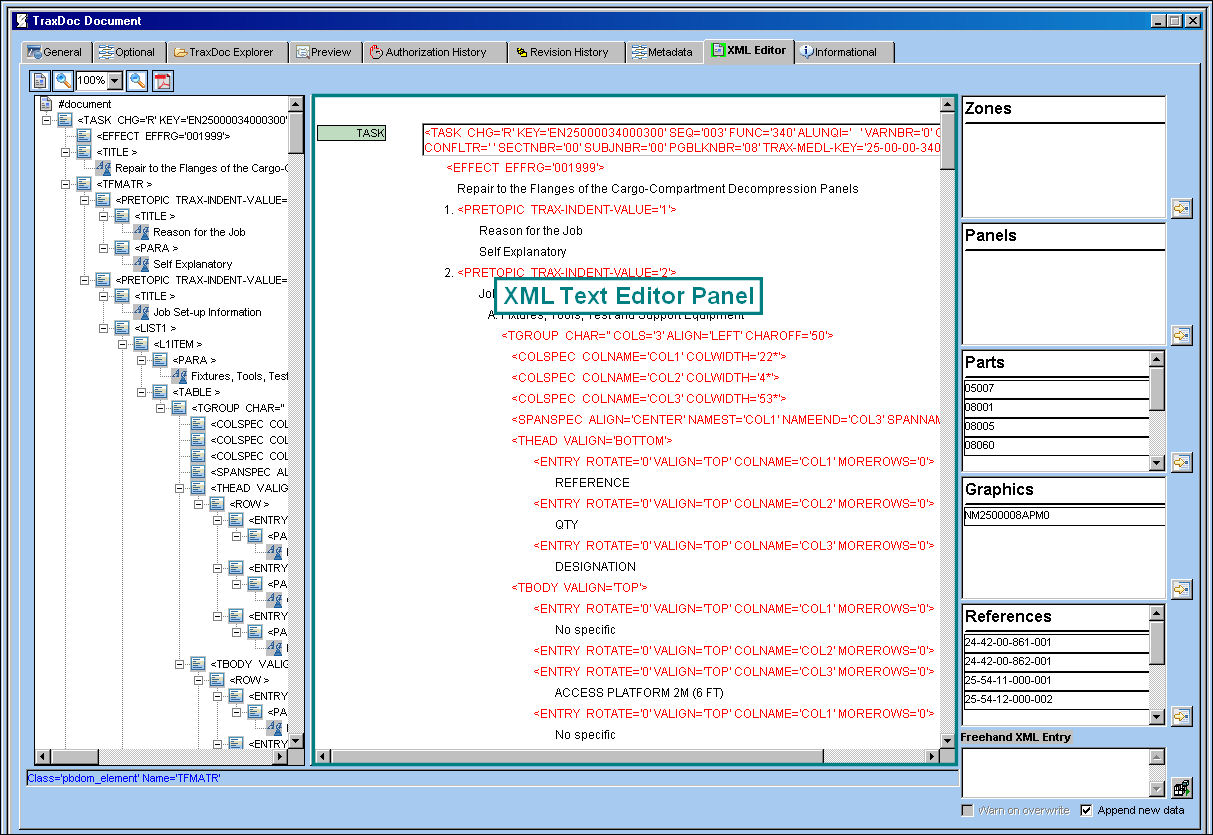
TRAX opens the image, file or folder in the TraxDoc Document Detail, XML Editor tab. Here, the user may scroll through the document and edit any information that is in black text.
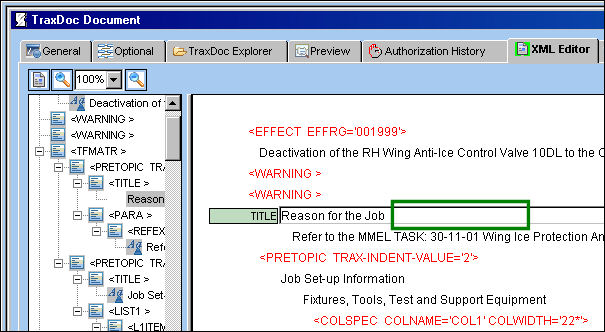
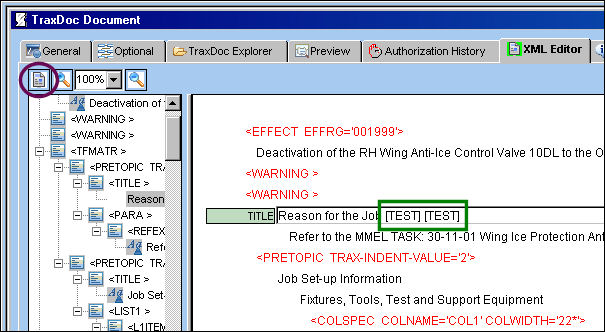
The following text was added. Select the Save  button.
Select the Publish Document  button.
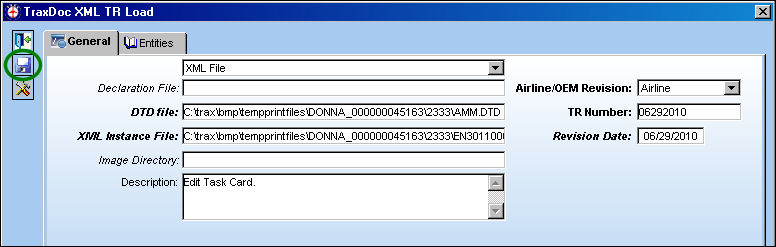
The TraxDoc XML TR Load window appears. Populate all mandatory and optional information and select the Save button.
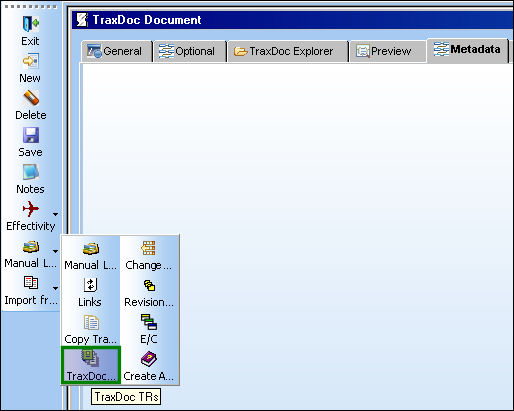
The system takes the user to the TraxDoc Document Detail, Metadata tab. Select the TraxDoc TRs  button.
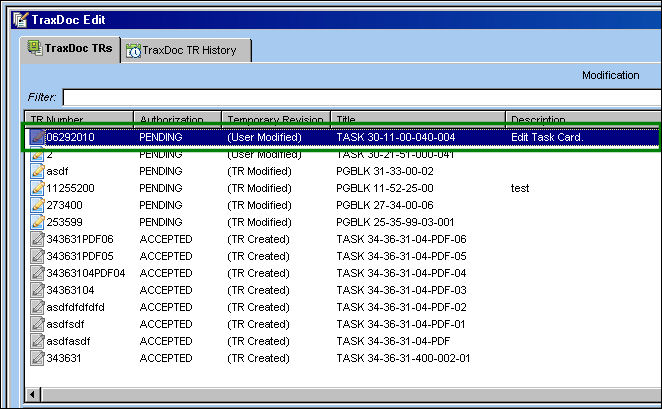
The system takes the user to the TraxDoc Edit window. Double click on the Revision.
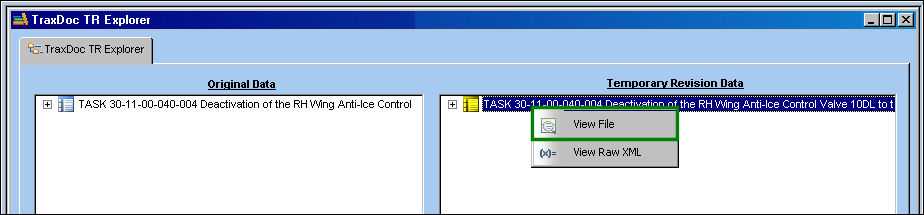
The TR appears in the right panel of the TraxDoc TR Explorer window. Right click on the TR and select the View File  button.
The file is loaded in the bottom right panel of the TraxDoc TR Explorer window:
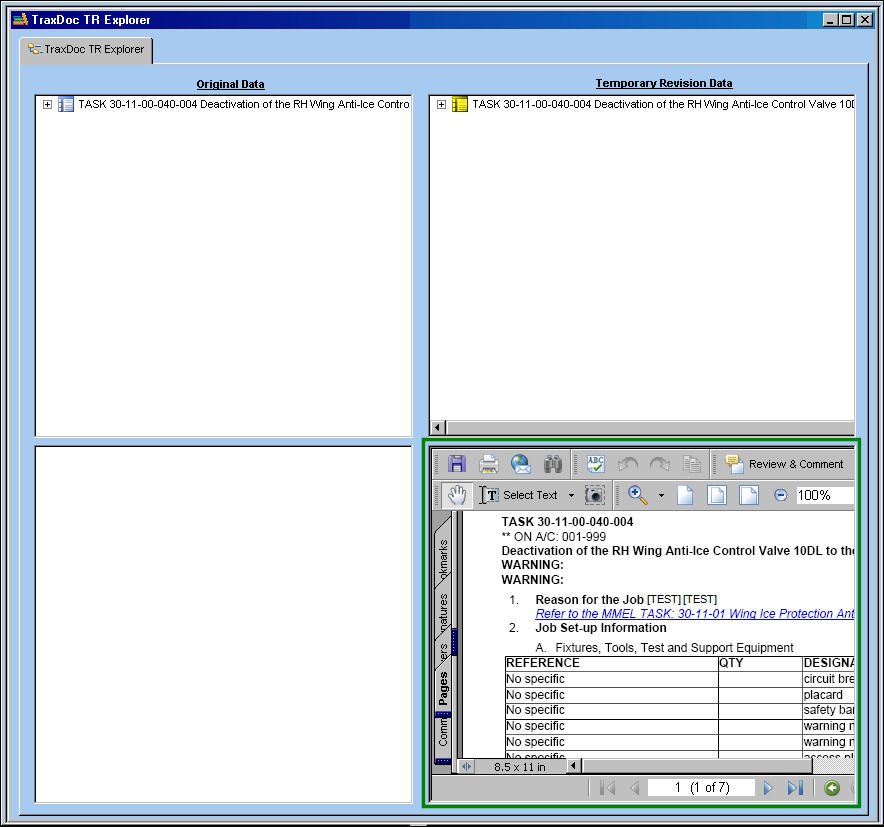
The document has been updated with the edits:
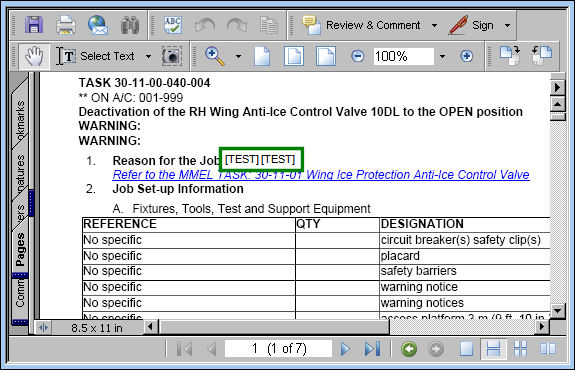
Place the cursor in the highlighted box to edit the text:

The text has been edited as shown below:

Buttons:
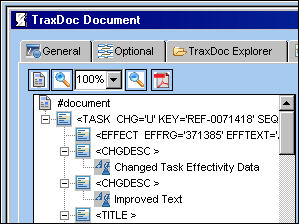
The following information/options are available in this window:
_____________________________________________________________________________________
Publish Document button
Select this button to publish a document once and text has been edited.
Zoom  buttons
Select either zoom buttons to zoom in/out of the XML Text Editor Panel, or select from the zoom drop down to select a particular zoom percentage.
Preview as PDF  button
Select this button to view the document in PDF.
_____________________________________________________________________________________
Share
Print
|
©1997-2026 Trax USA Corp. All rights reserved. This manual may not be copied, photocopied, reproduced, translated, or converted to any electronic or machine-readable form, in whole or in part, without prior written approval from Trax USA Corp. |
 |