
 Share
Share
 Print
Print
|
|
|
|
|


MURATA - Enables MURATA Interface

Enables MURATA Interface
Affected Window: w_inventory_detail_qry
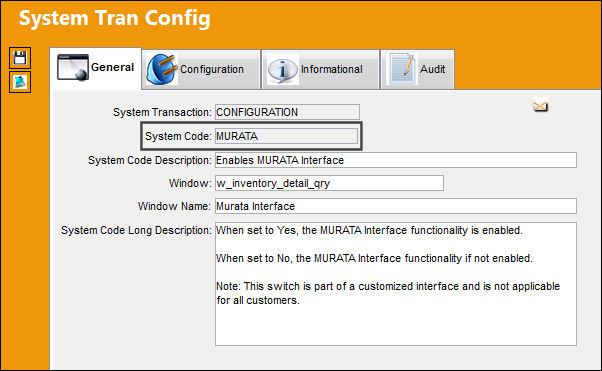
 This Switch is part of a customized interface and is not applicable for all customers. For more information consult a TRAX System Administrator.
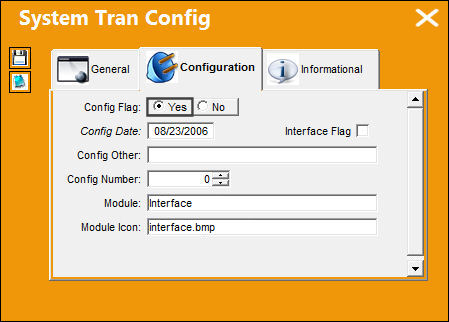
Switch Set to Yes:
When set to Yes, the MURATA Interface functionality is enabled. The Config Number field indicates the interval of minutes for the Murata Queue to refresh (by default it is set to every '1' minute).
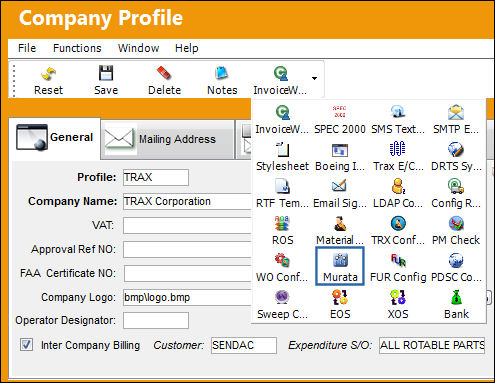
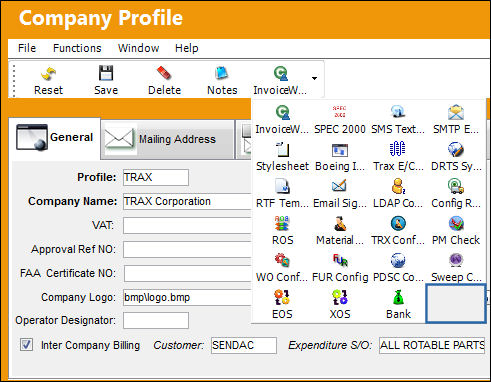
For example, notice that the Murata  button of the Company Profile window is available. All Murata Interface functionality if configured through this button.
Switch Set to No:
When set to No, the MURATA Interface functionality if not enabled.
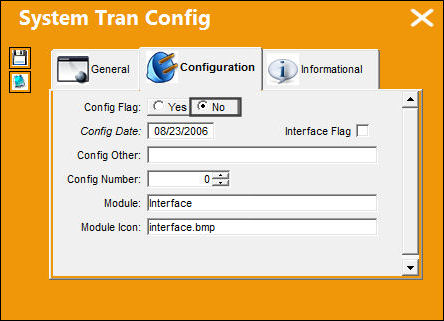
For example, notice that the Murata button of the Company Profile window is not available.
Share
Print
|
©1997-2026 Trax USA Corp. All rights reserved. This manual may not be copied, photocopied, reproduced, translated, or converted to any electronic or machine-readable form, in whole or in part, without prior written approval from Trax USA Corp. |
 |