
 Share
Share
 Print
Print
|
|
|
|
|


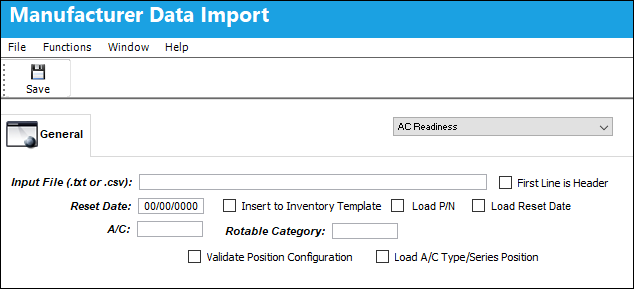
The system now allows the user to decide upon the location in which to save the exception file.
The file has been populated in the Input File (.txt or .cvs) field. Populate all mandatory and desired fields and select the Save  button.
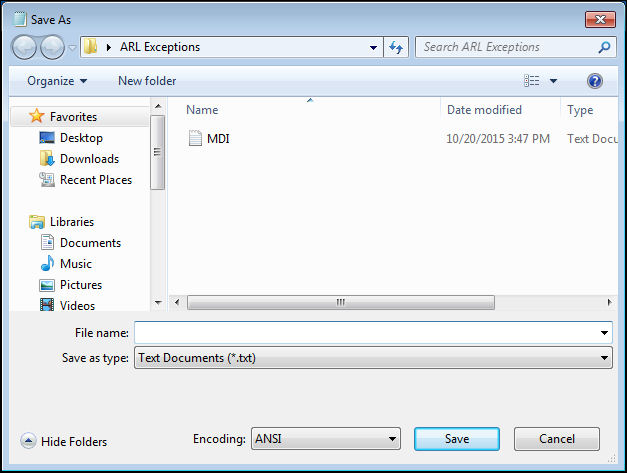
The Save As window appears allowing the user to specify where to save the exception file to:
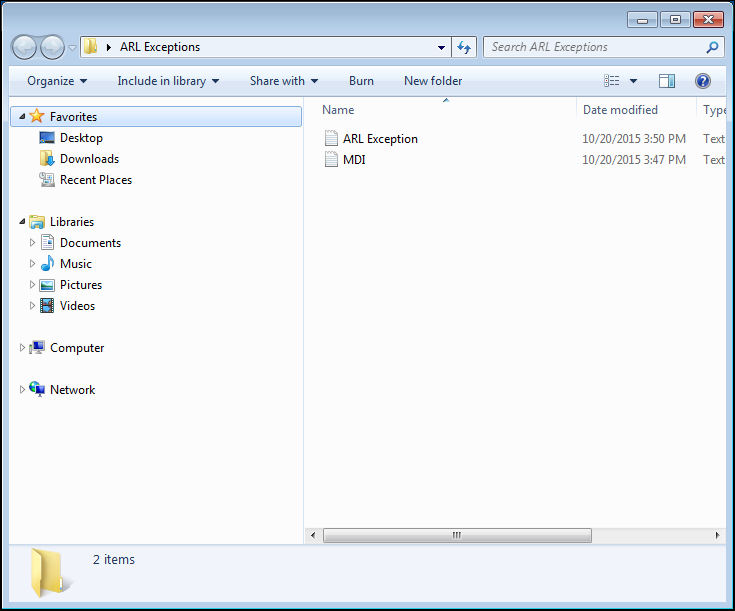
The exception file was saved as shown below:
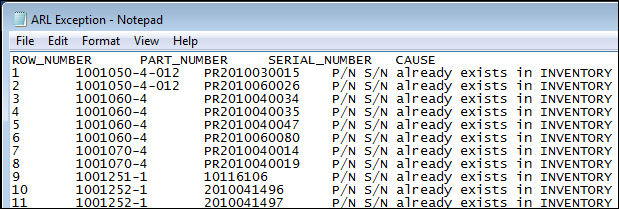
The exception file can be retrieved successfully:
Share
Print
|
©1997-2026 Trax USA Corp. All rights reserved. This manual may not be copied, photocopied, reproduced, translated, or converted to any electronic or machine-readable form, in whole or in part, without prior written approval from Trax USA Corp. |
 |