
 Share
Share
 Print
Print
|
|
|
|
|


Export Process, via TRAX Release System Upload
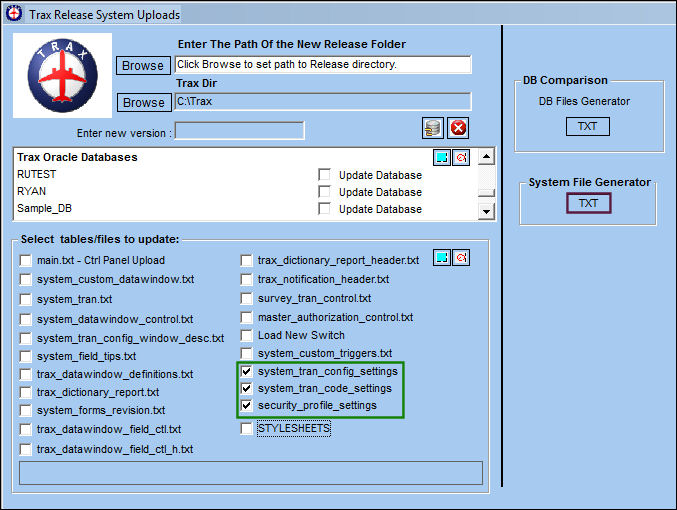
To begin the export process, select from the list of tables and files to export. In the below example, the user has elected to export system transaction switches, transaction codes and security profiles. Once tables/filter have been selected, select the System File Generator  button.
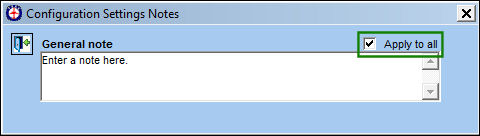
TRAX Configuration Setting Notes pop up appears. The user may add general notes in this window. Deselect the Apply to all checkbox.
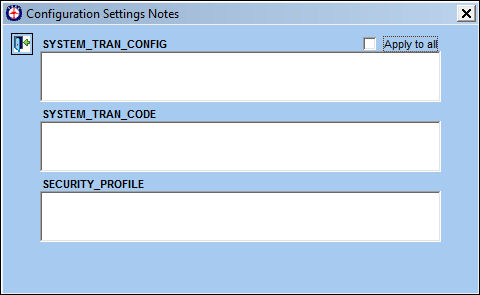
Here, the user may add notes for each individual table/file being exported:
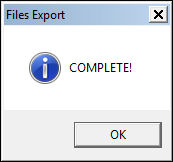
Once the export is complete, the following information box will appear:
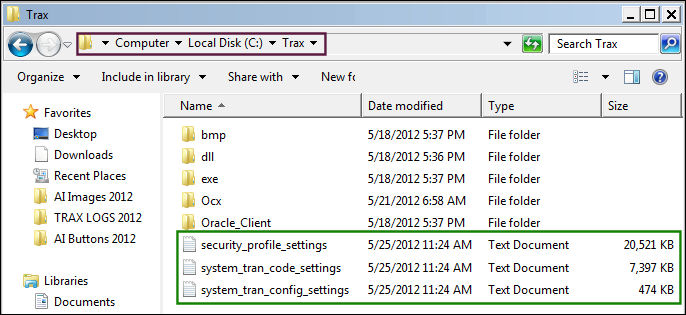
The files have been correctly exported to the following location:
Share
Print
|
©1997-2026 Trax USA Corp. All rights reserved. This manual may not be copied, photocopied, reproduced, translated, or converted to any electronic or machine-readable form, in whole or in part, without prior written approval from Trax USA Corp. |
 |