
 Share
Share
 Print
Print
|
|
|
|
|


Physical Inventory Count Dashboard, Gantt View Tab

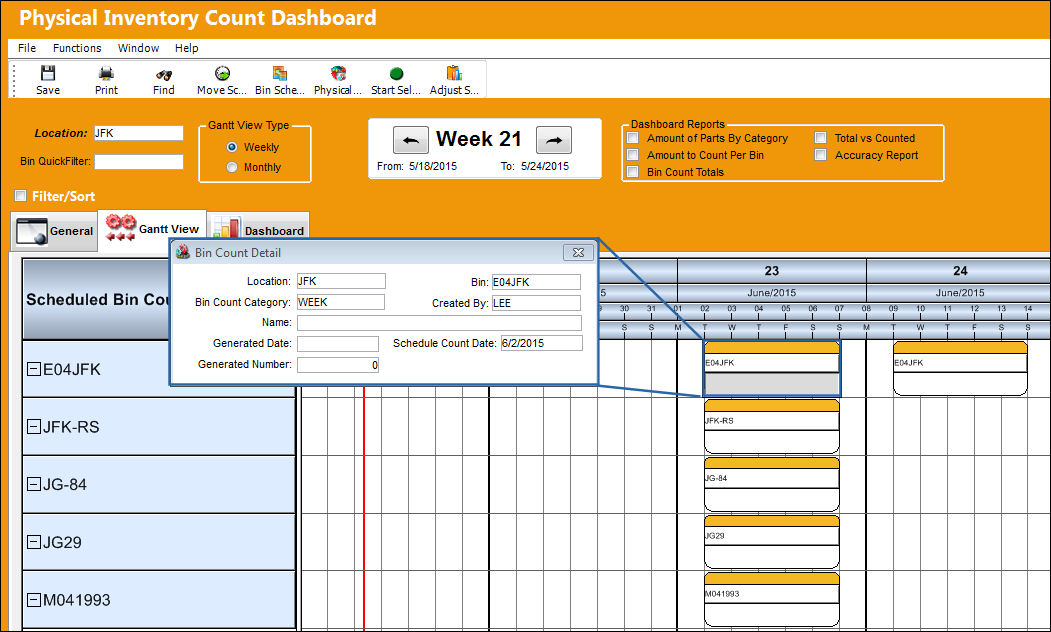
The Physical Inventory Count Dashboard, Gantt View tab can be utilized to view the scheduled counts in a weekly timeline. The user also has the capability to view the progress and details of each scheduled count. The Gantt View also allows the user to adjust the scheduled count of a bin to an earlier or later time if desired or necessary. This option is useful in the event that a scheduled bin count was not performed for whatever reason (i.e. too many counts were scheduled for the week, their was not enough time to complete a bin count, the bin count was scheduled for the wrong week, etc.).
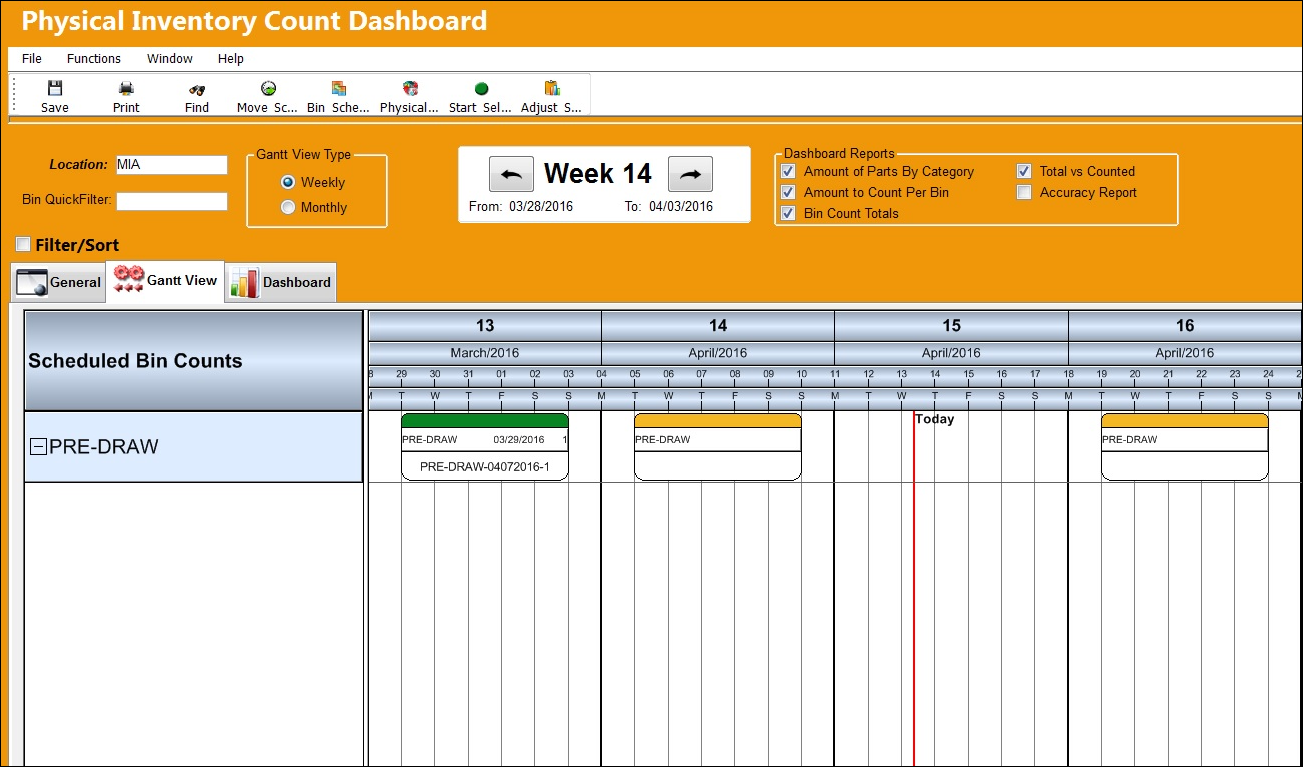
View the following information:
Count Node |
Function |
Yellow Node
|
Represents a Count. The yellow node indicates that the Count has not yet been started. |
Green Node
|
Represents a Count. The green node indicates that the Count has been started. |
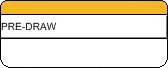
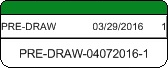
The Schedule of the Scheduled Count can be changed by dragging its node and dropping it on a new date of the timeline.
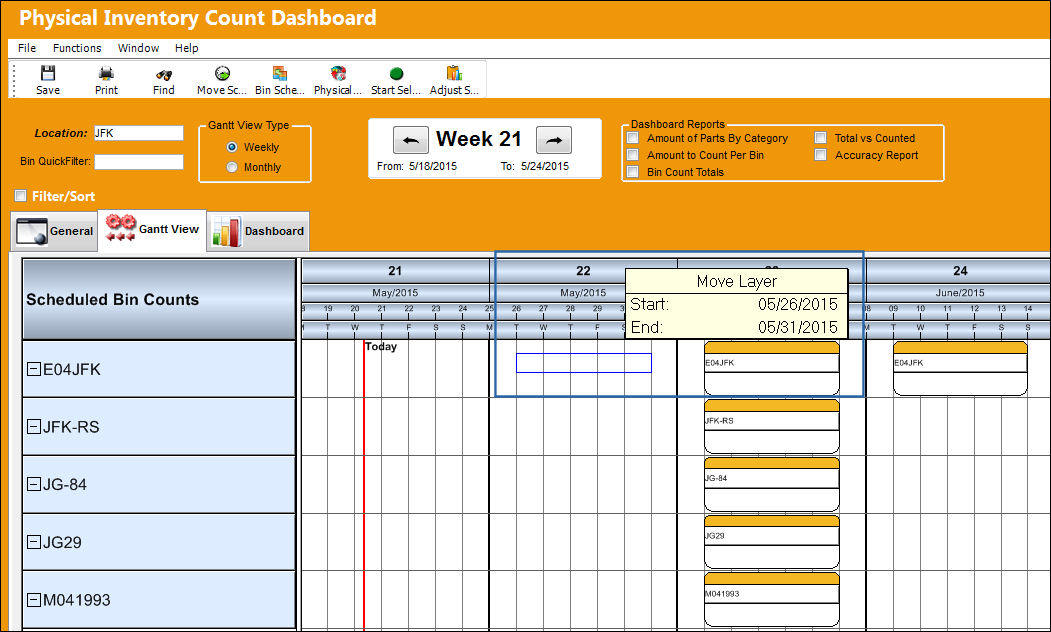
Each Scheduled Count can be selected into, through double-clicking, to view the Bin Count Detail.
Share
Print
|
©1997-2026 Trax USA Corp. All rights reserved. This manual may not be copied, photocopied, reproduced, translated, or converted to any electronic or machine-readable form, in whole or in part, without prior written approval from Trax USA Corp. |
 |