
 Share
 Print
|
|
|
|
|


New Button, via Standard Buttons
The New  button (also displayed as the New Detail button) is a standard button found throughout the system. The following is just one example of the New button, as displayed in one module, but has similar functions in other modules.
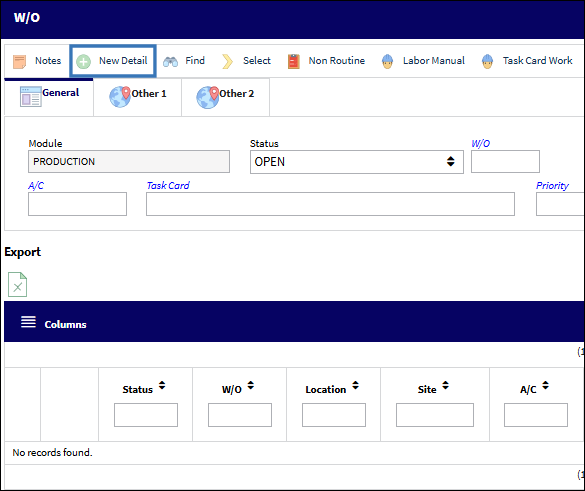
Select the New button to enter new information or records. In the following example, the user will create a new Work Order record.
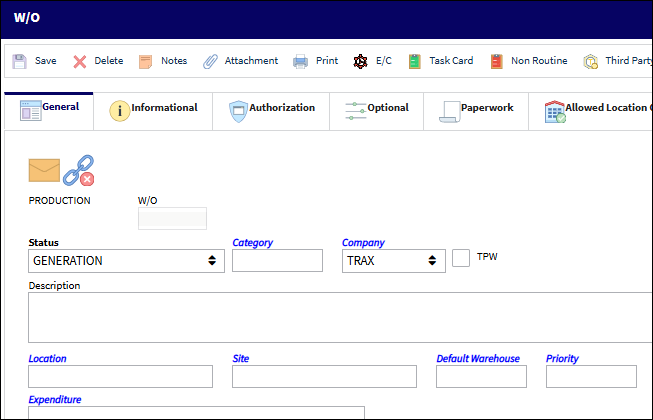
A window for a new Work Order appears. Populate all mandatory fields then save to create the new Work Order record.
Share
Print
|
©1997-2026 Trax USA Corp. All rights reserved. This manual may not be copied, photocopied, reproduced, translated, or converted to any electronic or machine-readable form, in whole or in part, without prior written approval from Trax USA Corp. |
 |