
 Share
 Print
|
|
|
|
|


Favorites Button, via Standard Buttons
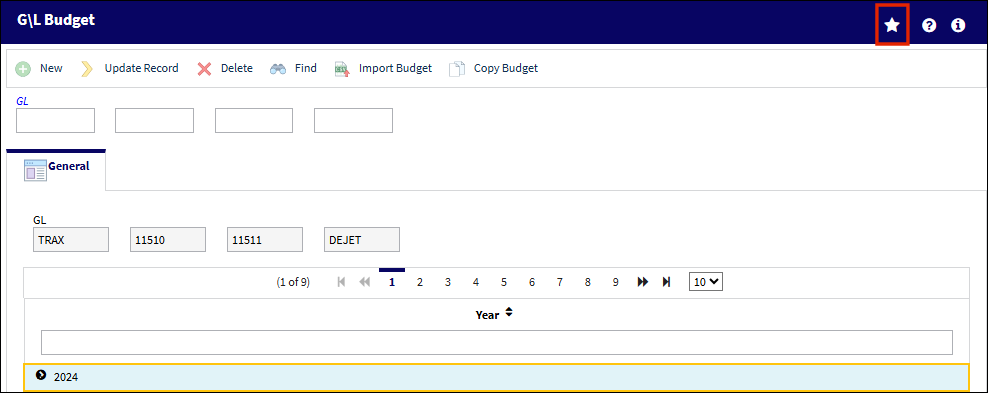
The Favorite  button located on the top right hand side of a window's tool bar, is used to add the relevant window to the Favorites drop-down in the Navigation Panel.
Select the Favorites button.
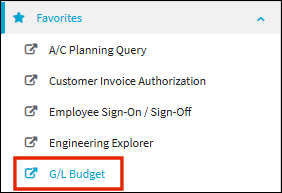
From the Favorites drop-down in the Navigation Panel, the window has been successfully saved to the Favorites drop-down.
For more information, refer to Favorites Queue, via Navigation Panel via the System Standards Manual.
Share
Print
|
©1997-2026 Trax USA Corp. All rights reserved. This manual may not be copied, photocopied, reproduced, translated, or converted to any electronic or machine-readable form, in whole or in part, without prior written approval from Trax USA Corp. |
 |