
 Share
 Print
|
|
|
|
|


Filter/Sort Button, via Standard Buttons

The Filter/Sort  button appears throughout the multiple windows in the system and is used to define the search criteria for records associated with the associated module and window. Select the button to display the different Filter/Sort options available.
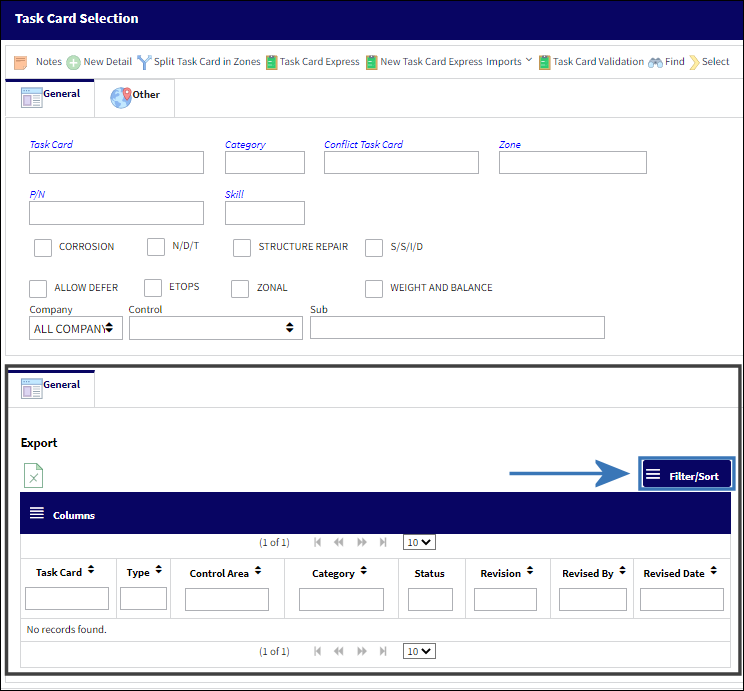
Note: This button is not available for any Print modules.
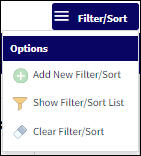
The following functionalities are available within this button:

Changes made using the Filter/Sort button are specific to the associated window and current user. Options added via the Filter/Sort button remain in the system after the user's session ends, but are not available to a different user unless it is re-added during the new user's session.
Share
Print
|
©1997-2026 Trax USA Corp. All rights reserved. This manual may not be copied, photocopied, reproduced, translated, or converted to any electronic or machine-readable form, in whole or in part, without prior written approval from Trax USA Corp. |
 |