
 Share
 Print
|
|
|
|
|



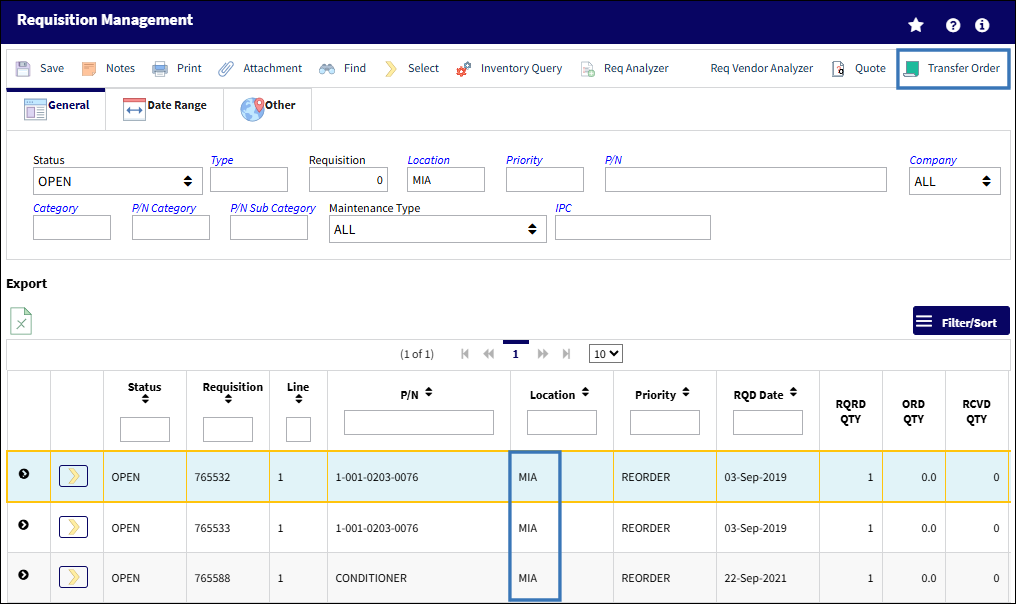
From the Requisition Management window, users are able to create a Transfer Order for all requisitions from the same Location. The parts being transferred to the Requisition Location through the T/O must come from the same Location.
The Transfer Order  button can only be selected when all of the listed Requisitions pertain to the same Location.
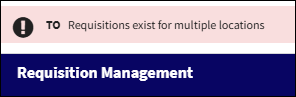
Note: If multiple Locations are listed, the following warning prevents users from selecting the Transfer Order button.
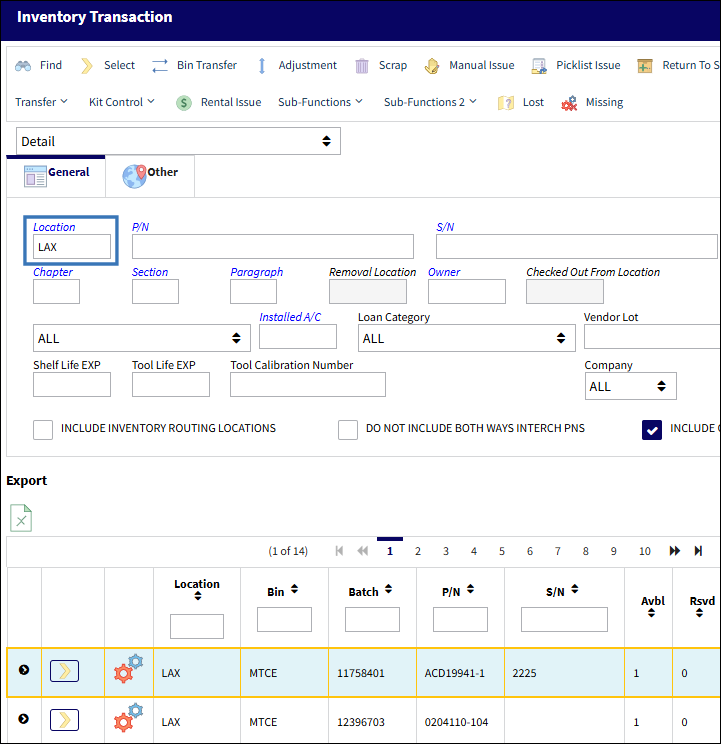
From the Inventory Transaction window, notice that the two required parts are available at a Location that's different from the Requisition Location.
Requisitions are created for the desired parts.
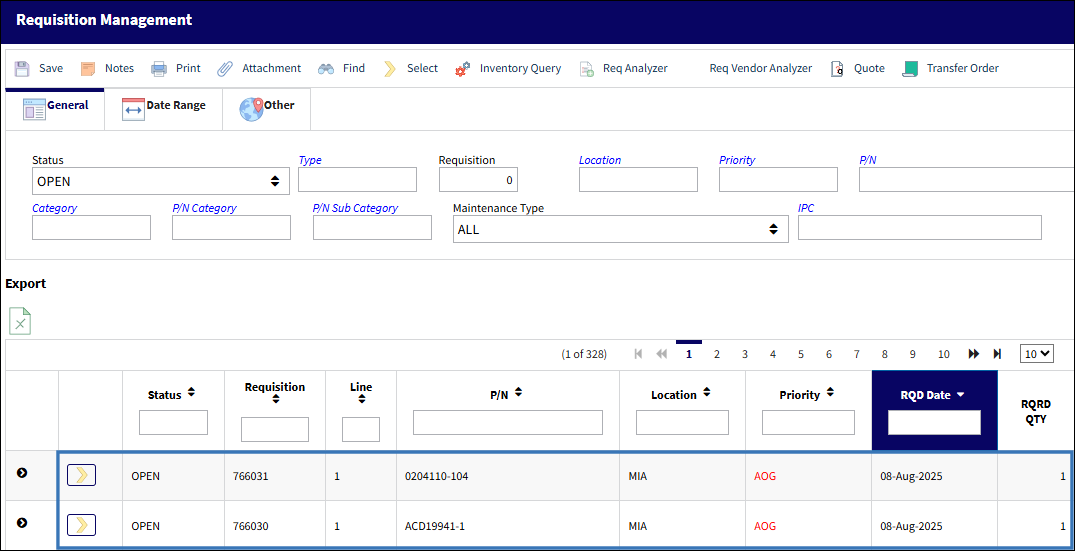
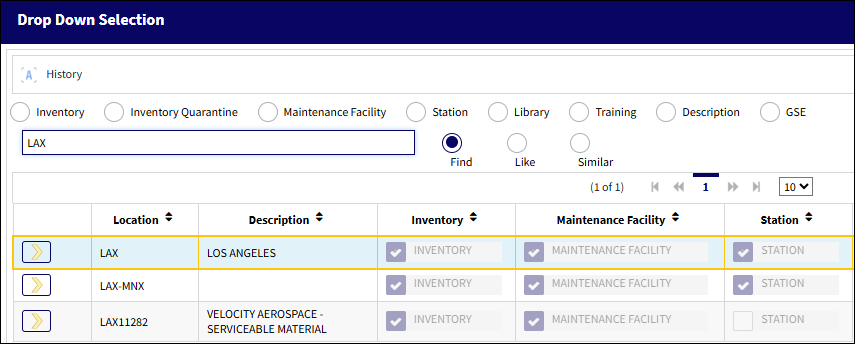
From the Requisition Management window, select the Transfer Order button, then choose the inventory Location where the parts are available. The parts will be transferred from this Location to the Requisition Location.
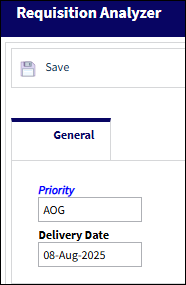
Enter the Priority and the Delivery Date for the T/O in the following prompt. Once entered, select the Save  button to create the T/O.
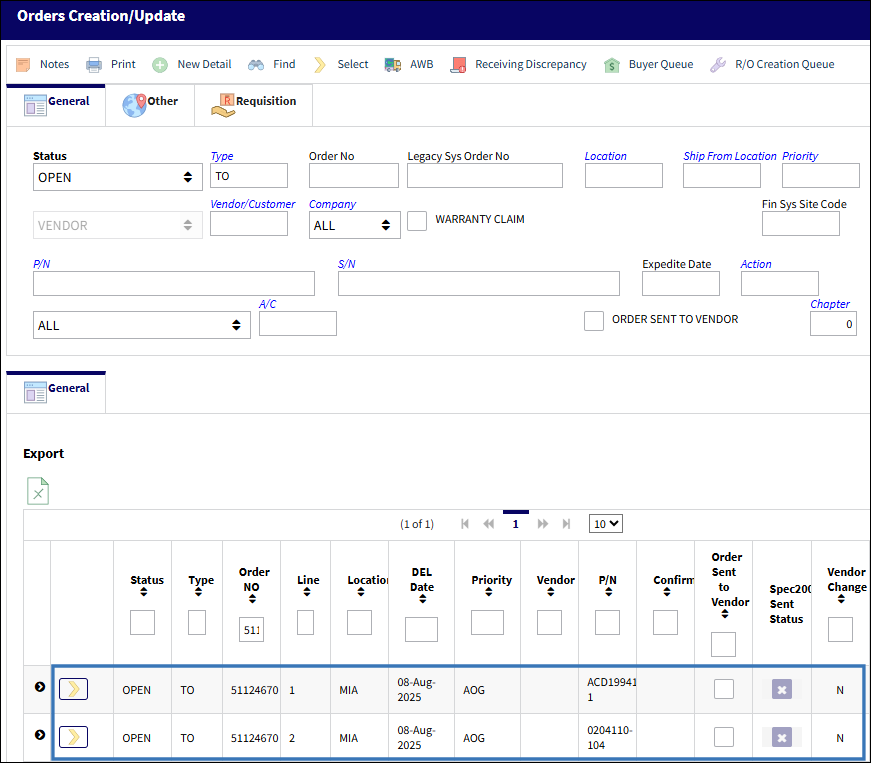
From the Orders Creation Update, via the Orders Module, the newly created Transfer Order is visible.
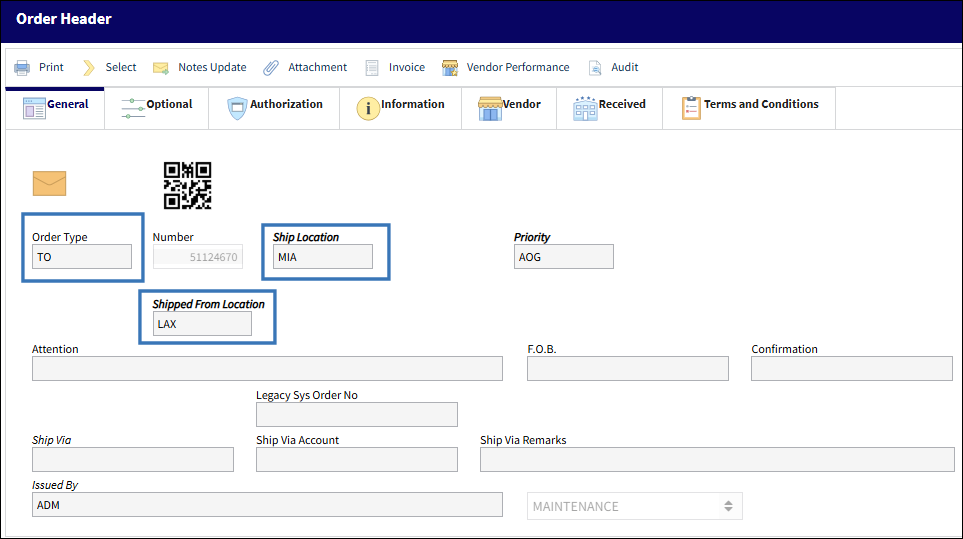
The Order Header is populated with the all the updated information for the Transfer Order. The Shipped From Location and Ship Location have been automatically populated based on the selected inventory Location and the Requisition Location, respectively.
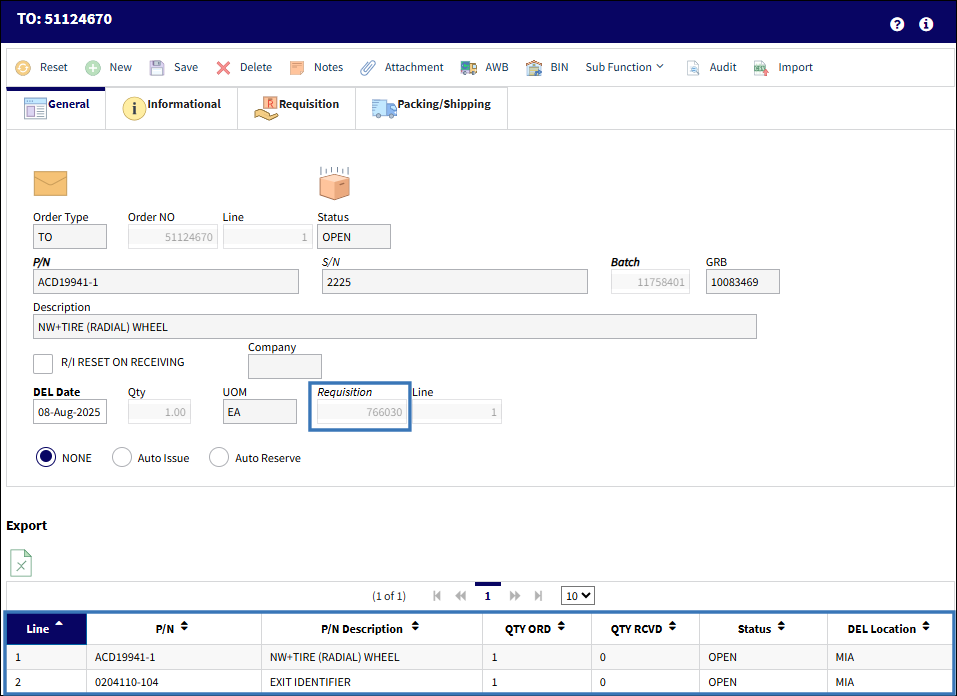
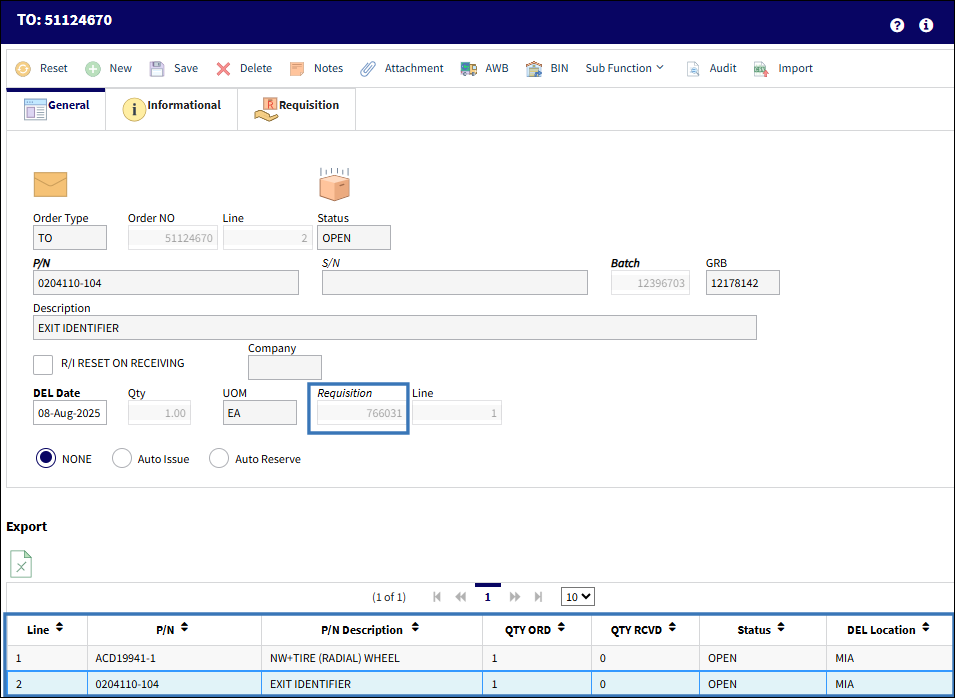
Notice that this is a single T/O that compiles all of the Location's Requisitions. From the Requisition tab, notice that the first P/N came from one Requisition number...
...while the second P/N came from another Requisition number.
Verify all information then save the T/O.
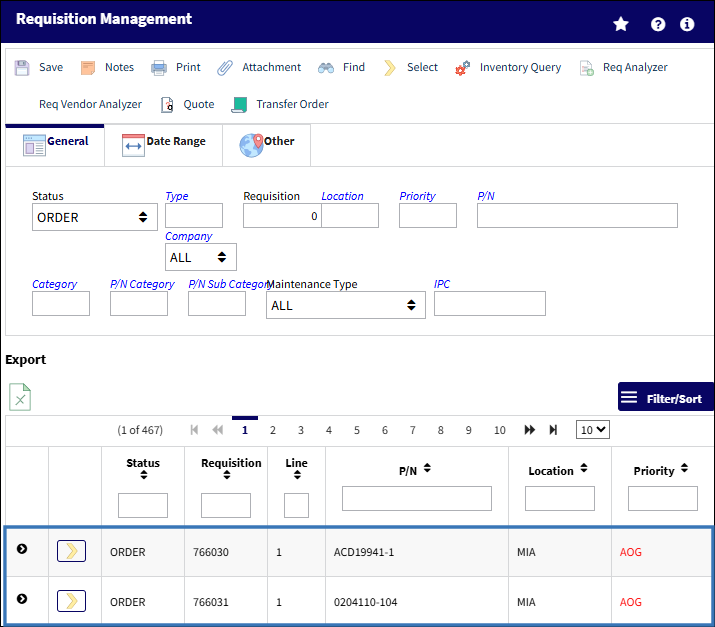
Refresh the Requisition Management window and notice that the Requisitions now are under 'ORDER' Status.
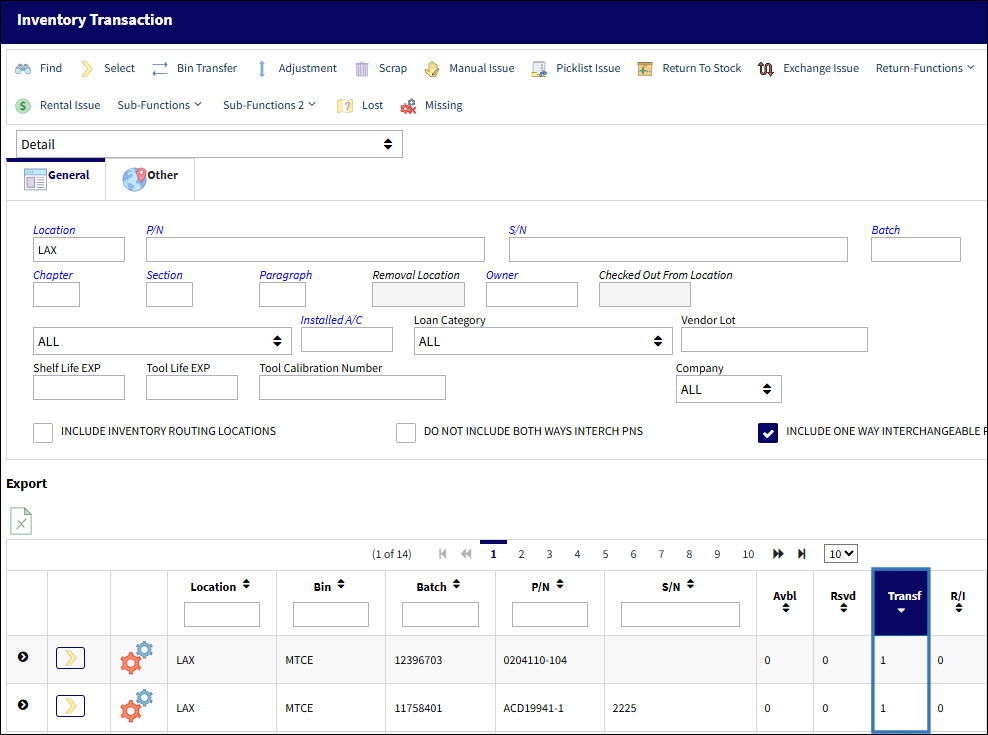
Notice that the parts from the inventory Location are no longer available but have been set to 'In Transfer.'
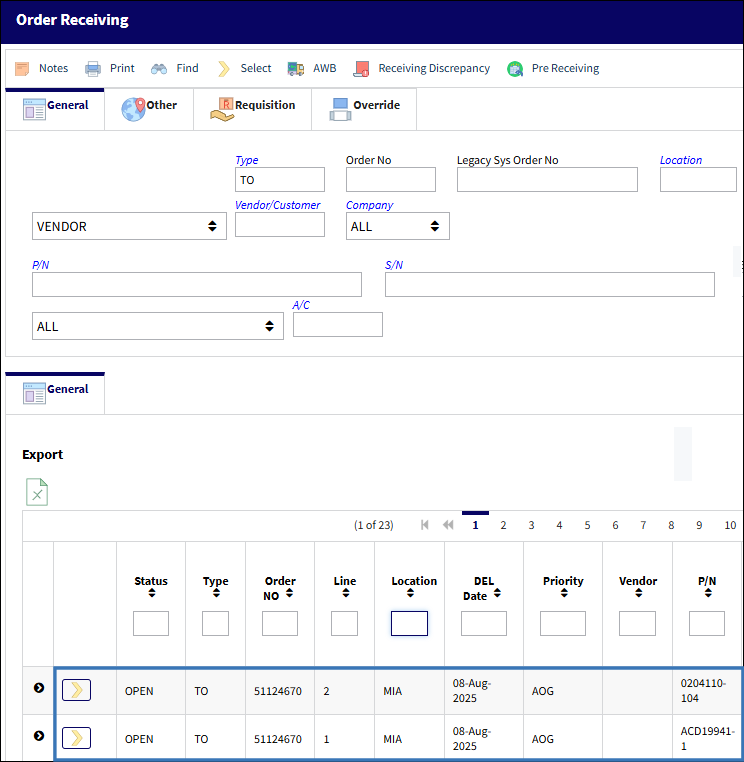
From Order Receiving, users must receive each of the Transfer Order's parts.
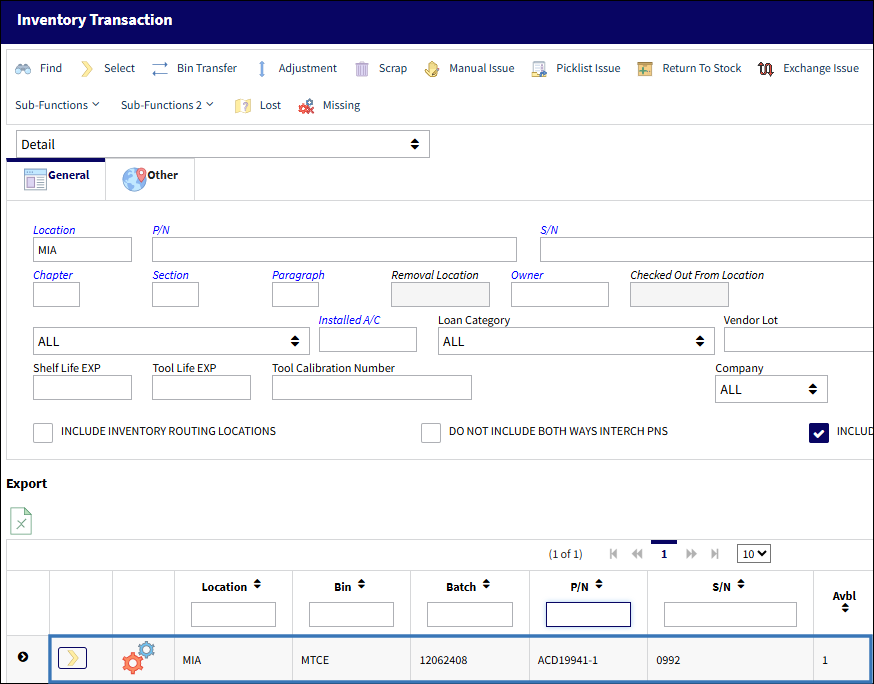
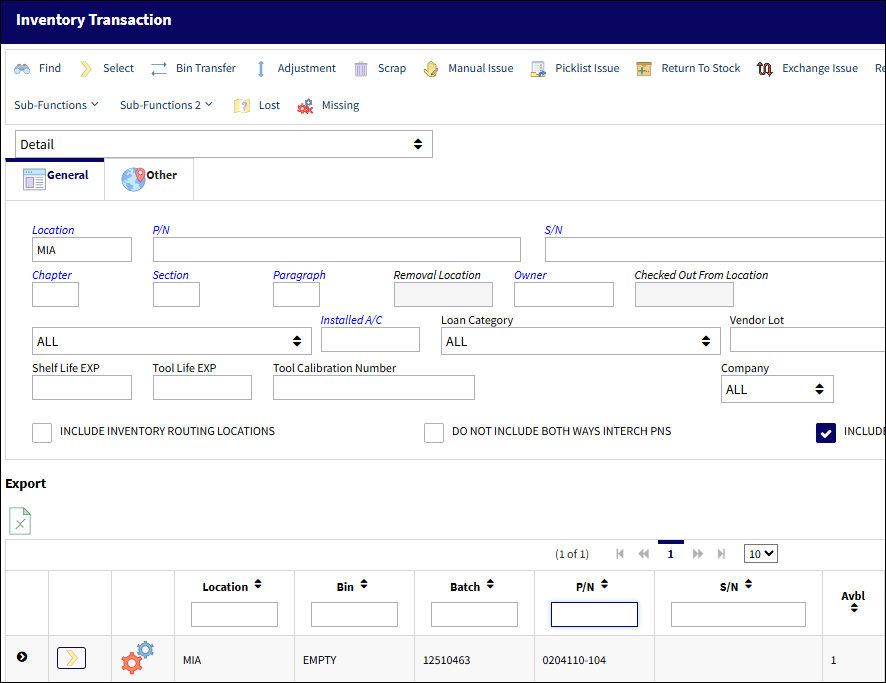
From Inventory Transaction, notice that the Requisition Location now has the transfered parts available in inventory.
Share
Print
|
©1997-2026 Trax USA Corp. All rights reserved. This manual may not be copied, photocopied, reproduced, translated, or converted to any electronic or machine-readable form, in whole or in part, without prior written approval from Trax USA Corp. |
 |