
 Share
 Print
|
|
|
|
|


ADDSTENGRANGE - Status And Reason Field Added To The Engineering Control Window
Status And Reason Field Added To The Engineering Control Window
Affected Window: w_engineering_control_range_eu
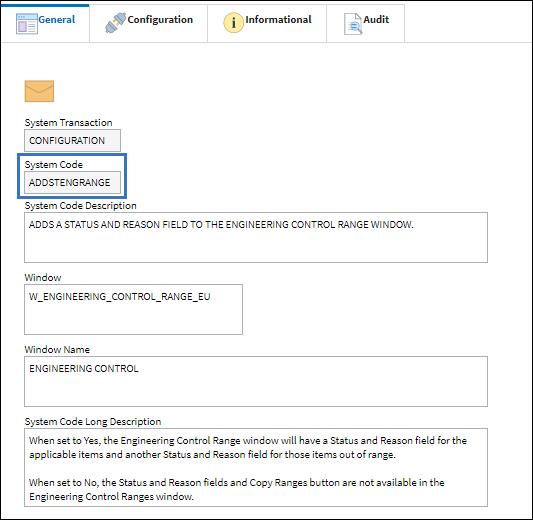
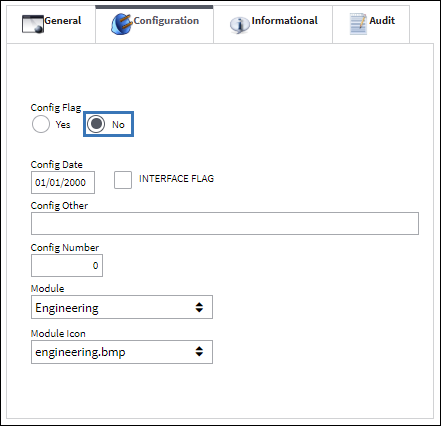
Switch Set to Yes:
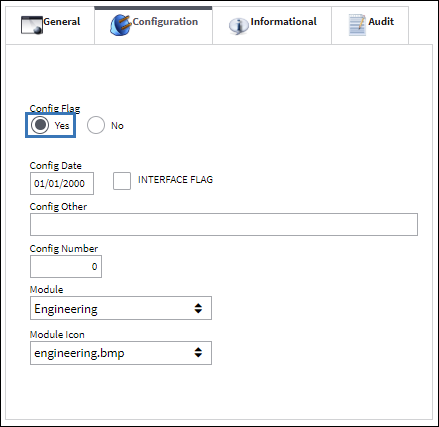
When set to Yes, the Engineering Control Range window will have a Status and Reason field for applicable items and an additional Status and Reason field for items that are out of range.
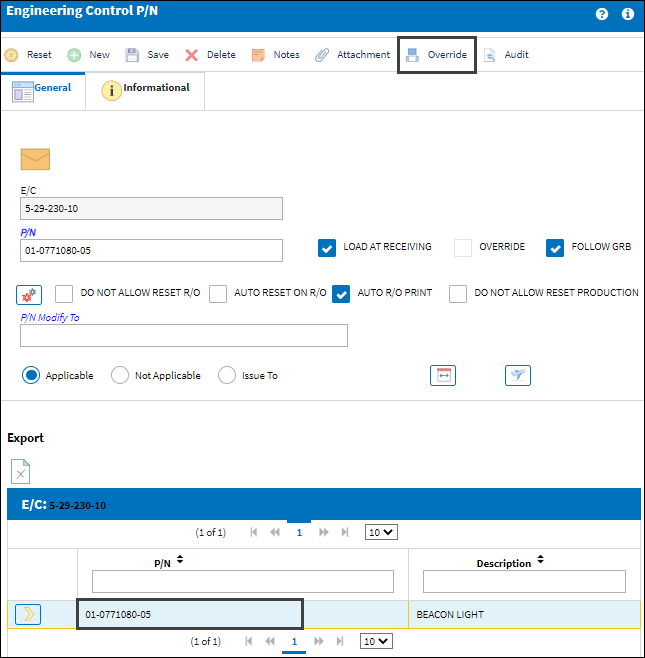
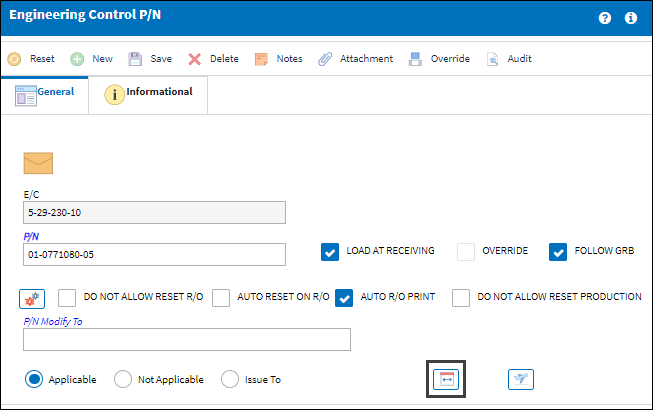
From the Engineering Control P/N window, select the required P/N and then select the Override  button.
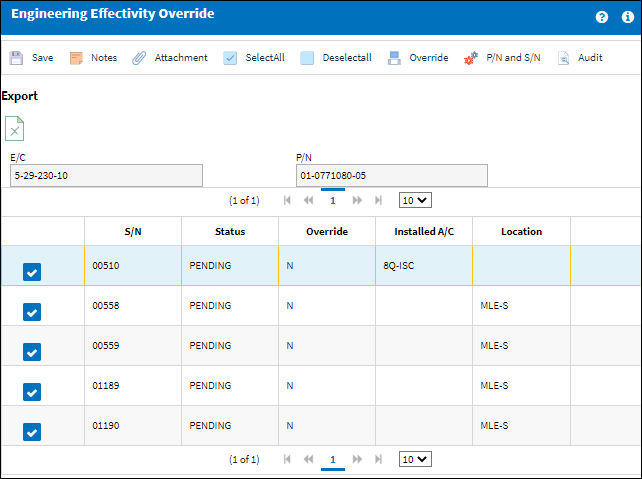
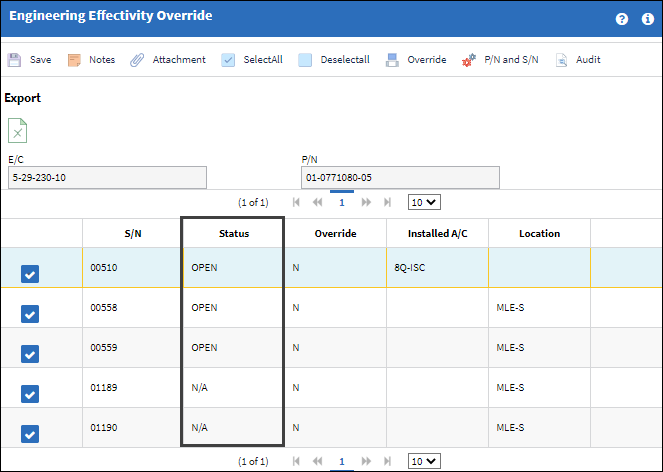
The Engineering Effectivity Override window displays a list of serial numbers for the P/N, and each serial numbers current status.
Return to the Engineering Control P/N window and select the Range  button.
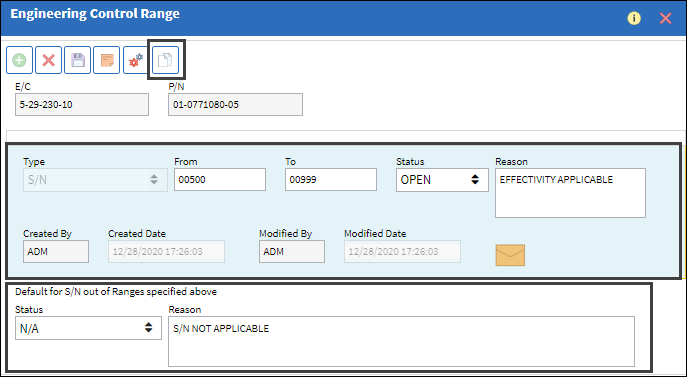
In the Engineering Control Range window, there is a Status and Reason field available for each range being setup. At the bottom of the window there is a Status and Reason field to apply a default status and reason to serial numbers that fall outside of the specified ranges. A Copy Ranges  button is also available.
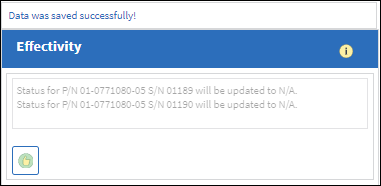
Once the Status and Reason fields have been populated, select the Save  button and the serial number status' are updated.
The serial number's status is now reflective of the values entered in the Engineering Control Range window.
Switch Set to No:
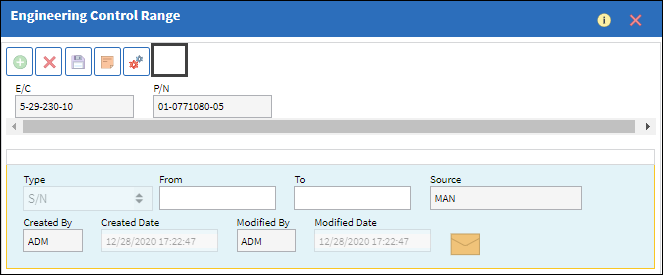
When set to No, the Status and Reason fields and Copy Ranges button are not available in the Engineering Control Ranges window.
In the Engineering Control Range window, the Status and Reason fields and Copy Ranges button are not available.
Share
Print
|
©1997-2026 Trax USA Corp. All rights reserved. This manual may not be copied, photocopied, reproduced, translated, or converted to any electronic or machine-readable form, in whole or in part, without prior written approval from Trax USA Corp. |
 |