 Download Online Help
 Print
|
|
|
|
|


The Copy E/C Compliance  button is used to copy the E/C Compliance from one E/C to another.
 This button is security controlled via Engineering/Update/Engineering Compliance/Compliance Button. For more information refer to the Security Explorer of the System Administration module.
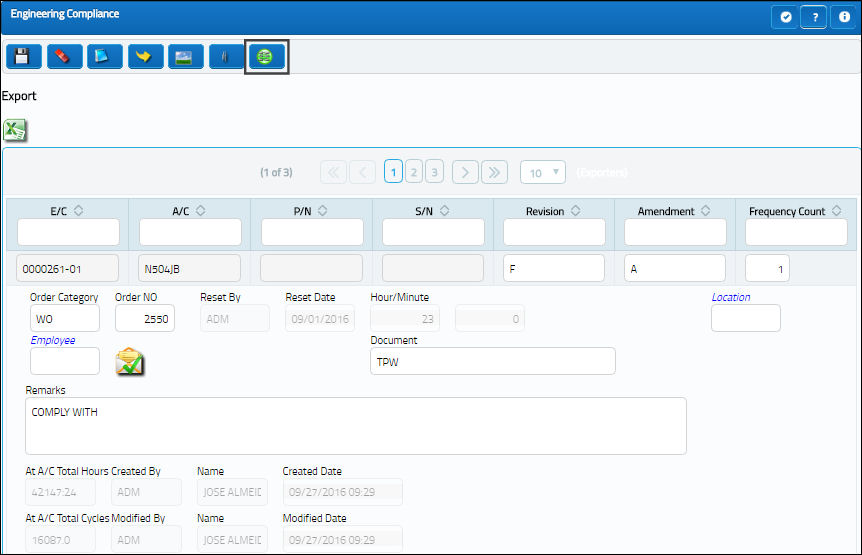
From the Engineering Compliance window, select the Copy E/C Compliance button:
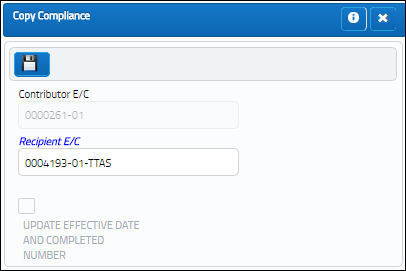
The Copy Compliance window appears. Select into the Recipient E/C field and select an E/C to copy the compliance to. Once the Recipient E/C has been selected and select the Save  button.
Once the compliance has been copied over, an information box will appear. Select 'OK'.
The compliance from the Contributer E/C has been copied to the Recipient E/C.
Update Effective Date and Completed Number Checkbox:
The Effective Date and Completed Number of the Compliance can also be copied from the Contributor E/C to the Recipient E/C through the Update Effective Date & Completed Number checkbox.
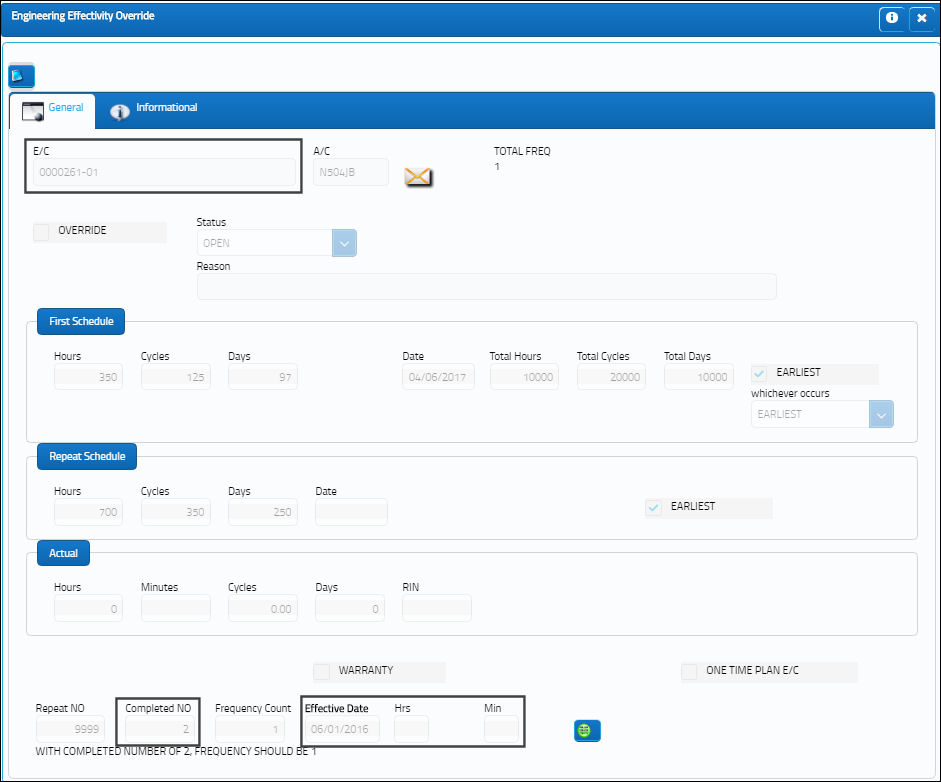
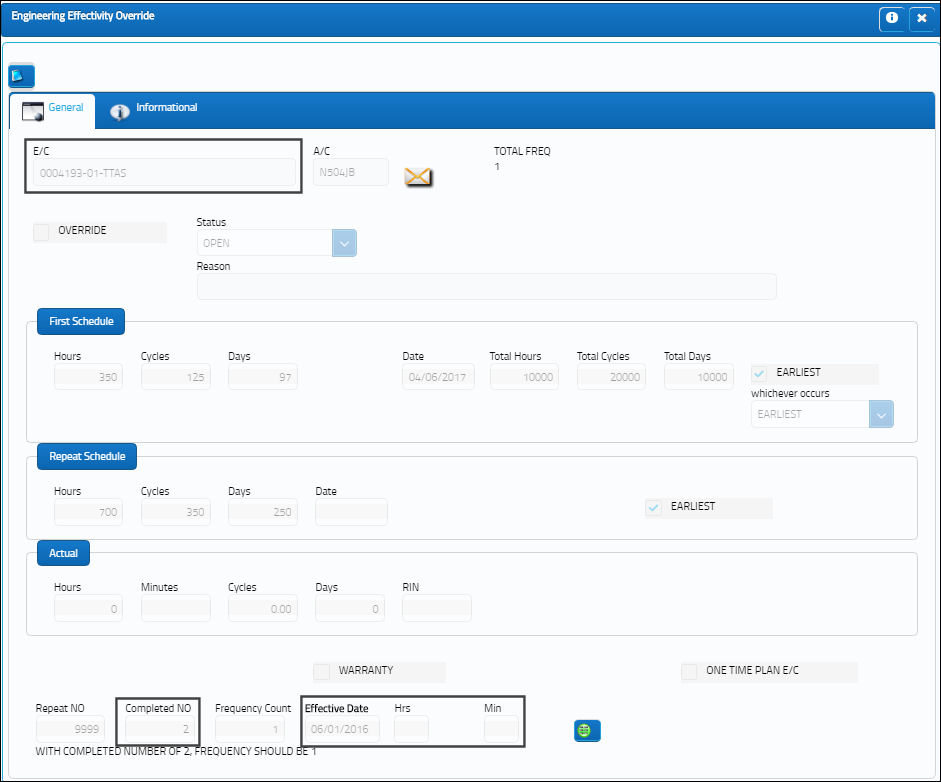
The following E/C has the given Completed NO and Effective Date.
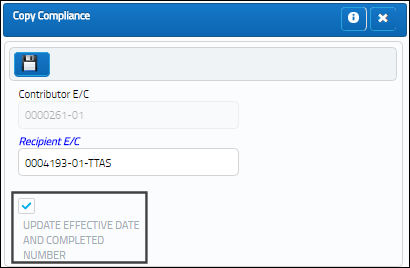
Upon selecting the Copy E/C Compliance  button, the Update Effective Date & Completed Number checkbox is selected.
Notice the Completed NO and Effective Date of the Recipient E/C have been carried over from the Contributor E/C.
Note: When the contributor E/C's Effective Date is greater than the recipient with a Completed NO of zero, the Effective Date will update accordingly. However, this will only change the Effective Date for the effective aircraft and not the Schedule tab of the E/C.
Download Online Help
Print
|
©1997-2018 Trax USA Corp. All rights reserved. This manual may not be copied, photocopied, reproduced, translated, or converted to any electronic or machine-readable form, in whole or in part, without prior written approval from Trax USA Corp. |
 |