 Download Online Help
 Print
|
|
|
|
|


Select the E/C Link  button to link another E/C to the currently selected E/C for reference purposes only. Compliance of each E/C is independent of the other.
This link will not have any functionality. However, the linked E/Cs are presented together on a variety of Engineering reports. The associated documents appear in the A/C Compliance Print (Engineering/Print/Engineering Control Print) in the Document/Service Bulletin column. For additional information, refer to the topic About One-Way Vs. Both-Way E/C Links.
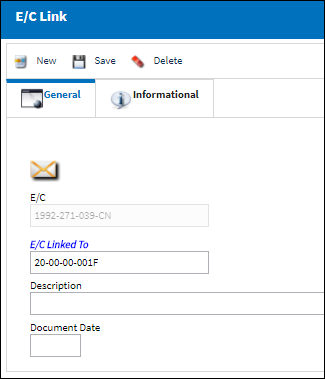
The following options/information is available in this window:
_________________________________________________________________________
E/C
The Engineering Control that specifies aircraft or component scheduled maintenance intervals. The Engineering Control that will be linked to another selected E/C.
E/C Linked To
Choose the E/C to link to.
Document Date
The date of the document being entered into the system.
Description
A description of the E/C Link.
_________________________________________________________________________
Multiple E/Cs can be linked by continuously selecting the New  button.
Multiple E/Cs can be deleted by continuously selecting the Delete  button.
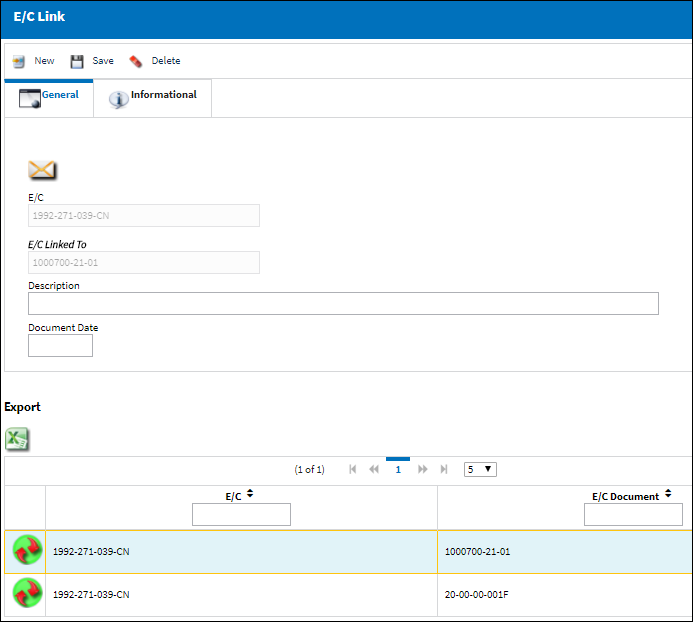
To view all E/Cs that have been linked to the currently selected E/C. Select the Document  button.
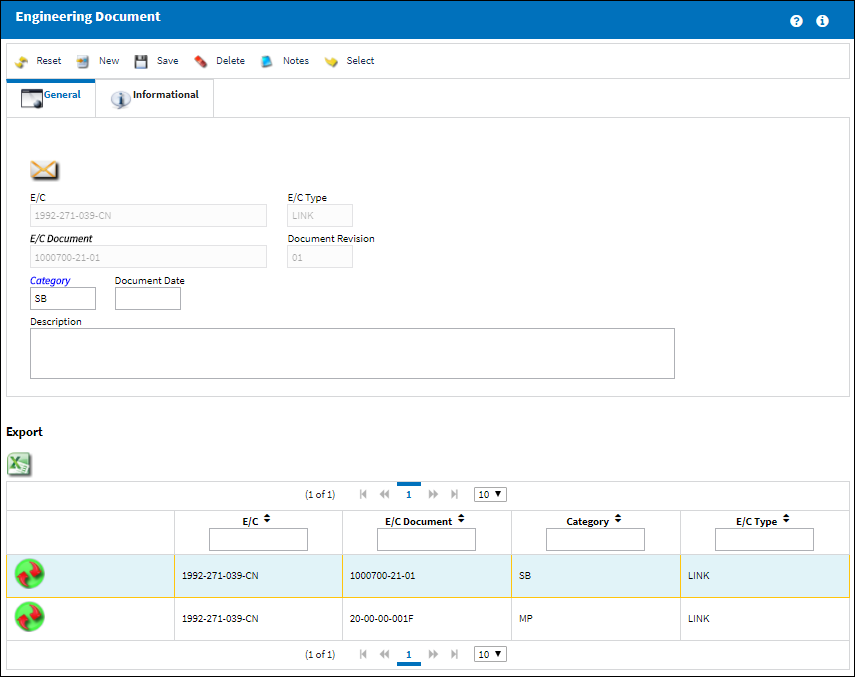
Note: The E/Cs previously linked are presented here (line item level) for reference purposes only, and the E/C links can be either One-way or Both-way links.
Download Online Help
Print
|
©1997-2018 Trax USA Corp. All rights reserved. This manual may not be copied, photocopied, reproduced, translated, or converted to any electronic or machine-readable form, in whole or in part, without prior written approval from Trax USA Corp. |
 |