 Download Online Help
 Print
|
|
|
|
|


A 'RO/RECEIVING' will take place when a Repair Order component or assembly is received.
For example, create a new or select an existing Repair Order via the Orders/Update/Repair Order header window.
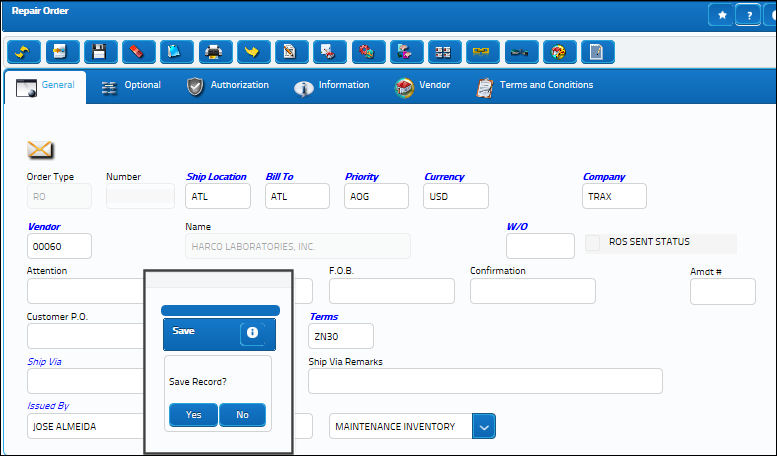
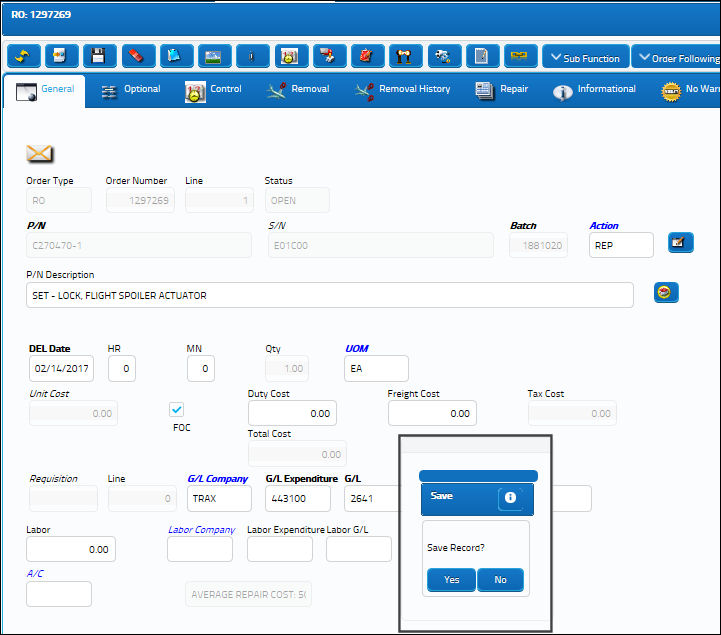
From the Repair Order detail window, enter all relevant information then save.
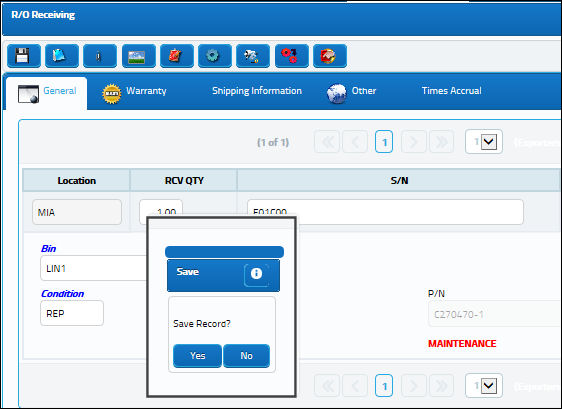
Receive the Repair Ordered via Receiving/Update/Order Receiving. Enter all of the necessary information for the part then save.
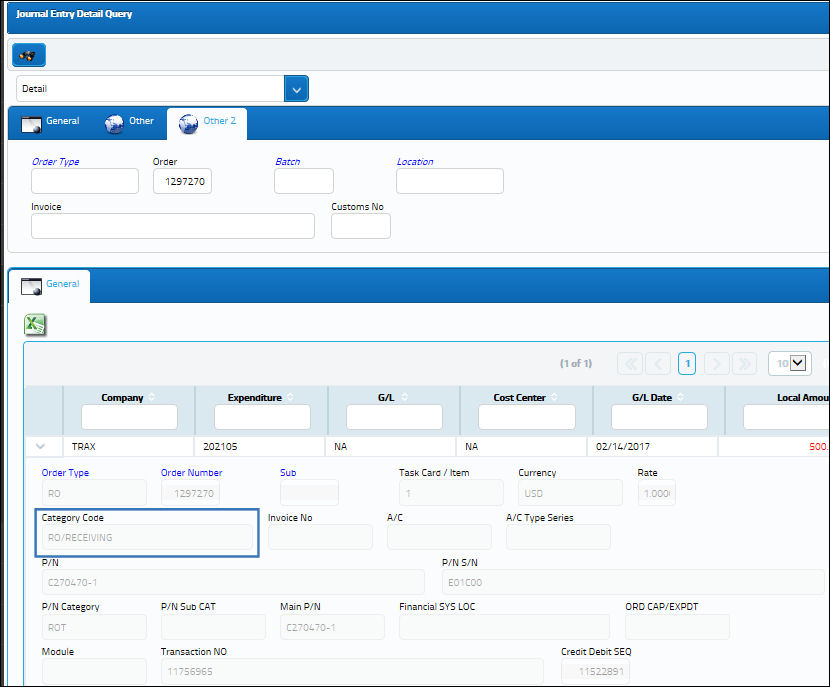
From the Journal Entry Detail Query window users can see the adjustments against the G/L.
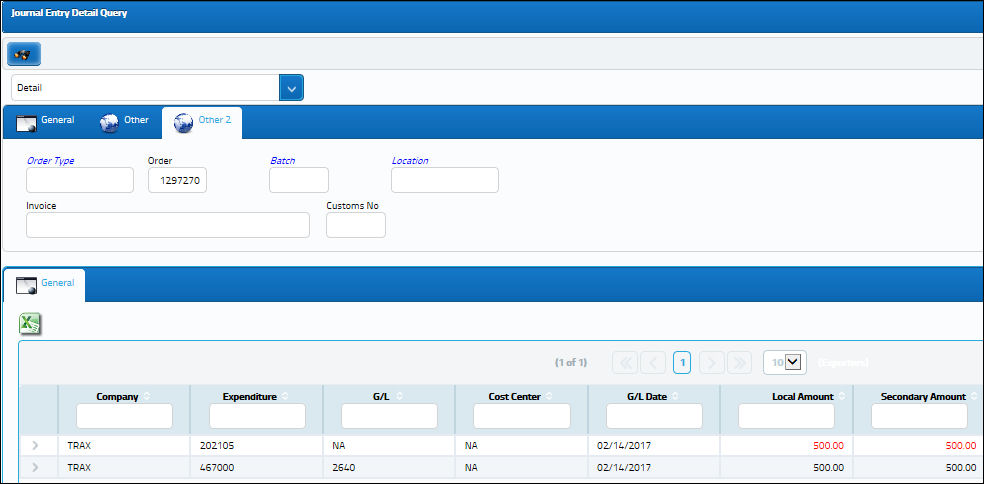
Notice the Category Code in the Order tab reads 'RO/RECEIVING'.
For more information regarding the receiving of a Repair Order refer to the topic Repair Order Receiving via the Receiving manual.
Download Online Help
Print
|
©1997-2018 Trax USA Corp. All rights reserved. This manual may not be copied, photocopied, reproduced, translated, or converted to any electronic or machine-readable form, in whole or in part, without prior written approval from Trax USA Corp. |
 |