 Download Online Help
 Print
|
|
|
|
|


A 'ROT/TO/EXP' takes place when a P/N Category is changed from Rotable (ROT) to Expendable (EXP).
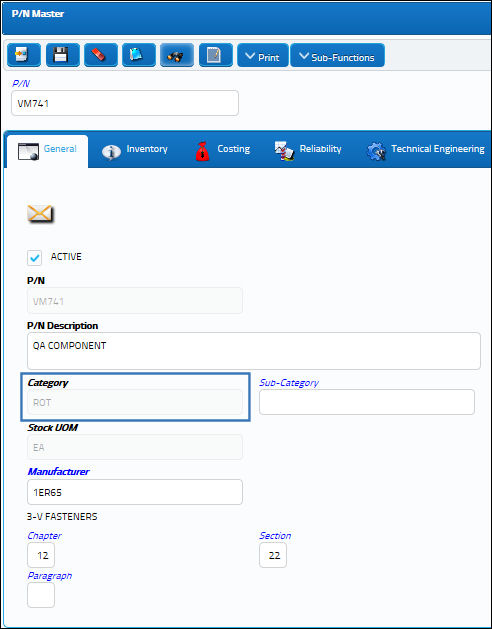
For example, notice the Category field for a P/N via Settings/Update/P/N Master window. This is set when creating a P/N.
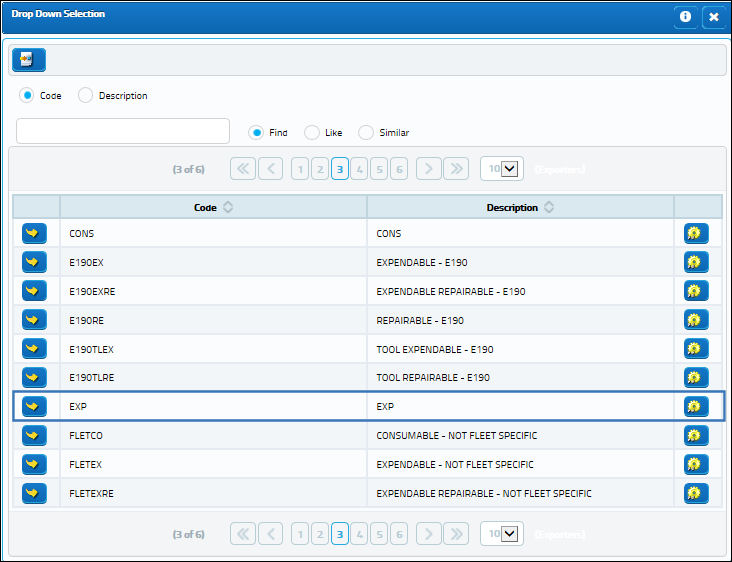
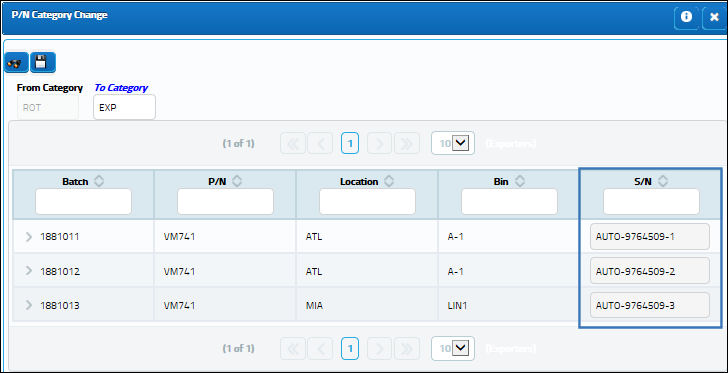
To change the Category of a P/N, select the P/N Category Change  button from the P/N Interchangeability drop down button. From the P/N Category Change window, enter the new category into the To Category field by typing the category code or by clicking into the field to select from a list of options.
Note: Users will not be allowed to change the category for specific P/Ns if any of the following scenarios occur: P/N Controls exist against the P/N, a P/N Position exists against the P/N, an un-invoiced order exists against the P/N, there are open orders against the P/N,there the P/N has Batch numbers that are tagged as 'Pending Technical Records'. For more information, refer to the topic on the P/N Category Change Button.
Once selected, users may need to enter a Serial Number if not previously assigned. If it has not been previously assigned, users can select the Auto Serial Number Assign  button. When selected, the system creates and assigns a unique S/N to the P/N(s). For more information refer to the topic Auto Serial Number Assign Button via the Settings manual.
Select the Save  button to save.
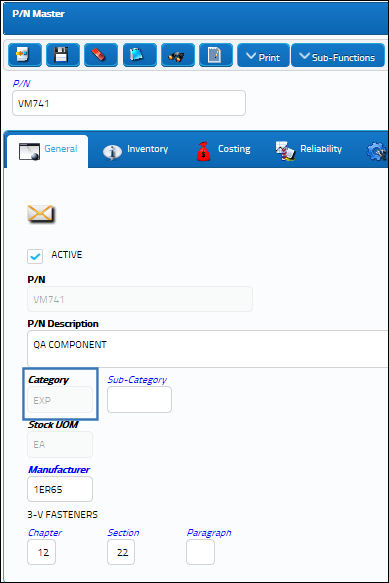
Notice the Category field in the P/N Master reads 'EXP'.
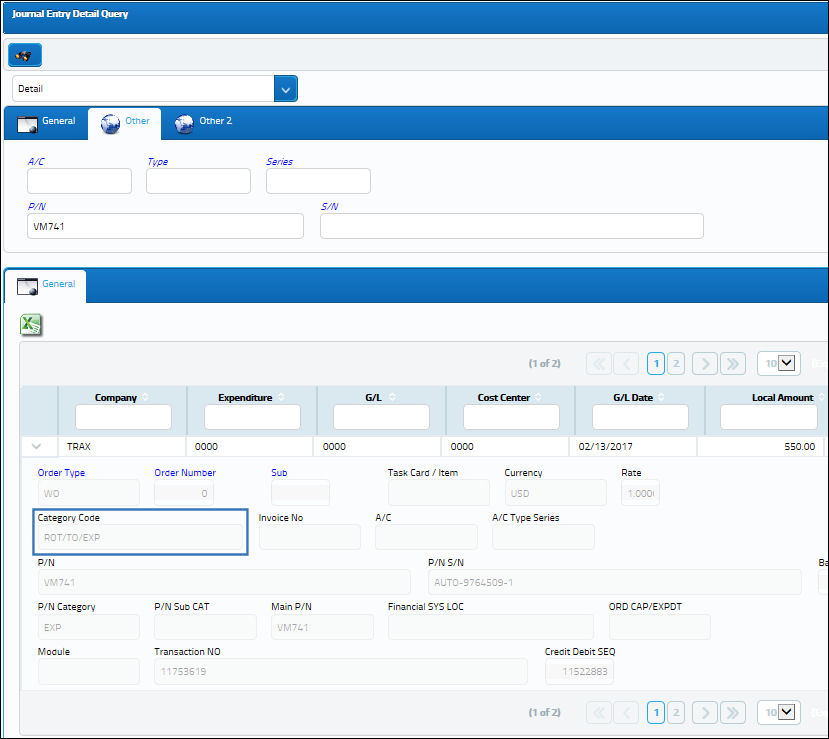
From the Journal Entry Detail Query window users can see the adjustments against the G/L.
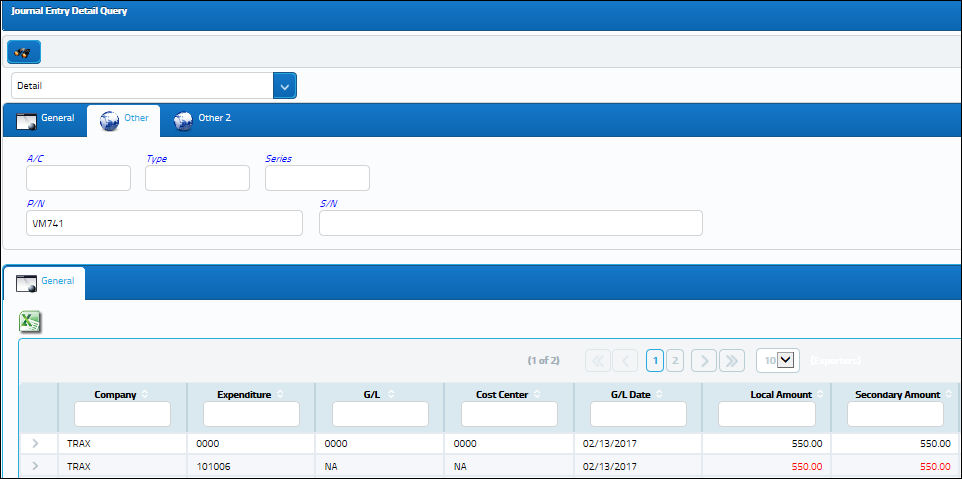
Notice the Category Code in the Order tab reads 'ROT/TO/EXP'.
For more information regarding the changing of a P/N Category, refer to the topic P/N Category Change Button via the Settings manual.
Download Online Help
Print
|
©1997-2018 Trax USA Corp. All rights reserved. This manual may not be copied, photocopied, reproduced, translated, or converted to any electronic or machine-readable form, in whole or in part, without prior written approval from Trax USA Corp. |
 |