 Download Online Help
 Print
|
|
|
|
|


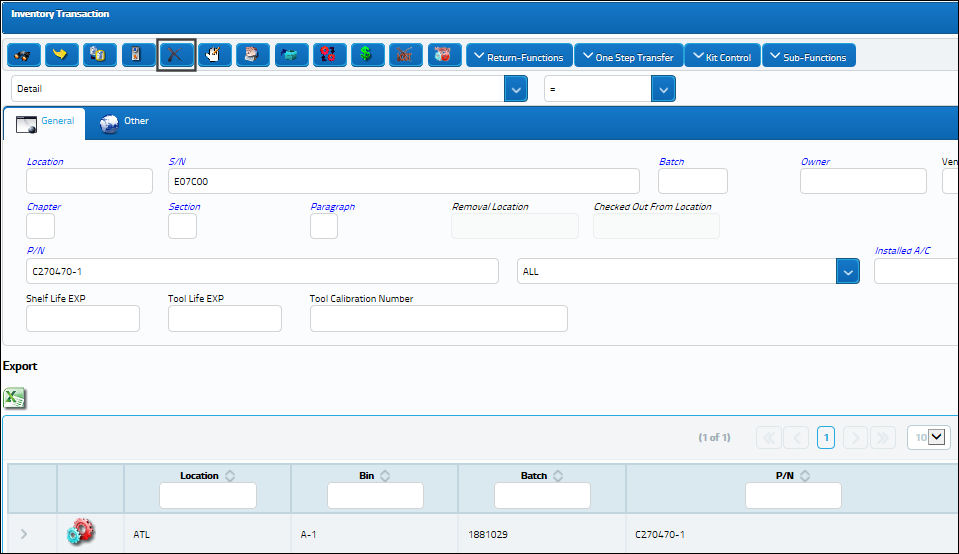
A 'SCRAP' takes place when a component is removed from inventory using the Scrap  button via Inventory/Update/Inventory Transaction.
For example, find a part that needs to be removed from the Inventory Transaction window then select the Scrap button.
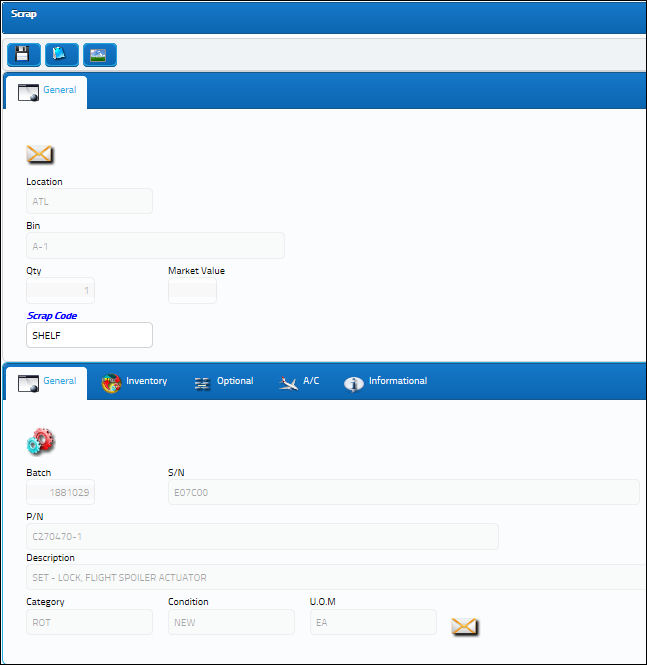
Enter the Scrap Code (if necessary) then select the Save  button.
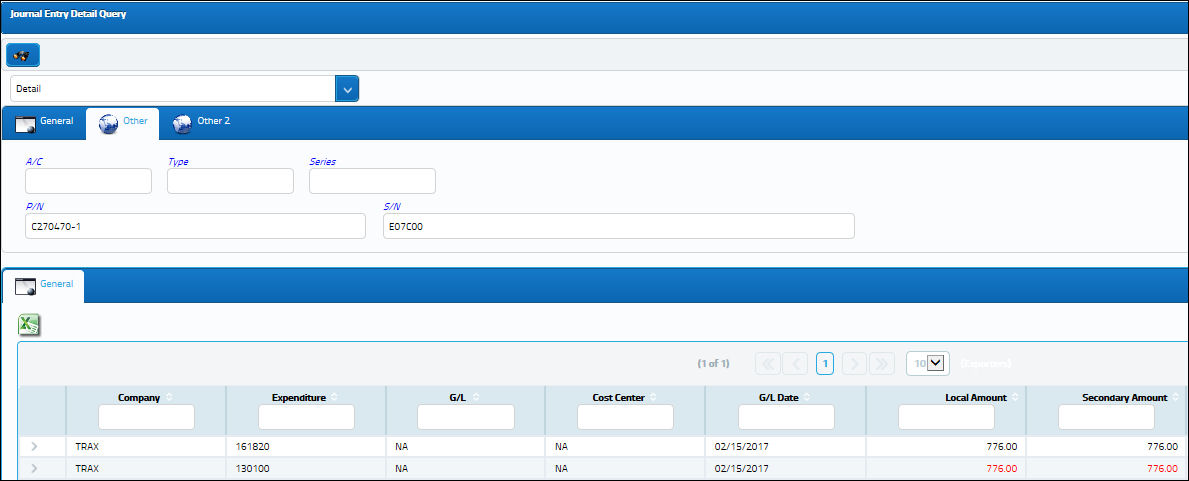
From the Journal Entry Detail Query window users can see the adjustments against the G/L.
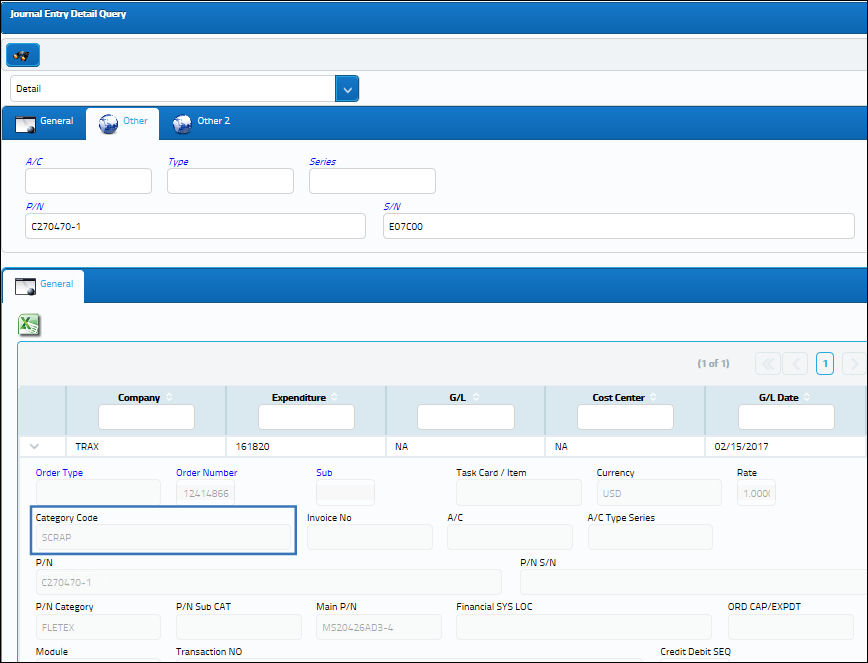
Notice the Category Code field in the Order tab reads 'SCRAP'.
For more information regarding the Scrap button functionality refer to the topic Scrap Button via the Inventory manual.
Download Online Help
Print
|
©1997-2018 Trax USA Corp. All rights reserved. This manual may not be copied, photocopied, reproduced, translated, or converted to any electronic or machine-readable form, in whole or in part, without prior written approval from Trax USA Corp. |
 |