 Download Online Help
 Print
|
|
|
|
|


Select a part number and click on the Find  button. Choose the desired record. Click the Select
 button. Select the Informational tab. This information is view only and cannot be updated in the Supervisor.
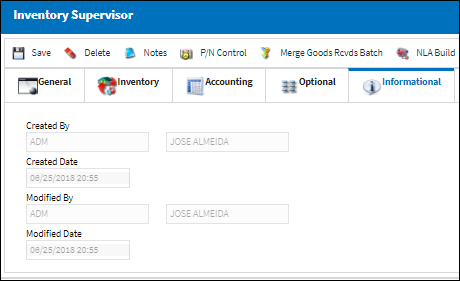
The following options/information is available in this window:
_________________________________________________________________________
Created By
The user who created the record.
Created Date
The date the record was created.
Modified By
The user who last modified the record.
Modified Date
The date the record was last modified.
_________________________________________________________________________
Download Online Help
Print
|
©1997-2018 Trax USA Corp. All rights reserved. This manual may not be copied, photocopied, reproduced, translated, or converted to any electronic or machine-readable form, in whole or in part, without prior written approval from Trax USA Corp. |
 |