 Download Online Help
 Print
|
|
|
|
|


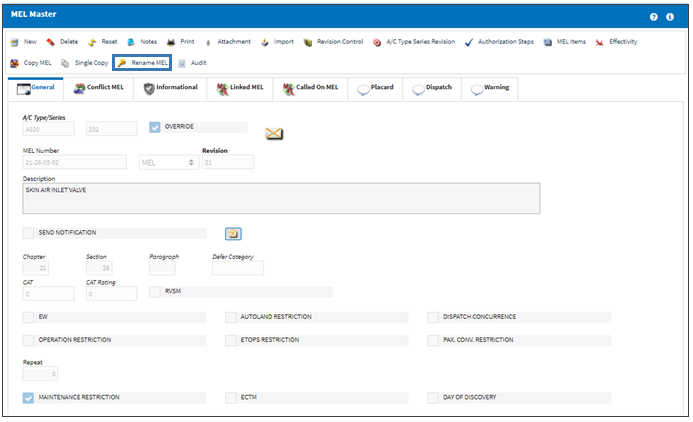
The Rename MEL  button allows users to rename an already existing MEL.
From the MEL Master, choose the MEL the user would like to rename. Select the Rename MEL button.
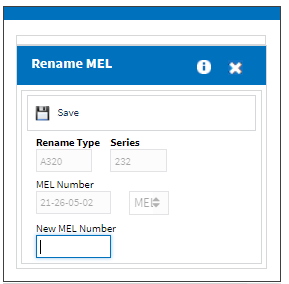
The Rename MEL window appears. Populate the New MEL Number field and select the Save  button.
Download Online Help
Print
|
©1997-2018 Trax USA Corp. All rights reserved. This manual may not be copied, photocopied, reproduced, translated, or converted to any electronic or machine-readable form, in whole or in part, without prior written approval from Trax USA Corp. |
 |