
 Share
Share
 Print
Print
|
|
|
|
|


MEL Authorization steps are set up for each Aircraft Type and Series in TRAX. MELs must be authorized before they can be used in TRAX. In order for authorization of the MEL to be completed, all steps associated with the A/C Type/Series must be 'Accepted' during the Authorization Process.
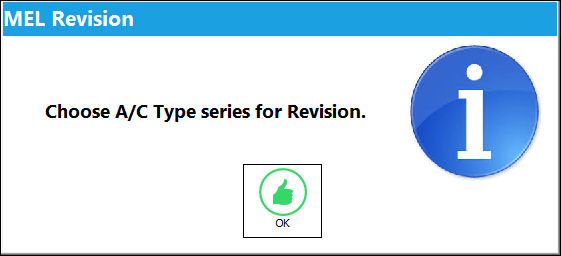
From the MEL Master window, select the MEL Authorization Steps Setup  button. The Authorization Steps Setup information box appears prompting the user to select an A/C Type series to set-up authorization steps for. Select 'OK'.
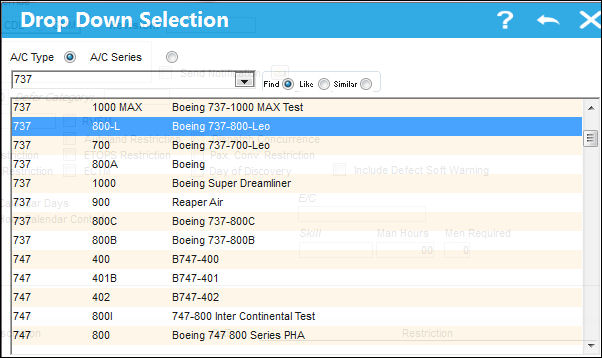
The following drop down selection window appears. Select desired A/C Type Series to set up authorization steps for. Once the desired A/C Type Series has been selected (highlighted in blue) double click on it.
Upon selecting the desired A/C Type/Series, the user is brought to the associated MEL Authorization Steps.
The following tabs and buttons are available.
MEL Authorization Steps Tabs |
MEL Authorization Steps Buttons |
|---|---|
|
 Reset button
 New button
 Save button
 Delete button
 Authorization Copy button
Share
Print
Authorization Copy button
Share
Print
|
©1997-2026 Trax USA Corp. All rights reserved. This manual may not be copied, photocopied, reproduced, translated, or converted to any electronic or machine-readable form, in whole or in part, without prior written approval from Trax USA Corp. |
 |